
Rollercoaster Simulator Guide: First things to do before your first run
About
OverviewRollercoaster Simulator puts you on a track where every run earns coins, coins upgrade your cart, and hatched pets give you boosts to go even faster. Up to 16 players can ride together in one room.

What is on this page
Contents
Player notes and tips
Found a useful trick? Share it with everyone! Notes with screenshots are welcome!
Write a guide note
Rollercoaster Simulator
First things to do before your first run
Step
When you open the game, a few quick steps set you up better than jumping straight onto the track. Codes give you free rewards instantly, and checking your cart lets you know what you are working with.
- Open the code menu find the code input screen from the main game interface and redeem every available code before you do anything else.
- Check your cart open the upgrade screen to see your cart's current state.
- Check your pets see whether any eggs have already hatched, since hatched pets provide boosts during your runs.
- Start your first run once codes are redeemed and you know your setup, get on the track.
MetaNew Player Survey

The next survey is being prepared.
Getting the most coins each run
Tips
Coins sit along the track and are your main resource. Each run also adds to your speed, so later runs naturally earn more if you keep collecting.
- Aim to grab every coin on the track.
- Speed builds up across multiple runs, so the longer you play the faster each run becomes.
- After each run, check the menu to see exactly how many coins you earned.
Upgrading your cart and hatching pets
Check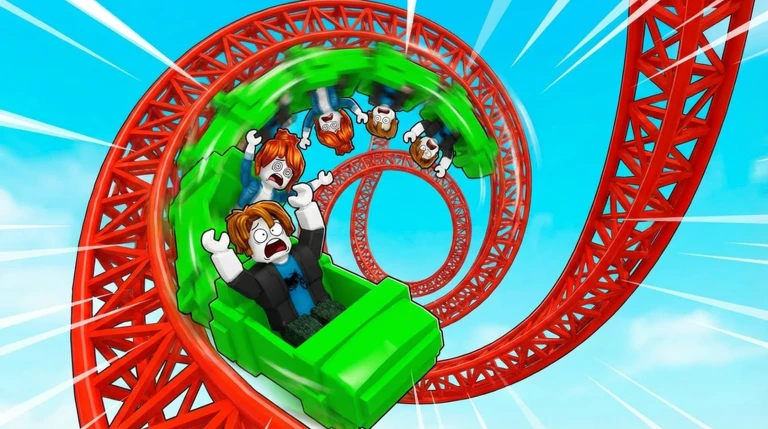
Every coin you collect feeds back into making future runs better. Cart upgrades improve your ride directly, while pets add boost effects on top of that.
- Open the upgrade screen after a run and put coins into cart upgrades.
- Hatch eggs in the pet system to unlock new pets each hatched pet adds a boost effect to your runs.
Redeeming codes
StepThe game has a code input system that hands out rewards immediately when you submit a valid code. Codes expire over time, so enter them early. There are four codes available to redeem as of November 5, 2026.
- Open the code menu access the code input screen from inside the game.
- Enter a code type or paste one code into the input field and submit it.
- Collect your reward the reward appears right away if the code is still valid.
- Repeat for every code work through all available codes one by one, since each is separate.
- Do not retry used codes once a code is redeemed, entering it again does nothing.
 LIKES_1K
LIKES_500
LIKES_100
NEW_PLAYER
Playing with friends
Summary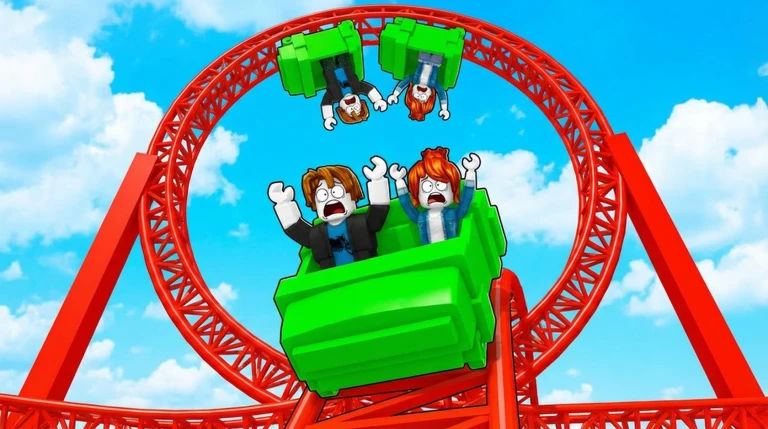
Rollercoaster Simulator supports multiplayer in the same room.
- Room limit one room holds a maximum of 16 players.
- Overflow groups larger than 16 need to split into separate rooms.
- Reriding you can get back on the track as many times as you like.
Glossary
Glossary- Coin
- An item placed along the track that you collect while riding; coins pay for cart upgrades.
- Cart upgrade
- A purchase made from the upgrade screen using coins that improves your cart's performance.
- Pet
- A companion hatched from an egg that provides a boost effect during your runs.
- Boost
- A speed or ability increase supplied by a hatched pet while you are on the track.
- Code
- A string you enter into the game's code menu to claim a free reward; each code can only be used once.
Common questions
FAQCan I use a code more than once?
No — each code works only one time. Once you have claimed the reward, entering the same code again will not give you anything.
How many players can ride together?
A single room supports up to 16 players at once. If your group is larger, some players will need to join a different room.
What do pets actually do?
Pets hatch from eggs and then provide boost effects while you ride the track.
Game updates can change what is on this page. If you spot something, get in touch and let us know.
