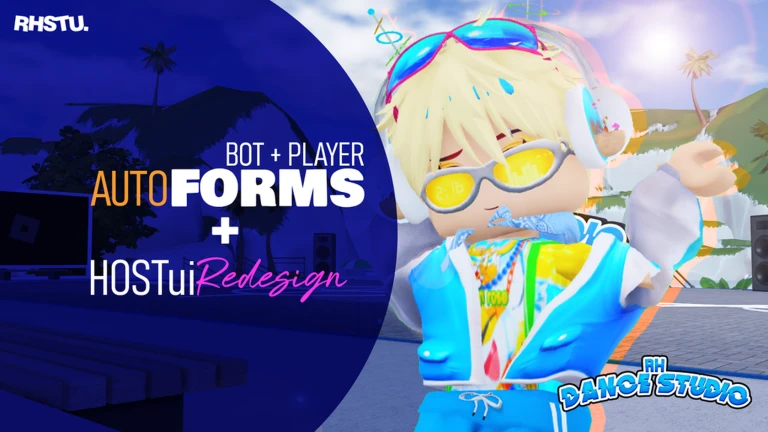
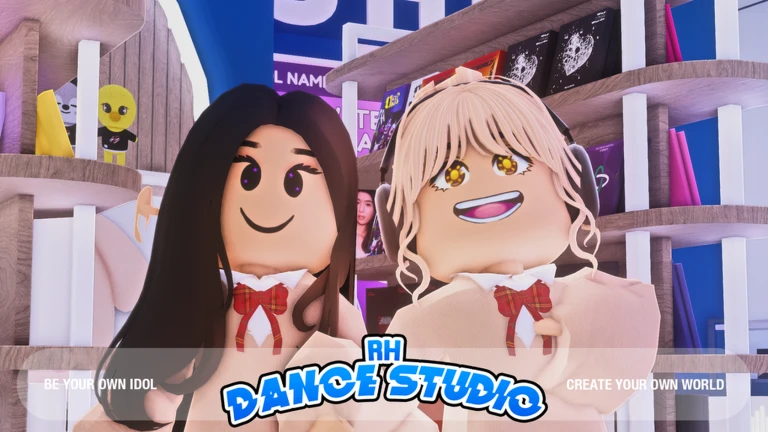
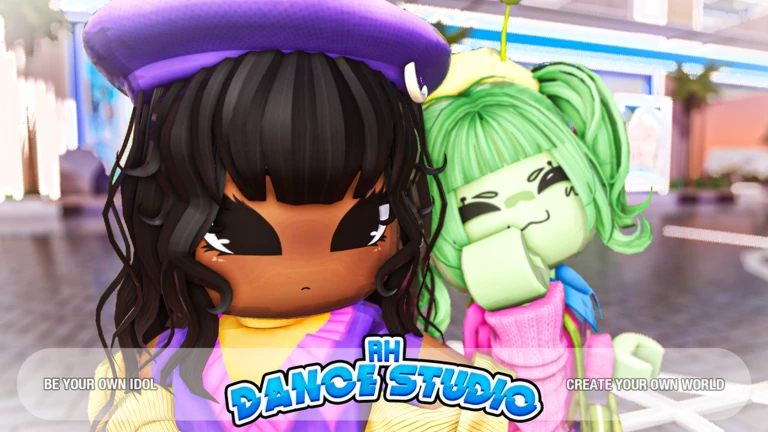
RH Dance Studio lets you pick a song, dress up your avatar, and perform auto dance formations solo or with friends. This guide covers getting started, dancing with others, running your own private server, and collecting the game's badges.
In shortCustomise your avatar first, then pick a song and let the auto formation do the work.
When you first load in, you get the Welcome badge automatically. From there the quickest path to actually dancing is to sort your look before you choose a track, so your avatar appears exactly how you want it during the performance.
Open the Avatar Editorchange your face, hairstyle, and outfit to match the vibe you want.
Browse the catalogswap in any Roblox clothing or accessories you already own or want to add.
Pick a songchoose a track from the in-game song list; the game covers K-pop, J-pop, pop, and more, including songs by BTS, BLACKPINK, NCT, Stray Kids, IVE, and NewJeans.
Watch the auto formationonce a song is selected, the auto dance formation plays and your avatar performs automatically.
In shortPrivate servers are free and give you a controlled space to rehearse or stage a full show.
Private servers in RH Dance Studio cost nothing to create. Once you have one running, the Host Interface lets you manage the dance flow and trigger auto formations.
Private server is set up through the standard Roblox optionno extra cost.
Only the friends you invite can join.
The Host Interface is open and ready to use inside any private server you host.
Auto formations can be controlled from the Host Interface.
05
Badges and in-game characters
Tips
In shortThere are four badges to collect, and two of them require finding specific characters in the game world.
The game has four badges in total. Two come from meeting characters who are somewhere in the game, and one was tied to a limited-time event.
Tips worth knowing
You earn the Welcome badge the first time you join the game — no extra steps needed.
Chris is a character in the game; find and meet him to earn the Meet Chris badge.
Belas is another character in the game; meeting her earns the Meet Belas badge.
The Carrotito Dimension Event badge was awarded for finishing the 2025 Carrotito Dimension Event.
Glossary
Glossary
Avatar Editor
The in-game tool where you change your character's face, hairstyle, and clothing.
Sync Tool
An in-game feature that matches your friends' avatars to your dance so everyone performs the same moves.
Host Interface
The control panel available inside private servers that lets you manage dance flow and auto formations.
Auto Dance Formation
The automatic choreography that plays when a song is selected, positioning and moving avatars through the routine.
Private Server
A personal server you create where only the friends you invite can join, available at no cost in this game.
Catalog
The Roblox-wide library of outfits and accessories you can browse and apply from inside the Avatar Editor.
Common questions
FAQ
How do I dance with my friends?
Open the Sync Tool and add your friends as sync targets, then have everyone select the same song.
Does it cost anything to run a private server?
No — private servers in RH Dance Studio are completely free. You can invite whichever friends you choose and use the Host Interface to run the show.
How do I collect all four badges?
The Welcome badge arrives automatically on your first visit. The Meet Chris and Meet Belas badges require you to find those two characters somewhere in the game world. The Carrotito Dimension Event badge was tied to the 2025 Carrotito Dimension Event.
What songs and artists are in the game?
The library covers K-pop, J-pop, pop, and more. Artists whose dances are included are BTS, BLACKPINK, NCT, Stray Kids, IVE, and NewJeans, along with additional tracks beyond those names.
Updated Oct 1, 2026
Game updates can change what is on this page. If you spot something, get in touch and let us know.
 Upcoming
–
Upcoming
–