
My Hero Academia: Ultimate — Getting started
About
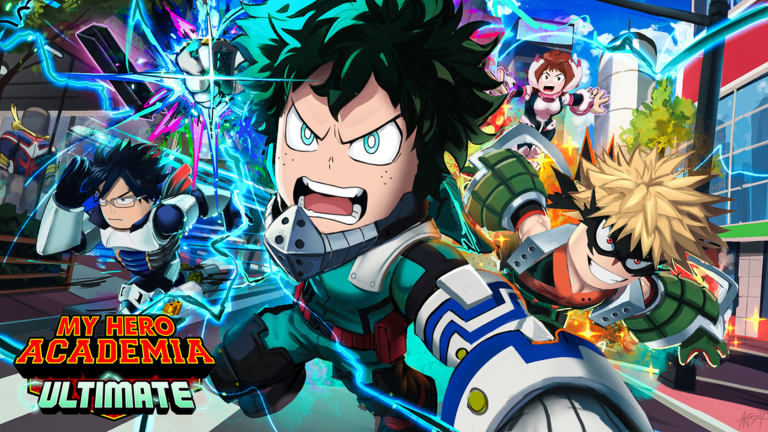
OverviewMy Hero Academia: Ultimate is Roblox's first official My Hero Academia game, where you pick a hero, use their quirks and signature moves, and fight other players across locations straight from the show. This guide covers how to get started and how to grab free rewards through codes.
What is on this page
Contents
Getting started — character selection and map orientation
Step
When you first log in, you land on the character selection screen. Choose whichever hero you want to play, then take a few minutes to walk the map before picking a fight. Locations like UA High, Musutafu, and Ground Beta each have different layouts.
- Pick your hero choose the character whose quirks and moves appeal to you.
- Walk the map visit UA High, Musutafu, Ground Beta, and the other show locations to learn the terrain.
- Test your moves try every ability your character has before you face another player.
Redeem codes and free rewards
CheckThe game distributes codes through its community.
- Find the code entry menu inside the game before you try to redeem anything.
- Check whether the code has already been used on your account; using it twice on the same account does not work.
- Follow the game's community for new drops a code was released at 35,000 likes, and more are announced there.
 ONEMILLION
2,500 Coins
RAREQUICK
HEROSTARTERPACK
5 Common Crates
RAREQUIRK
1 Rare Skill Crate
ONEMILLION
2,500 Coins
RAREQUICK
HEROSTARTERPACK
5 Common Crates
RAREQUIRK
1 Rare Skill Crate
Platform availability
Table
Before you try to get a friend on a different device to play with you, check which platforms are live.
| PC | available now. |
| Mobile | available now. |
| Tablet | available now. |
| Console | coming soon, not yet released. |
Glossary
Glossary- Quirk
- The unique superpower each character in My Hero Academia possesses, used as your main tool in battle.
- Special move
- A powerful attack that draws on a character's quirk.
- PvP
- Player versus player — fighting against another real person rather than a computer-controlled enemy.
Common questions
FAQCan I play on a phone or tablet?
Yes, the game is available on both mobile and tablet right now. Console support is listed as coming soon but is not live yet.
Why won't my code work?
Check that you entered the code into the correct menu inside the game, that the code has not expired, and that you have not already used it on your account. Each code can only be redeemed once per account.
Game updates can change what is on this page. If you spot something, get in touch and let us know.
