
Homefront Guide: The game modes and what each one asks you to do
About
OverviewHomefront is a multiplayer shooter on Roblox where three factions — the Federal Republic of Cascadia, the Yusanavian Alliance, and the Holy States of the Ellerman — fight across several game modes. Combat mixes first-person and third-person perspectives with multiple weapon types, and the pace swings between fast rushes and slower tactical play. This guide covers how to pick a mode, handle your weapons, work with your team, and chase the game's achievements.
What is on this page
Contents
The game modes and what each one asks you to do
Summary
Homefront offers several distinct modes, and each one has a different win condition.
- Civilian Rescue Operations the team's goal is to rescue civilians
- Conquest capturing and holding control points is what wins the match
- Rush combat is faster and more aggressive than in other modes
- Survivor staying alive is the core objective
MetaNew Player Survey
The next survey is being prepared.
Switching between first-person and third-person view
Tips
The game lets you fight in both first-person and third-person at any time.
- Use first-person when you need accurate fire on a target directly in front of you
- Switch to third-person to check corners, scan around cover, or spot enemies without exposing your body
- Behind buildings or obstacles, third-person lets you see angles that first-person cannot
Managing weapons across different ranges
Step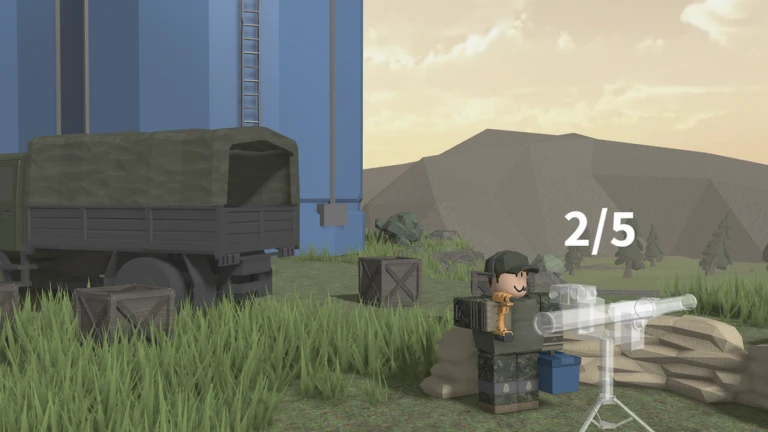
Homefront is built around combined arms combat, which means you are expected to switch weapons as the situation changes.
- Long range choose a weapon with a longer effective range
- Close range swap to something that fires quickly
- Group reward join the game's group to pick up the free MP5K with no purchase required
Playing with your team
Check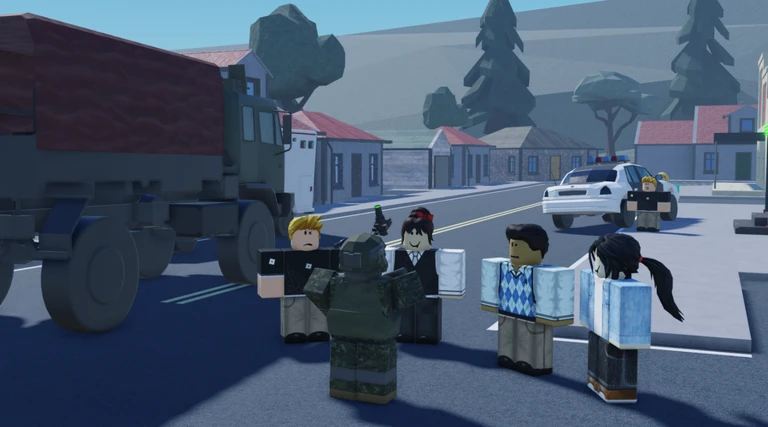
Most of Homefront's modes are decided by team performance rather than individual score.
- Keep track of where your teammates are at all times
- Call out enemy positions to your team as soon as you spot them
- Avoid pushing into enemy territory on your own
- Put multiple players on any control point or objective that matters
The weekly leaderboard and kill-streak achievements
Step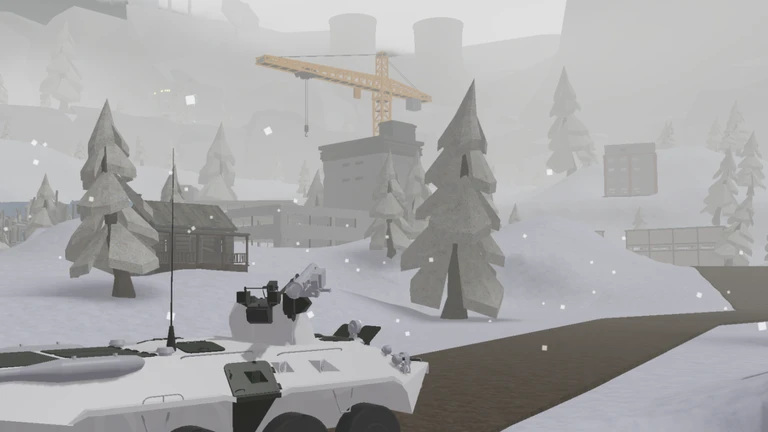
Homefront has four official achievements. Two of them track your kill total across an entire week. The other two are single-session challenges.
- Track your weekly kills the Top 5 badge goes to anyone who finishes a week inside the top five on the kills leaderboard, and the Top Player badge goes to whoever holds first place
- Keep your death count down the Rambo badge requires 30 kills in a row without dying
- Use the Reaper drone tactically the Remote Operator badge needs 5 kills from a single drone deployment
Glossary
Glossary- First-person view
- A perspective where you see through your character's eyes, giving you a clearer aim on targets directly in front of you.
- Third-person view
- A perspective where the camera sits behind your character, letting you see more of the area around you.
- Combined arms combat
- A fighting style that involves switching between different weapon types to handle both close-range and long-range threats.
- Control point
- A key area on the map that teams fight to capture and hold, especially important in Conquest mode.
- Reaper drone
- A piece of equipment that lets you get kills remotely; landing five kills with a single deployment earns the Remote Operator badge.
Common questions
FAQHow do I get the free MP5K?
Join the game's official Roblox group and the MP5K is awarded at no extra cost. No purchase is required — group membership alone unlocks it.
How does the Rambo badge work exactly?
You need to reach 30 kills without dying even once during that run.
Can I earn the Top Player badge in a single session?
No — it tracks kills across an entire week and requires you to finish at the top of the leaderboard when the week resets.
Game updates can change what is on this page. If you spot something, get in touch and let us know.
