
Find the Differences — How a round works
About
OverviewFind the Differences is a puzzle game where you study two nearly identical images side by side and tap every spot that looks different. Clear stages and climb the leaderboard.
What is on this page
Contents
How a round works
Step
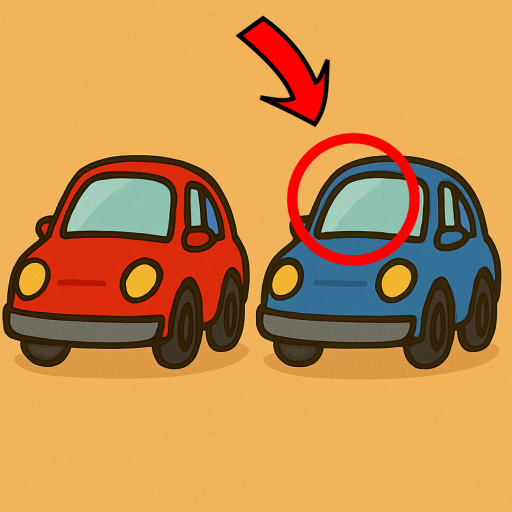
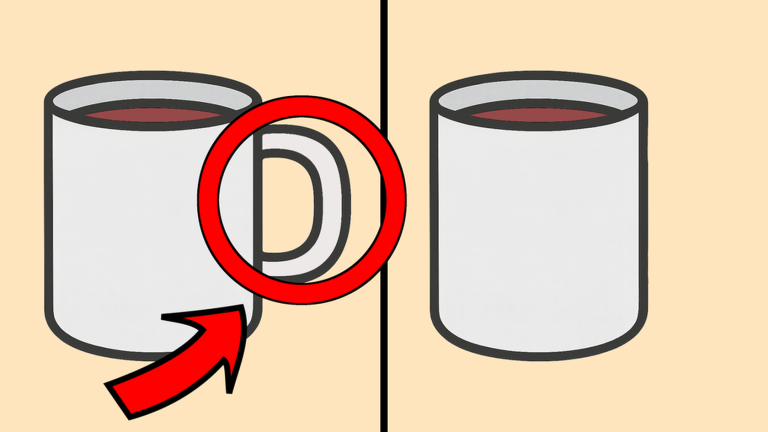
When you open a stage, two similar images appear on screen at the same time. Your job is to compare them carefully and tap each spot where they differ. A correct tap is confirmed on screen, and once you have found all the differences the level is cleared.
- Study both images look at colors, shapes, and whether anything is missing from one side.
- Tap a difference the game marks it so you know it has been counted.
- Clear the stage find every one and the level is complete.
Scanning the images without missing anything
Tips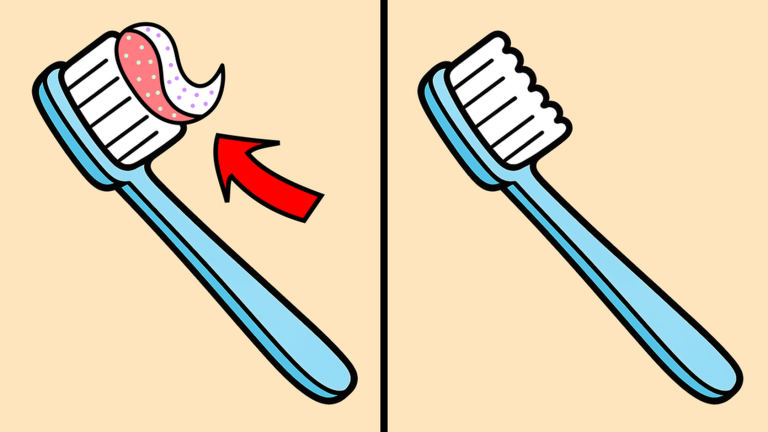
If you are stuck, retry the stage as many times as you need.
- Look for color shifts, not just missing objects — a slightly different shade counts as a difference.
- Check backgrounds and edges, not just the main subject of the image.
Level unlocks and saved progress
Summary
Finishing one stage opens the next. You never lose your place because the game saves your data automatically.
- Unlock order completing a stage unlocks the one after it.
- Auto-save progress is stored when you leave, so you can continue later.
- Leaderboard your score is recorded and ranked against other players.
Joining the group for in-game rewards
Check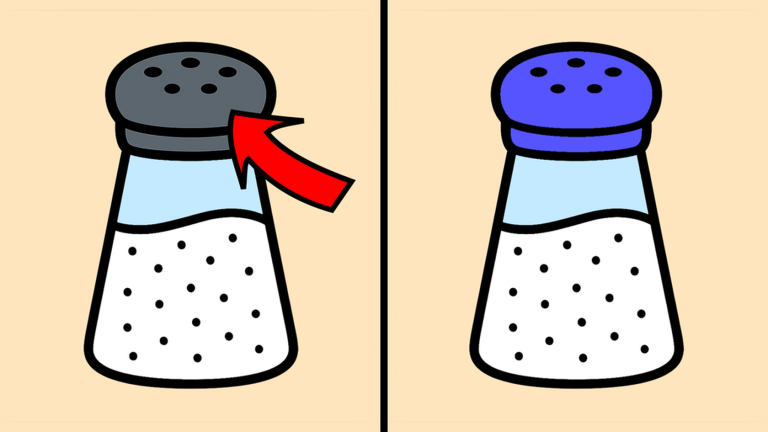
The game page calls out two specific things you can do to earn in-game rewards.
- Join the Card Reader Studio group on Roblox.
- Give the game a thumbs-up on its Roblox page.
Glossary
Glossary- Stage / Level
- One puzzle consisting of two images; you clear it by finding every difference hidden between them.
- Unlock
- What happens when you clear a stage — the next level becomes playable.
- Leaderboard
- A ranked list of player scores that lets you see how your performance compares to everyone else.
Common questions
FAQWill I lose my progress if I close the game?
No. The game saves your data automatically so you can come back later and continue from the same point.
Game updates can change what is on this page. If you spot something, get in touch and let us know.
