
Build a Marble Slide Guide: First steps when you join

About
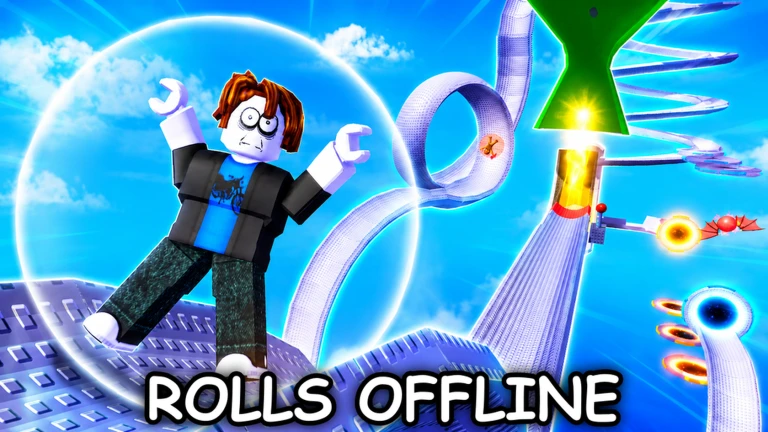
OverviewBuild a Marble Slide! is a Roblox game where you design your own marble run, send a marble rolling down it, and earn in-game money from each run. This guide covers how to get started, how to keep the money coming in, and what to know about rare items.
What is on this page
Contents
Player notes and tips
Found a useful trick? Share it with everyone! Notes with screenshots are welcome!
Write a guide note
[DECOR!] Build a Marble Slide!
First steps when you join
Step
When you first load in, you have a limited amount of starting cash and a small set of basic track pieces available to you. The goal right away is to spend that cash on a few pieces, snap them together into a workable slide, and then send your marble down it to earn your first money.
- Check your cash
look at your starting funds before you buy anything.
- Buy basic pieces
pick from the starter track pieces on offer and purchase a small set.
- Build a simple slide
connect the pieces into a short, complete course with a clear start and end.
- Run the marble
send the marble down your finished slide to collect your first earnings.
MetaNew Player Survey

The next survey is being prepared.
Earning money consistently
Tips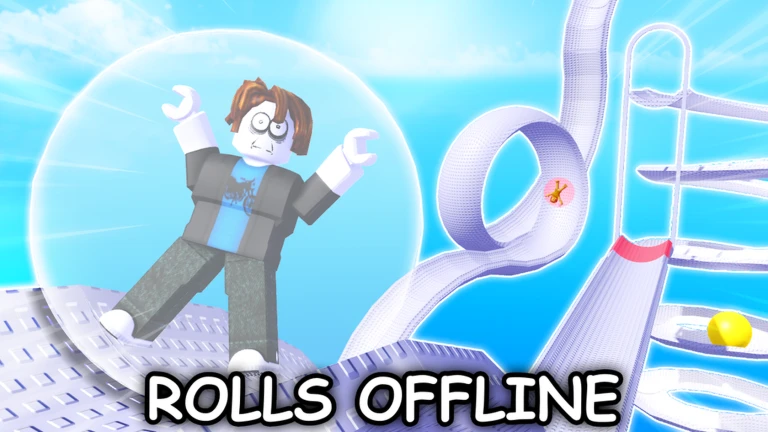
Every time your marble completes the course, you earn money. The amount you receive depends on how your course is designed. Balancing repeat runs on your current slide against spending to upgrade it is the core loop of the game.
- Run the same course multiple times rather than rebuilding from scratch every session.
- Once you have enough saved up, buy new track pieces before your next batch of runs.
Track pieces, marbles, and crates
Summary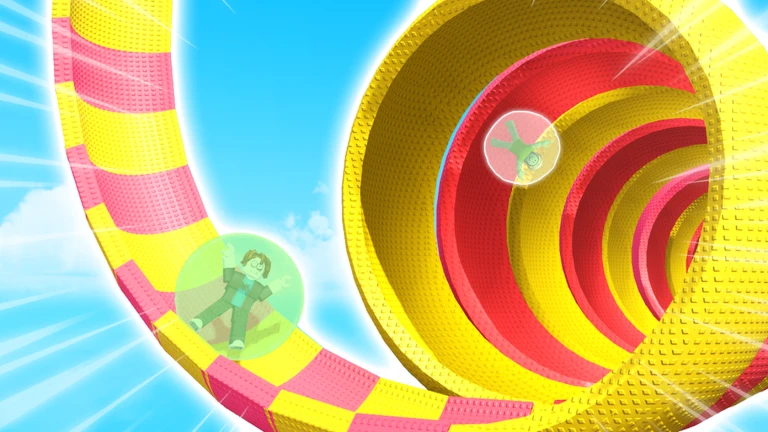
Beyond the standard pieces you can buy directly, the game has crates that contain rarer items. Two crate types with special access are the Black Market Crate and the Gem Crate. Marbles also come in multiple varieties. The Gadget Crate was added in a content update alongside five new track pieces and two new plot size upgrades.
- Track pieces
the building blocks of your slide; you buy these with in-game money to shape your course.
- Marbles
come in multiple types, making a full collection a long-term goal.
- Black Market Crate
a special crate source for items you cannot get through regular shop purchases.
- Gem Crate
another separate crate type that offers items outside the standard buy menu.
- Gadget Crate
a newer Black Market Crate added in a recent update.
- Plot size upgrades
two new tiers were added recently, letting you build a larger slide overall.
Playing with friends
Check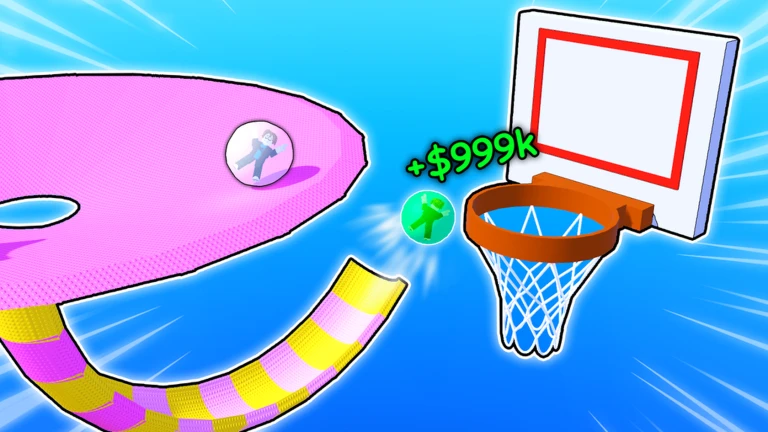
The game supports multiple players in the same server, so you and your friends can compare courses side by side.
- Join the same server so you can look at each other's slides.
- Compare rare items to see who has tracked down the harder-to-find crate drops.
Glossary
Glossary- Track piece
- A segment — such as a curve, straight section, or jump — that you buy and connect with others to form your marble slide.
- Marble run
- The full slide course you build; sending your marble down it is how you earn in-game money.
- Crate
- A container that awards special items not available in the regular shop, including types like the Black Market Crate and the Gem Crate.
- Plot
- The area of land your slide occupies; you can purchase upgrades to increase its size and build a longer course.
- Black Market Crate
- A crate type that provides rare items through a separate access route rather than the standard shop.
Common questions
FAQWhat should I do the moment I join for the first time?
Check how much starting cash you have, then spend it on basic track pieces from the available selection. Put together the simplest slide you can manage, run your marble down it, and use the money you earn to buy more pieces.
Does my plot size limit how big my slide can be?
Yes, your plot sets the boundary for your build. Two new plot size upgrade tiers were added in a recent update, so you can expand beyond the starting area by purchasing those upgrades.
Game updates can change what is on this page. If you spot something, get in touch and let us know.
