
Clean the Manga Shop Guide: Controls for PC and controller
About
OverviewClean the Manga Shop is a Roblox tidying game where you pick manga off the floor and sort them onto the correct shelves. You can play alone at your own pace or team up with as many as twelve players to race the clock together.
What is on this page
Contents
Controls for PC and controller
Table
Use the table below to find the button for whatever you need. Cycling lets you switch quickly between multiple manga you are already carrying.
| Action | PC | Controller |
|---|---|---|
| Pick up / place manga | E or click | RT / R2 |
| Drop manga | Q | B / Circle |
| Cycle between held manga | Scroll wheel | RB / R1 |
| Use abilities | Number keys | — |
| Unlock mouse from screen | H | — |
MetaNew Player Survey
The next survey is being prepared.
The sorting loop
Step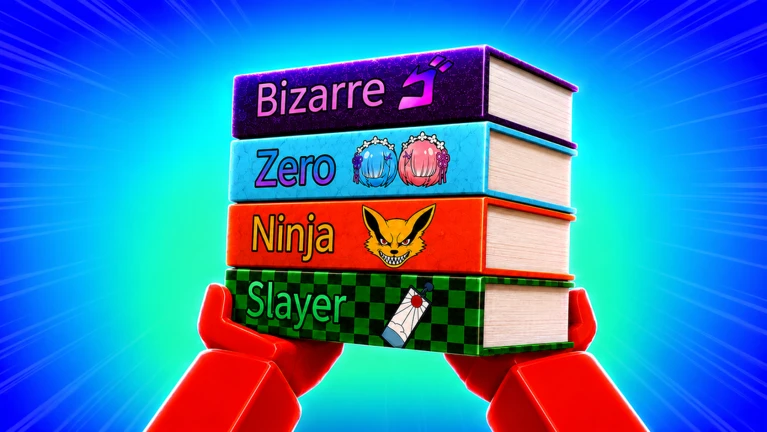
Manga are scattered across the floor when you start. Each volume belongs to a specific category, and the signs posted around the shop point you to the right shelf.
- Pick up a manga press E, click, or RT/R2 to grab a volume from the floor.
- Find the right shelf use the map and the shelf nameplates to navigate to the correct spot.
- Place it press the same pick-up button again to put the manga on the shelf.
- Dropped the wrong one? press Q or B/Circle to drop it, then take it to the correct shelf.
Upgrades and abilities
Tips
Upgrades unlock as you play through the game and make your sorting faster and more efficient. Once you have abilities available, the number keys on PC let you activate them mid-run.
- Upgrades are unlocked progressively as you keep organizing manga.
- Active abilities are triggered with the number keys on PC.
Solo play versus team play
Table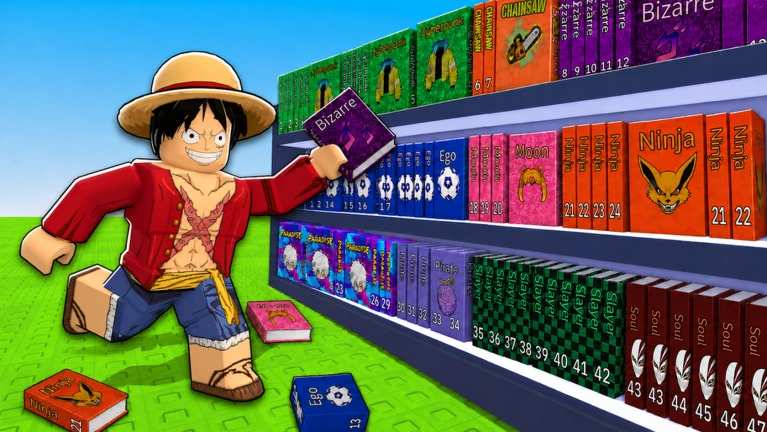
Up to twelve players can work the same shop at once. The leaderboard ranks by clear time, so teamwork directly translates to a better position.
| Solo | go at your own pace. |
| Team (up to 12 players) | clean together in the same room. |
| Leaderboard impact | shorter clear times rank higher. |
Community strategy ideas
CommunityThese ideas and tips come from people playing the game. Share your discoveries too!
No strategy ideas yet. Share a tip you discovered.
Share a strategy idea
🌸 Clean the Manga Shop!
Glossary
Glossary- Category sign
- A sign posted in the shop that labels which type of manga belongs in a given area.
- Shelf nameplate
- A label on an individual shelf that identifies exactly which manga go there.
- Upgrade
- An in-game ability enhancement that unlocks as you progress and makes sorting quicker.
- Cycle
- Switching between multiple manga you are already holding, done with the scroll wheel on PC or RB/R1 on controller.
- Clear time
- How long it takes your session to fully organize the shop, which determines your leaderboard rank.
Common questions
FAQWhat do I do if I put a manga on the wrong shelf?
Press Q on PC or B/Circle on controller to drop the manga onto the floor. Then carry it to the correct shelf and place it normally.
How many players can join the same shop?
Up to twelve players can be in one room at the same time.
What does unlocking the mouse do?
Pressing H on PC frees your cursor from the game window so you can move it outside the screen.
How do I use abilities once I have them?
On PC, press the number keys to activate any ability you have unlocked.
Game updates can change what is on this page. If you spot something, get in touch and let us know.
