
 Live now
–
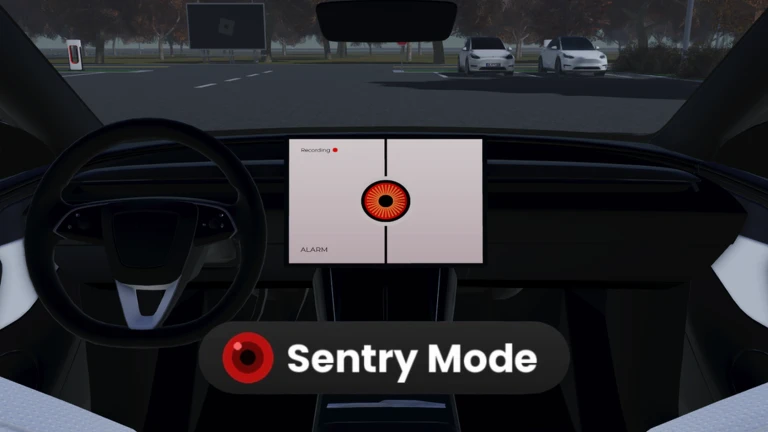
Sentry Mode Update
22/11/26: Sentry Mode, FSD Upgrades, 3 Autopilot Types, Lane Assist, Smarter AEB, Wet Roads, Automatic Lights, Recent V…

Tesla Autopilot is a Roblox simulator where you explore detailed, interactive recreations of Tesla electric cars. This guide covers how to pick a car, what the interactive features do, and how seasonal events work.

Found a useful trick? Share it with everyone! Notes with screenshots are welcome!
Tesla Autopilot
There are more than 30 configurations to choose from across five vehicle types. Each model comes in several trims and options, so two versions of the same car can feel quite different.
the five vehicle types are the Model X, Model S, Model 3, Model Y, and Cybertruck.
each model has multiple variants with different options, so look past the base version.

The next survey is being prepared.
The cars are built to be touched. Door handles, lighting systems, Autopilot, and automatic emergency braking are all functional inside the game.
Events running now or coming soon. They have fixed dates, so check them first.
Live now
–
22/11/26: Sentry Mode, FSD Upgrades, 3 Autopilot Types, Lane Assist, Smarter AEB, Wet Roads, Automatic Lights, Recent V…
 Live now
–
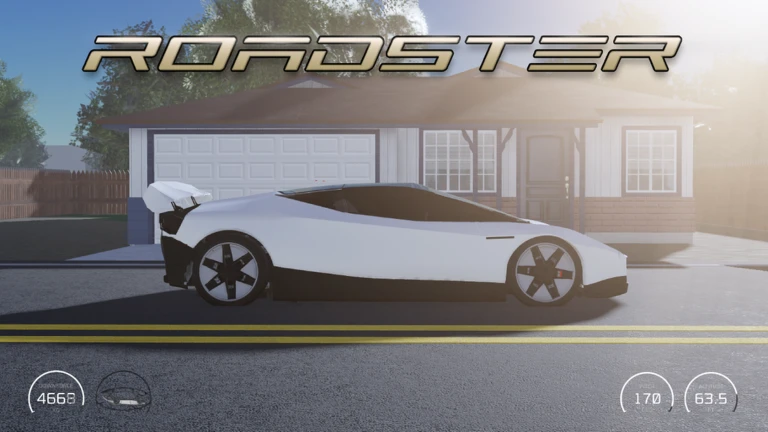
This is one of the most insane updates Tesla Autopilot has ever had.. a flying car.. speed traps.. FSD upgrades, Park-T…
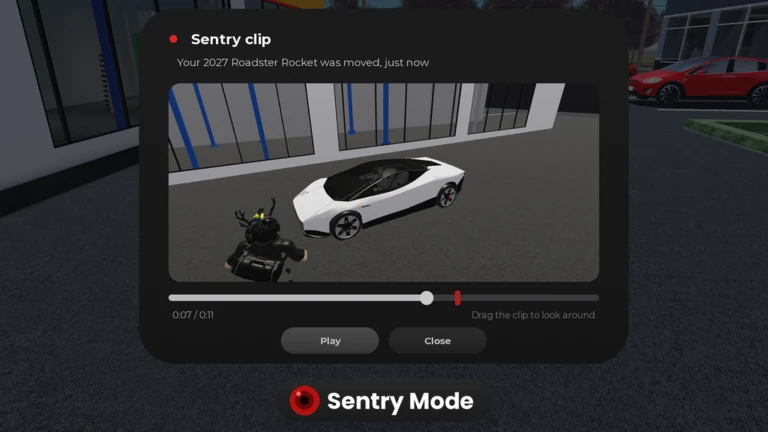
Past events have rewarded players with vehicles that cannot be obtained any other way. Once an event ends, its reward is gone for good.
There are five vehicle types — Model X, Model S, Model 3, Model Y, and Cybertruck — spread across more than 30 configurations. Each configuration represents a different trim or set of options for one of those models.
No. The cars from the Winter Event 2022, Easter Event 2025, Halloween Event 2025, and Easter Event 2026 are all permanently locked. You will need to complete any future events during the time they are live.
Each room holds a maximum of eight players.
Before you start
Please check the following before using MetaNew.
* You can change your email preference any time from your profile.
