
Find the Ducks Guide: How the game works

About
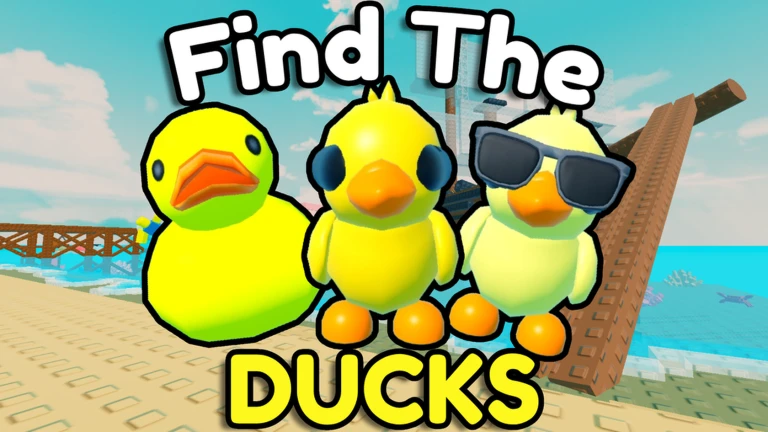
OverviewFind the Ducks is a Roblox exploration game where you search a map to collect hidden ducks. This guide covers how to find ducks, how to equip them, and how to compete on the leaderboard.
What is on this page
Contents
How the game works
Summary
When you load in, you are placed on a map full of ducks tucked into out-of-the-way spots. Walking close to a duck picks it up automatically. The goal is to find every duck on the map.
- Objective find and collect every hidden duck on the map
- Collection method walk close to a duck and it is picked up automatically
- After collecting open the menu to equip ducks to your character
- Competitive option your finishing time is recorded on the leaderboard
Where to look for ducks
Tips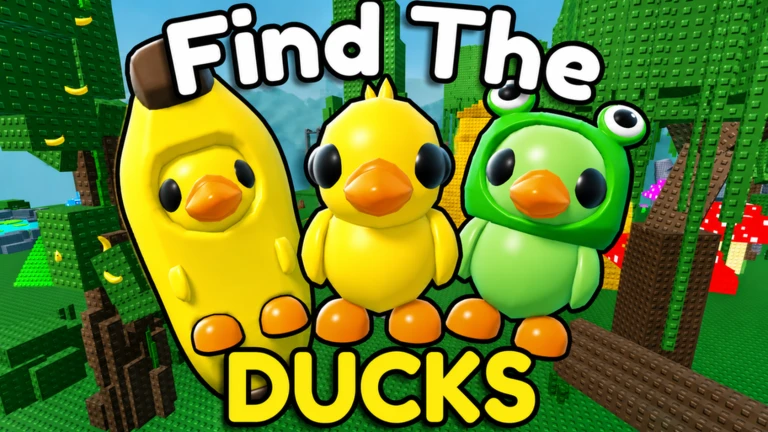
Ducks can appear in corners, up high, and in dark or low areas.
- Check corners and edges of rooms.
- Look up — ducks are placed on elevated surfaces.
- Look down — some ducks sit in low or shadowed spots.
- When exploring with friends, share information about hiding spots you discover.
- After a run, try to remember where each duck was so your next run is quicker.
Playing with friends
Check
A room holds up to eight players at once. You can search alongside friends or strangers and share what you find.
- Invite friends to your room so you can search together.
- Share hiding spots you discover so everyone benefits.
Equipping your ducks
Step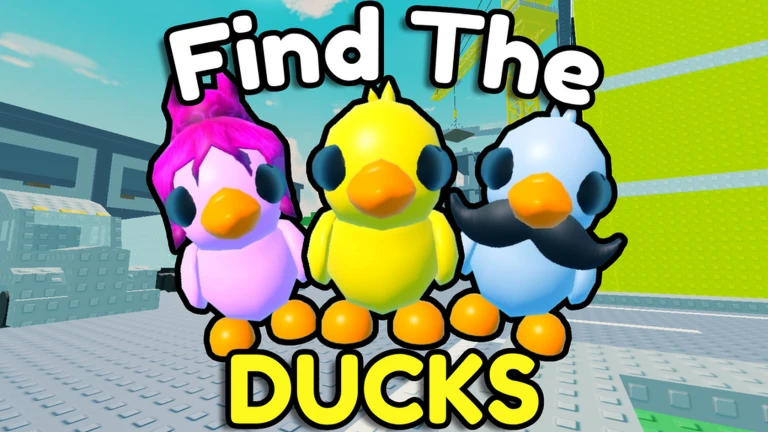
Collected ducks are stored in your equipment list. The more ducks you have found, the more options you have to customize your character.
- Open the menu find the equipment screen from the in-game menu.
- Browse your collection only ducks you have already found appear here.
- Pick a duck select whichever one you want to wear.
- Finding more ducks increases your equipment choices.
Going for the leaderboard
Tips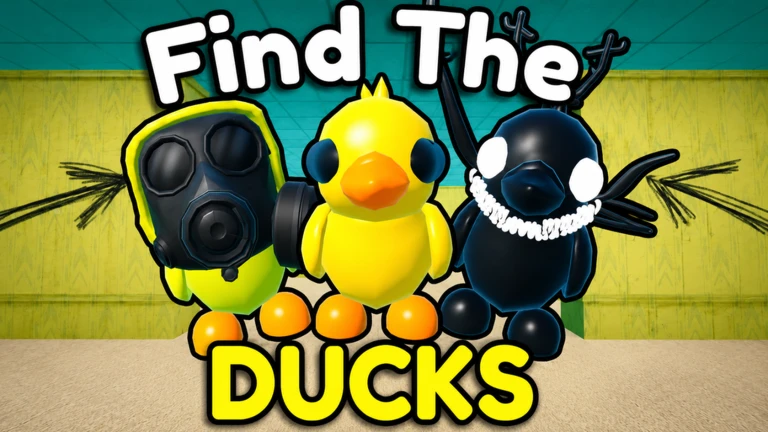
Your time from start to final duck is what gets recorded.
- Learn hiding spots across multiple runs so you know the map well before attempting a fast time.
- A room of up to eight players means you can race friends directly.
Glossary
Glossary- Leaderboard
- An in-game ranking that records how quickly each player collects every duck on the map.
- Equipment screen
- The menu panel where you choose which collected duck to attach to your character.
Common questions
FAQHow many players can search the same map at once?
Up to eight players can be in the same room together.
Do I lose my ducks when I leave the game?
No — every duck you collect is saved to your equipment list and can be equipped at any time.
Game updates can change what is on this page. If you spot something, get in touch and let us know.
