
Lethal Ape: Recode — The basics of getting around
About
OverviewLethal Ape: Recode is a horror survival game where you explore dark, eerie environments using a flashlight while avoiding monsters. This guide covers the basics of getting around the map, finding hidden characters, surviving the Blackout Event, and collecting badges.
What is on this page
Contents
The basics of getting around
Summary
The game drops you into dark environments where your flashlight is the only thing standing between you and total blindness. The map is split across at least a first floor and a second floor, each with their own points of interest. Up to 50 players can be in a single session at once.
- Flashlight your primary tool
- First floor contains at least one hidden character and general exploration areas
- Second floor contains at least one hidden character; check it separately from the first
- MeatApe the main monster on the map; it can kill you
- Backup generator a key object that appears during the Blackout Event
Finding Cocoa and Bassie
Step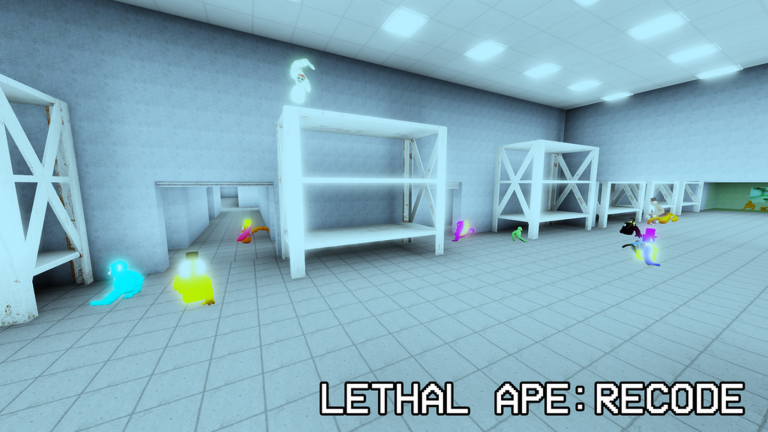
Two hidden characters are tucked away in the map, and the developers have confirmed which floor each one is on.
- Search the first floor Cocoa is somewhere on the first floor
- Move to the second floor Bassie is hiding on the second floor
- Collect the badges finding each character earns you their corresponding badge
Surviving the Blackout Event
Step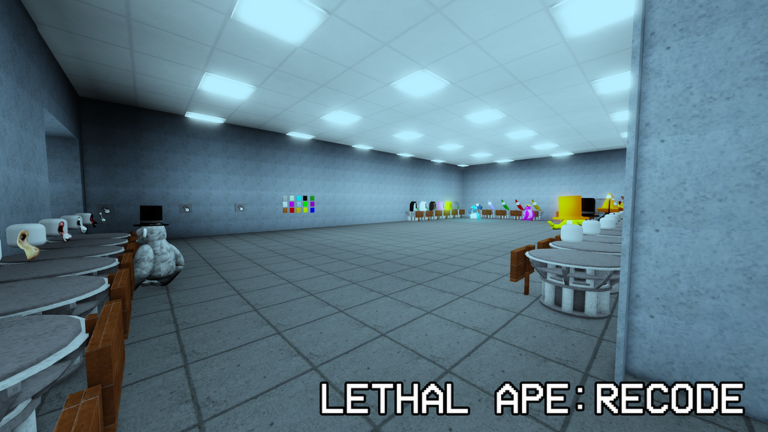
During the Blackout Event the map goes very dark. Reaching the backup generator upgrades your flashlight and also earns you the Blackout Event badge.
- Recognize the event if the map suddenly becomes very dark, the Blackout Event has started
- Find the backup generator head for the backup generator during the event
- Grab the upgraded flashlight reaching the generator rewards you with a stronger flashlight
- Collect both badges the Blackout Event badge comes from finding the generator; the LIGHTS OUT badge is tied to experiencing the darkness
Badge checklist
Check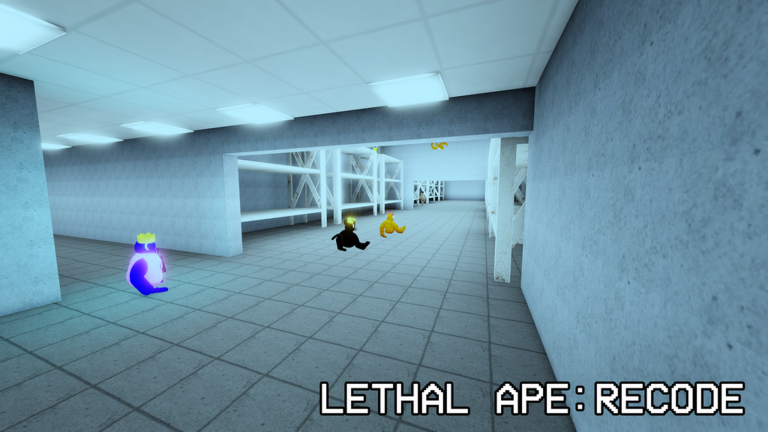
There are eleven badges in total.
- Meet Owner cross paths with the game's owner in a session
- Find Cocoa locate Cocoa on the first floor
- Find Bassie locate Bassie on the second floor
- Death by MeatApe get killed by MeatApe
- LIGHTS OUT experience the darkness of the Blackout Event
- Blackout Event find the backup generator during the Blackout Event
Glossary
Glossary- MeatApe
- The monster in the game that can kill players; getting killed by it earns the Death by MeatApe badge.
- Backup generator
- An object in the map that, when found during the Blackout Event, gives you an upgraded flashlight.
- Blackout Event
- A special event where the map goes very dark; players can find the backup generator during it.
- Upgraded flashlight
- A stronger version of the standard flashlight, obtained by reaching the backup generator during the Blackout Event.
Common questions
FAQWhere exactly are Cocoa and Bassie?
Cocoa is on the first floor and Bassie is on the second floor.
Do I have to die to MeatApe, or can I avoid it the whole game?
If you are going for every badge, you will need to let it kill you once to earn the Death by MeatApe badge.
What happens when I find the backup generator during a Blackout Event?
Finding it gives you an upgraded flashlight and earns you the Blackout Event badge.
Game updates can change what is on this page. If you spot something, get in touch and let us know.
