
Minersblock 2.0 Guide: Basic controls
About
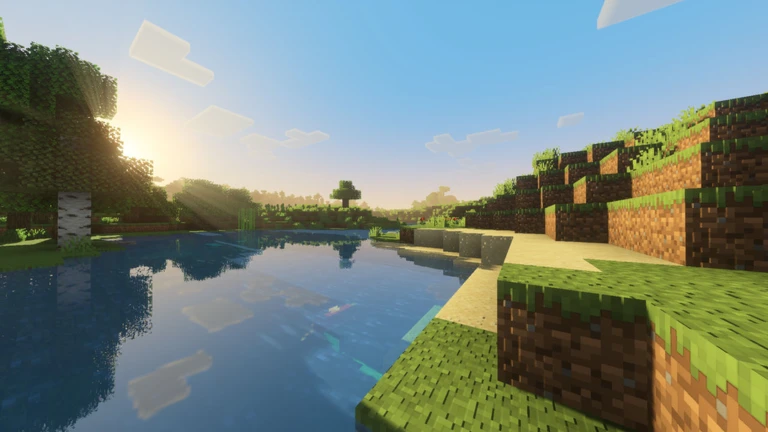
OverviewMinersblock 2.0 is a Minecraft-inspired sandbox game on Roblox where you mine ores, craft weapons and armor, build structures, and fight other players. This guide covers controls, gathering materials, crafting gear, working with or against other players, and a few useful extras that can smooth out your early game.
What is on this page
Contents
Player notes and tips
Found a useful trick? Share it with everyone! Notes with screenshots are welcome!
Write a guide note
⛏️Minersblock 2.0💎[Release!]
Basic controls
Check
All block breaking, placing, and inventory management runs through these inputs.
- Left-click to break a block
- Right-click to place a block or interact with an item
- E to open your inventory
- Left Ctrl to sprint and move faster
- Q to drop the item you are holding
MetaNew Player Survey

The next survey is being prepared.
Mining ores and collecting materials
StepWhen you break a block, what it drops goes straight into your inventory automatically.
- Break blocks left-click on a block to destroy it and collect what it drops.
- Gather variety different ores exist across the world, so mine several types.
- Check inventory press E to see what you have collected.
Crafting weapons and armor
Tips
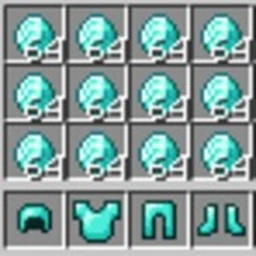
The materials you mine feed directly into crafting. A recent update added new armor and new weapons.
- Multiple weapons can be crafted from the ores you collect.
- Equipping armor increases how much punishment you can take in a fight.
Sharing a world with up to 15 players
TableThe same world can involve cooperation or competition between players.
| Cooperate | team up to build structures or mine together. |
| Compete | race other players to ore deposits. |
| Fight | craft weapons and use them against other players. |
Group membership perks
Summary
Membership in the official group unlocks two bonuses you can use right away.
- Chat tag a visible label that sets you apart from other players in the server.
- Free item kit type :kit group in chat to claim a free set of items.
Saving your work and private servers
TipsAutosave keeps your world intact between sessions, and free VIP servers let you work without other players getting in the way.
- Everything you build saves automatically, so nothing is lost when you leave.
- VIP servers are available for free, giving you a private space to mine and build.
Glossary
Glossary- Ore
- A type of block buried in the world that drops a crafting material when broken.
- VIP Server
- A private version of the game world that only you (and whoever you invite) can enter.
- Chat tag
- A label that appears next to your name in chat, earned by joining the developer's group.
- Kit
- A free bundle of items claimed by typing :kit group in chat, available to group members.
Common questions
FAQHow many players can be in the same world at once?
Up to 15 players can share a single world at the same time.
How do I claim the free group kit?
Join the developer's official Roblox group, then type :kit group in the in-game chat.
Will my buildings disappear when I leave?
No — the game saves your world automatically.
Do I have to pay for a VIP server?
VIP servers in Minersblock 2.0 are free.
Game updates can change what is on this page. If you spot something, get in touch and let us know.
