
Emergency Vehicle Testing Guide: Getting started in Beechwood
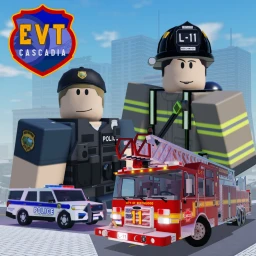
About
OverviewEmergency Vehicle Testing: Cascadia puts you behind the wheel of dozens of emergency vehicles across Beechwood, a fictional city in the Pacific Northwest state of Cascadia. This guide walks you through picking a vehicle, learning the controls, exploring the map, and getting the most out of everything the game offers for free.
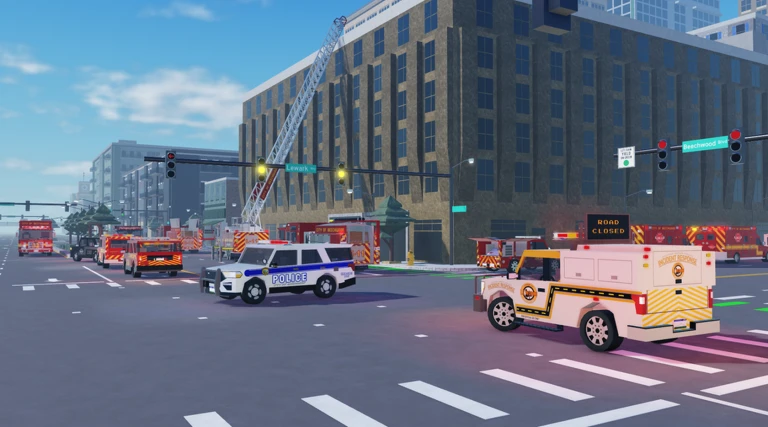
What is on this page
Contents
Getting started in Beechwood
Step
When you first load in, the lobby shows you all the available vehicles. Choose one that catches your eye — nothing is locked behind a paywall. From there, the best way to learn is to just drive: practice accelerating, braking, and turning through the city streets.
- Choose a vehicle open the lobby menu and select whichever emergency vehicle you want to try first.
- Activate the warning systems switch on the lights and sirens so you understand what each control does.
- Cruise the city drive through different parts of Beechwood to start building a mental map of the layout.
MetaNew Player Survey
The next survey is being prepared.
The five emergency services and their vehicles
Summary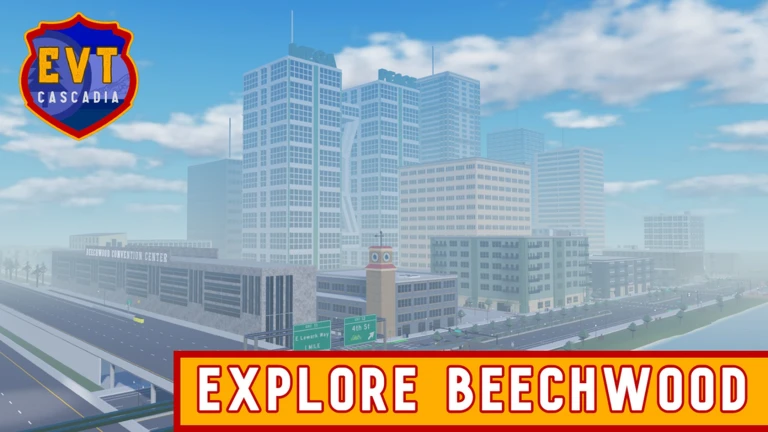
Beechwood is served by five separate organizations, and every vehicle across all of them is available to drive.
- Beechwood Police Department (BPD) fast squad cars built for speed.
- Beechwood Fire Rescue (BFR) large, powerful vehicles including ladder trucks.
- Sheriff's Office its own distinct vehicle roster.
- Traffic Response specialized vehicles for traffic control situations.
- Ambulance Company medical response vehicles including ambulances.
What every vehicle includes
Check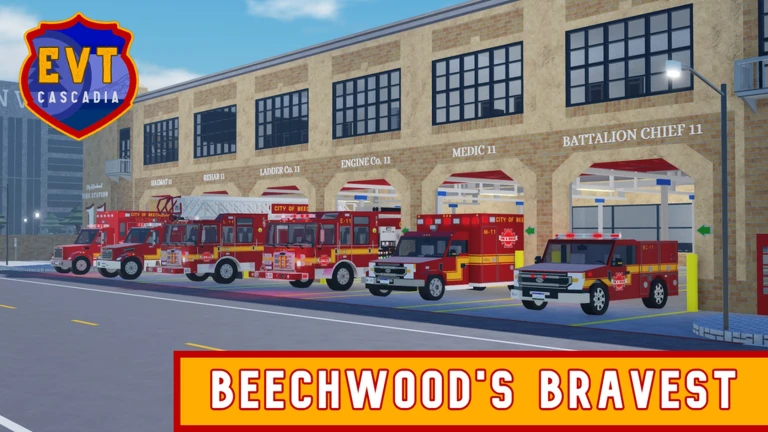
Each vehicle is custom-made, meaning the detail carries through regardless of which service you choose.
- A fully detailed interior.
- Moving parts.
- Working emergency warning lights.
- Functional sirens you can activate.
Beechwood's districts and what to expect
Tips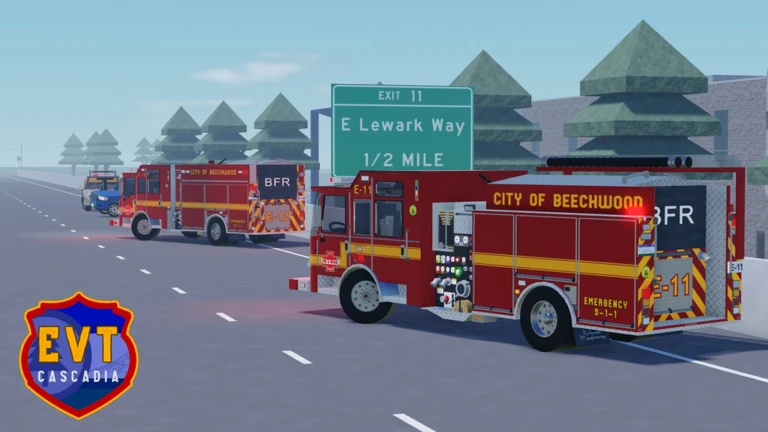
The city is densely packed and described as one of Roblox's most memorable city maps. Each district has a different character.
- Downtown is lively and busy.
- The residential neighborhoods are cozy.
- The historical district has a grand, regal architectural style.
- The commercial corridors are busy.
Cost and access — what is free
Check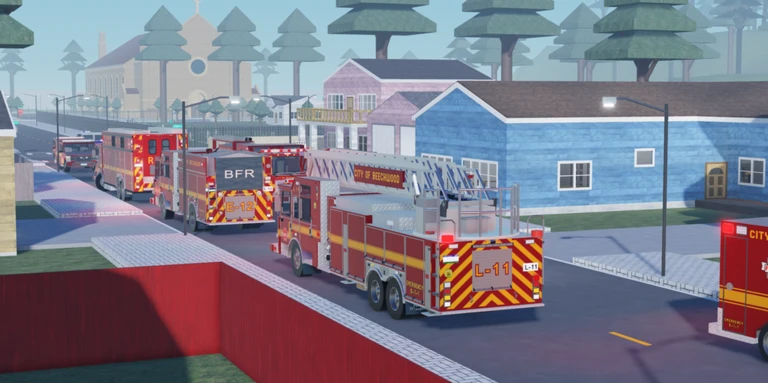
Every feature is available to everyone from the moment they join.
- Every vehicle across all five services is free to drive.
- Joining any team costs nothing.
- Private servers are free to use no Robux required.
Glossary
Glossary- BPD
- Beechwood Police Department, the city's police service and one of the five organizations whose vehicles you can drive.
- BFR
- Beechwood Fire Rescue, the fire service in Beechwood, known for its large ladder trucks.
- Beechwood
- The fictional city where the game takes place, located in the Pacific Northwest state of Cascadia within Lewark County.
- Cascadia
- The fictional Pacific Northwest state that contains Lewark County and the city of Beechwood.
- Private server
- A separate server instance — free in this game and useful for reducing lag.
- Emergency warning system
- The combination of lights and sirens on each vehicle, all of which you can switch on and off while driving.
Common questions
FAQDo I have to pay to unlock any vehicles?
No. Every vehicle in the game is free, and that will not change — all vehicles are open to everyone, forever.
What should I do when a public server is running badly?
Open a free private server. It costs nothing and puts you in a less crowded environment.
How many different vehicles are there to drive?
The game includes dozens of emergency vehicles spread across the five services: police, fire, sheriff, traffic response, and the ambulance company. Each one is custom-built with its own details.
Game updates can change what is on this page. If you spot something, get in touch and let us know.
