
Workcity Guide: Picking your first job
About
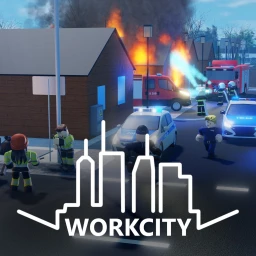
OverviewWorkcity is a Roblox roleplaying game where you pick a job, earn money, build a house, and drive around a city with real AI traffic.
What is on this page
Contents
Picking your first job
Step
When you first load in, you choose one of six careers: Police Officer, Firefighter, Paramedic, Cleaner, Electrician, or Trucker. Each one has its own tasks and pays out in the game's currency when you complete them. You can switch careers later, so there is no wrong first choice.
- Choose a job pick whichever of the six careers appeals to you most at the start.
- Follow the instructions each job gives you tasks to complete; work through them to earn money.
- Collect your pay finishing a task hands you cash you can spend on housing and vehicles.
- Switch if you want you can change to a different career at any time and try something new.
MetaNew Player Survey
The next survey is being prepared.
What each career actually does
Tips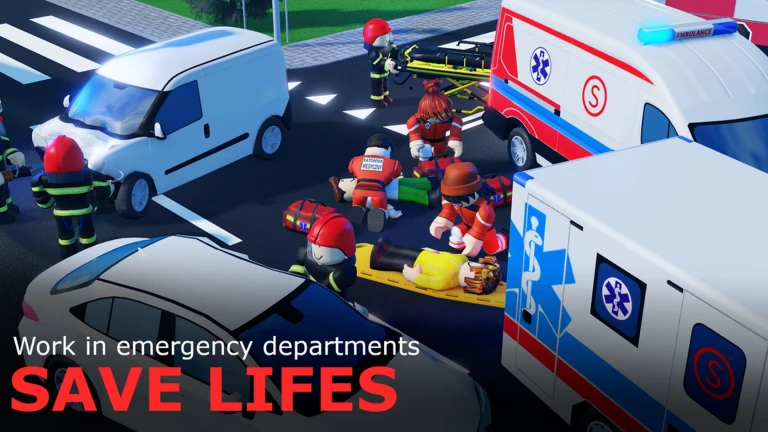
The six careers split into very different types of work.
- Police Officer — patrol the city, respond to robberies, and catch speeding drivers.
- Firefighter — handle fire emergencies and rescue situations around the city.
- Paramedic — drive an ambulance and transport patients who need medical help.
- Cleaner — keep the city's streets and facilities tidy by completing cleaning tasks.
- Electrician — maintain and manage the power grid across the city.
- Trucker — pick up and deliver goods to their destinations.
Earning and spending money
Check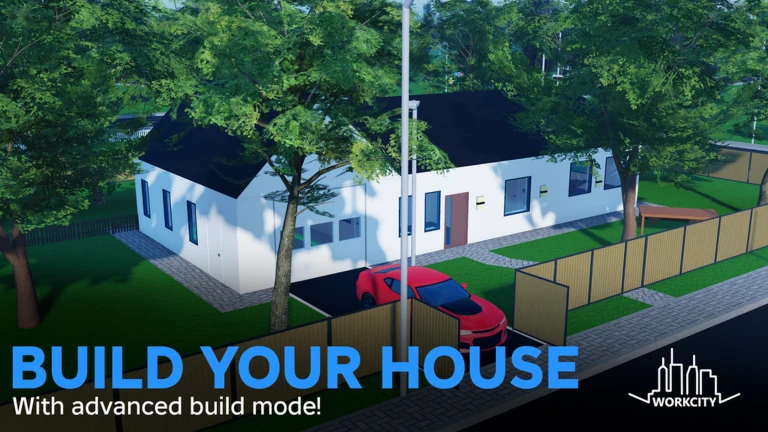
Money comes in every time you finish a job task. Reaching 100,000 in earnings unlocks the Wealthy badge. All core content — jobs, house building, and car collecting — is reachable without paying real money.
- Complete job tasks to earn cash.
- Aim for 100,000 total earnings to hit the Wealthy badge milestone.
- Spend on your house using the advanced build mode to design the layout and interior you want.
- Buy and customize vehicles to grow your collection and personalize how you drive.
Gaining XP and career milestones
SummaryHitting 20,000 XP in a career is the big milestone the game recognizes.
- Police Officer milestone 20,000 XP earns the Police Commander badge
- Firefighter milestone 20,000 XP earns the Fire Commander badge
- Paramedic milestone 20,000 XP earns the Experienced Paramedic badge
- Cleaner milestone 20,000 XP earns the Experienced Cleaner badge
- Electrician milestone 20,000 XP earns the Experienced Electrician badge
- Trucker milestone 20,000 XP earns the Experienced Deliverer badge
Playing as a Police Officer
Tips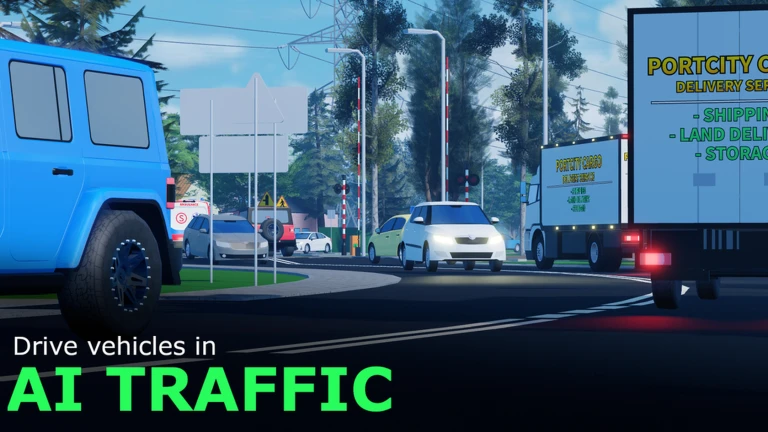
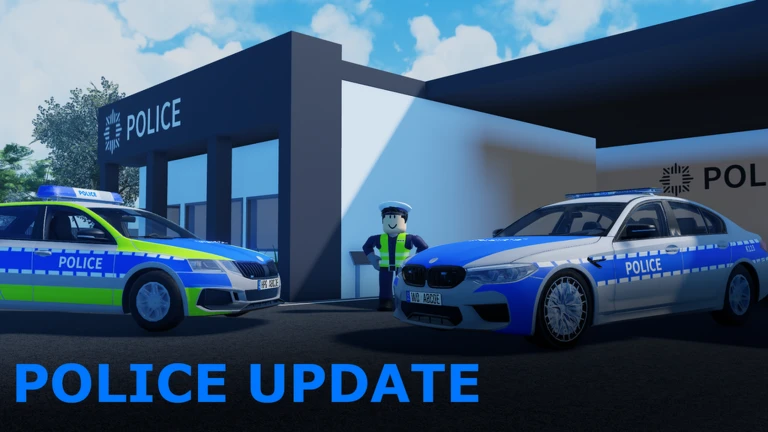
Recent updates refreshed how robberies work, added two new police departments, a prison, and prisoner transport, and brought five new vehicles into the game.
- Catching a player who is speeding earns you the 'You got him!' badge.
- Getting caught speeding yourself earns the Speeding Ticket badge.
- Refreshed robberies mean there are more situations to respond to than in earlier versions of the game.
- The new prison and prisoner transport give the Police career a full loop from arrest to lockup.
Building a house and collecting vehicles
Tips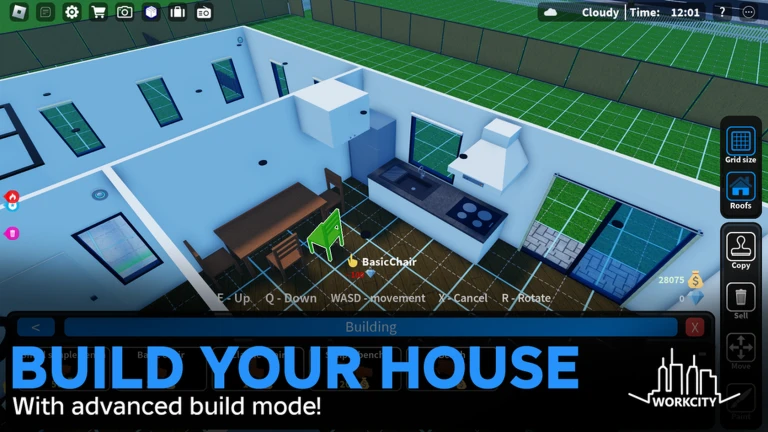
Outside of your job, the two biggest things to invest in are your house and your garage. The city also has AI traffic signals.
- Use the advanced build mode to design your house — layout, exterior, and interior are all customizable.
- Buy multiple vehicles and customize them to suit your style.
- Trains and planes are among the transport options available for getting around the city.
Exploring the city
TipsEach career has a home base somewhere in the city — police departments, a fire station, a hospital, and so on.
- Look for the police departments, fire station, hospital, and prison as landmarks to orient yourself.
- Use vehicles, trains, or planes to cover ground faster when exploring.
- Civilian NPCs now populate the streets after the v1.4.0 update.
Glossary
Glossary- Build mode
- An in-game editor that lets you design and customize the layout, exterior, and interior of your house.
- AI traffic
- Vehicles driven by the game itself that follow traffic signals throughout the city.
- XP
- Experience points you earn by completing tasks in a specific career; each career tracks its own XP separately.
- Paramedic
- The medical career in Workcity, focused on driving an ambulance and transporting patients.
Common questions
FAQCan I change my career after I start?
Yes, you can switch to a different career whenever you like. Your XP for each career is tracked separately, so progress you made in one job is not lost when you try another.
Do I need to spend Robux to progress?
No. All six careers, the house build mode, and vehicle purchasing are accessible using only the in-game money you earn from jobs.
What did the v1.4.0 Police update add?
The update refreshed how robberies work, added five new vehicles, introduced civilian NPCs to the streets, and added two new police departments, a prison, and prisoner transport options.
Game updates can change what is on this page. If you spot something, get in touch and let us know.
