
Build an Apartment Guide: First steps when you load in
About
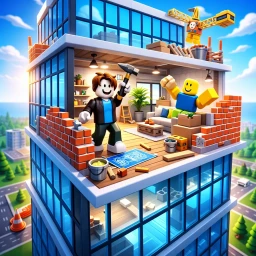
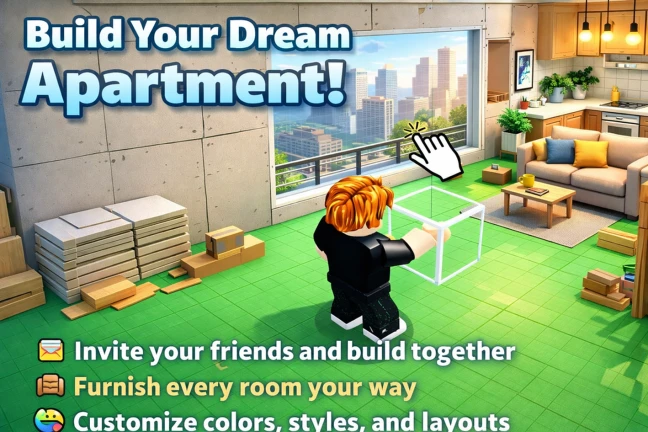
OverviewBuild an Apartment lets you design and decorate your own floor inside a massive tower, with full control over furniture, colors, and layout.
What is on this page
Contents
First steps when you load in
Step
When you join, your apartment is already waiting inside the tower. Take a moment to walk around and get a feel for the space before you start dropping furniture everywhere.
- Look around the tower figure out how the floors and rooms are laid out before touching anything.
- Change wall and floor colors pick a color scheme early.
- Place basic furniture put down beds, tables, and other essentials to anchor the layout.
- Invite a friend bring someone in to help with building.
MetaNew Player Survey
The next survey is being prepared.
Room-by-room decoration
TipsYour apartment has multiple rooms, and you can decorate each one independently. You can change anything as many times as you like.
- Pick a theme for each room before you start placing items, so colors and furniture choices stay consistent.
- Try different furniture and color combinations — the same room can feel completely different with a new palette.
- Rearrange freely whenever something isn't working, since nothing is locked in place.
Building with friends
SummaryInviting friends means more hands working at once. Everyone in the group can place furniture and change colors simultaneously.
- Max players per apartment eight
- What each person can do place furniture and change colors at the same time as everyone else
Upgrades and private servers
CheckAs you progress, you can upgrade the apartment itself to unlock a larger usable area and gain access to more furniture options. Private servers give you an even bigger building area than a standard public session.
- Upgrade your apartment to expand the floor space available to you.
- Unlock new furniture items by pushing upgrades further.
- Use a private server for a larger building area.
Glossary
Glossary- Upgrade
- A progression step that expands your apartment's buildable area and unlocks additional furniture choices.
- Private server
- A session reserved for you and your chosen players that provides a larger building area than a public server.
- Customize
- Changing any combination of colors, furniture, and layout in your apartment.
Common questions
FAQHow many players can be in one apartment at the same time?
Up to eight players can share one apartment. Everyone can place furniture and adjust colors at the same time.
Can I move or change furniture after I've already placed it?
Yes — you can rearrange, recolor, or redo anything as many times as you want.
What does a private server give me that a regular session doesn't?
Private servers come with a bigger building area than you get in a standard public session.
Game updates can change what is on this page. If you spot something, get in touch and let us know.
