Games listed 42,632
Game guide

Obby Builder Guide: Starting out

Obby Builder 🔨
Obby Builder Studio, Playing 617, Rating 87.1%
Creator Obby Builder Studio
Playing 617
Rating 87.1%
Is this game fun?
No votes yet. Cast the first one.

About

Overview

Obby Builder lets you design your own obstacle course, fill it with traps and gadgets, then share it with friends or the whole server using a slot code. This guide walks you through building your first course, unlocking new parts, getting more players to run your creation, and keeping your work safe.

What is on this page

Contents
01

Starting out — the tutorial and your first build

Step
In short Finishing the tutorial is the fastest way to understand the building tools before you start placing parts for real.

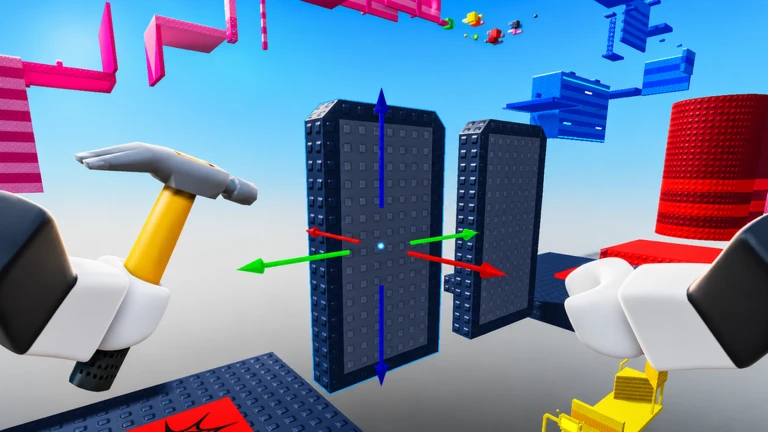
When you first join, the game walks you through a building tutorial. Complete it before you start your actual course, because it teaches you how the placement tools work. Once the tutorial is done, you can start laying down parts and shaping your obby however you like.

  1. Finish the tutorial you earn the Completed the Tutorial badge, and the tools will make more sense from that point on.
  2. Add interactive elements checkpoints, teleporters, buttons, signs, and music can all go in once the basic layout feels right.
  3. Aim for 25 parts reaching that count unlocks a badge.
  4. Save your slot each obby automatically gets a slot code, so your work is stored and ready to share.
Ask on the board
02

Slot codes — sharing and loading obbies

Summary
In short Slot codes are how every obby gets shared, so understanding them is central to the whole game.

Every obby you create is assigned a slot code automatically. Hand that code to anyone and they can paste it into the game to load your course instantly. If you want to play someone else's course, just get their code and do the same in reverse. You can save several obbies at once, each with its own separate code.

  • Your obby gets its own slot code the moment you save it
  • Sharing give the code to friends or post it for the whole server
  • Loading a friend's course paste their slot code and the obby loads immediately
  • Multiple obbies each one lives under a different code so they stay separate
  • Accidental deletion use Restore Data in the Slots UI to recover a course you removed by mistake
03 Live and upcoming events Events

Events running now or coming soon. They have fixed dates, so check them first.

Live now –

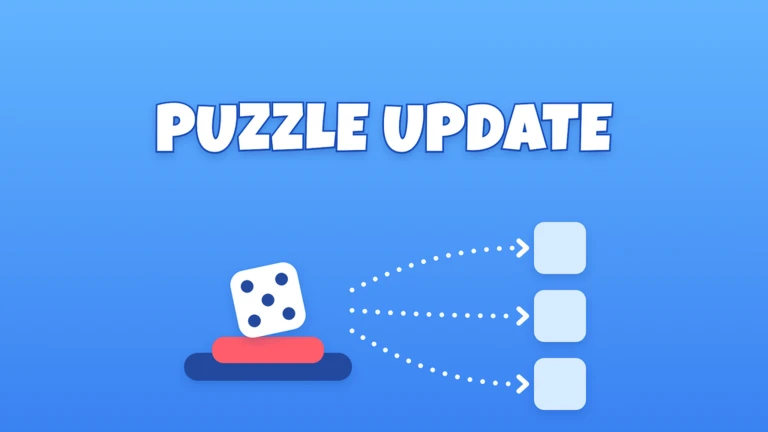
Puzzle Update!

- Pick mode for Buttons and Teleporters: In Order, Random, Shuffle - Presses Needed: parts only work every numbered pre…

Live now –

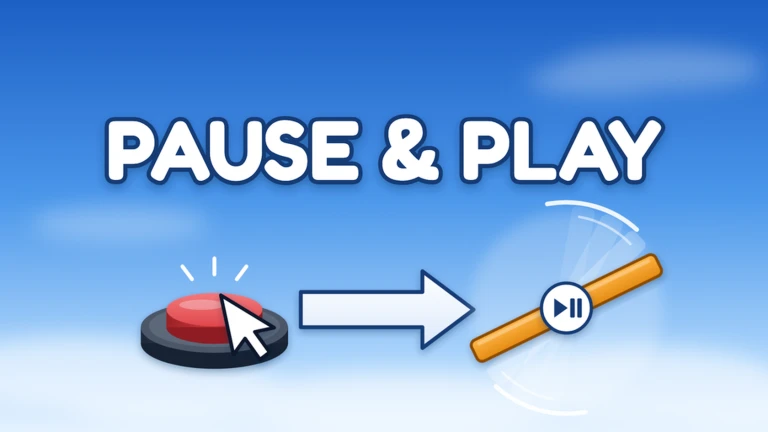
Pause & Play Update!

- Paused Spinners and Moving Platforms - Buttons can start and stop movers - Button Resetters reset movers - Stacking b…
See the whole schedule
04

Earning cash and unlocking parts

Check
In short Playing the game is all you need to earn cash, and cash is what opens up more building options over time.

Cash comes from playing, and you spend it to unlock new parts. New options include things like teleporters, music, checkpoints, buttons, and signs. Joining the game's group earns you bonus rewards on top of what normal play brings in.
  • Play regularly to build up your cash balance.
  • Join the group for bonus rewards.
05

Getting likes and climbing the leaderboard

Tips
In short Likes come from players who beat your course and enjoy it.

When players finish your obby and like it, your position on the leaderboard rises. Courses that reach enough likes can show up in the Trending section, and curators can hand-pick stand-out obbies for the Highlighted spot, which puts them in front of even more players. The like badges run from your first single like all the way up to ten thousand, so there is always a next milestone to push toward.

Tips worth knowing
  • Share your slot code widely — the more players who attempt your course, the more chances you have to collect likes.
  • Playtime also rewards you — badges start at 30 minutes and go up to a full week of total playtime, so regular sessions add up.

Glossary

Glossary
Obby
An obstacle course you design yourself and share for other players to run.
Slot code
A code automatically assigned to each obby that lets anyone load and play it instantly by pasting it into the game.
Cash
The in-game currency you earn by playing, used to unlock new parts and building options.
Co-op mode
A mode that lets multiple players edit the same obby at the same time in a live session.
Highlighted
A special feature where curators pick standout obbies and give them prominent placement so more players discover them.
Trending
A section that surfaces obbies gaining likes.
Restore Data
A tool in the Slots UI that lets you recover an obby you accidentally deleted.

Common questions

FAQ

How do I let friends play my obby?

Give them your slot code — they paste it into the game and your course loads for them right away. You can also share it with the whole server so anyone in your session can try it.

Can I work on more than one obby at a time?

Yes. You can save several obbies at once, and each one has its own slot code so they stay separate.

What happens if I accidentally delete an obby?

Open the Slots UI and use the Restore Data option to pull it back from a backup.

Do I need to spend real money to unlock parts?

No. Parts are unlocked with cash, which you earn by playing. Joining the group adds bonus rewards on top of that.

Can I build and play on my phone or tablet?

Yes. The game supports PC, mobile, tablet, and console, so you can build or play a course on whichever device you have.

Updated Sep 30, 2026
Game updates can change what is on this page. If you spot something, get in touch and let us know.
Obby Builder 🔨 Obby Builder Studio, Playing 617, Rating 87.1%
See the game pageAsk on the board
Add it to your home screen and it works like an app. One tap to open, and it loads faster after that.