
Army Wars Guide: Core loop from base to conquest
About
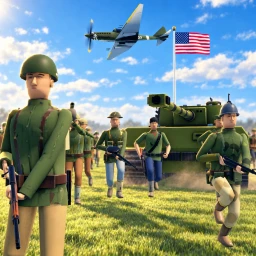
OverviewArmy Wars is a World War 2 military tycoon on Roblox where you build a base, train an army, and fight to control an island. Up to six players share the same world, so you will face rivals and potential allies from the moment you join.
What is on this page
Contents
Player notes and tips
Found a useful trick? Share it with everyone! Notes with screenshots are welcome!
Write a guide note
Army Wars
Core loop from base to conquest
Step
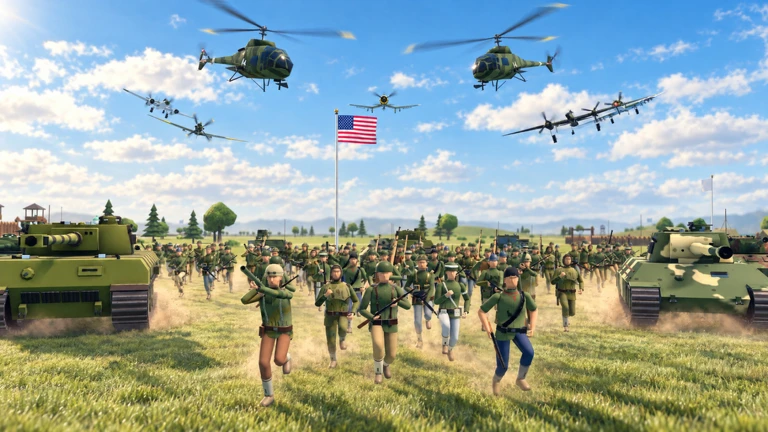
The game moves in a clear sequence. You build production facilities first, sell what they make, and use the cash to field an army. Once your forces are ready, you send them out from the World Map to chip away at enemy territory until only the capital remains.
- Build farms, mines and factories
these generate the goods you will sell for cash.
- Sell your goods
convert production into the cash you need to train units.
- Train your military
use cash to recruit soldiers, tanks, artillery and planes.
- Build ships
naval power lets you contest the sea alongside your land campaign.
- Send armies and fleets from the World Map
target camps, outposts, labs and airfields to expand your territory.
- Storm the capital
capturing it ends the island and gives you full control.
MetaNew Player Survey

The next survey is being prepared.
Keeping your economy healthy
Tips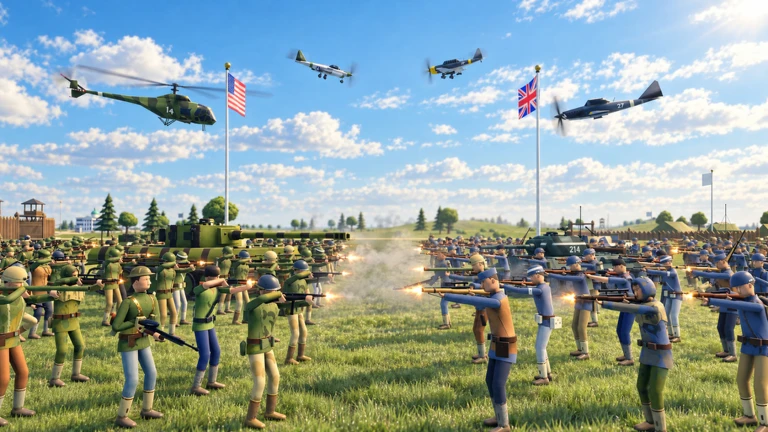
Your production facilities keep running even after you log off, so the cash you come back to depends on how much you built before you left. Daily rewards, quests and supply drops add extra income on top of what your base earns automatically.
- Log in regularly to collect what your base has produced while you were away.
- Check for daily rewards and quests each session, since they add cash beyond your passive income.
- Compete for supply drops when they appear.
Redeem codes
CheckCodes give you in-game rewards when you enter them. Each code can only be used once per account, and some codes have expiry dates.
- Redeem codes before they expire; expired codes will not work.
- Each code is one-use per account, so you cannot claim the same reward twice.
Glossary
Glossary- Production facility
- A farm, mine or factory that automatically generates goods you can sell for cash.
- World Map
- The strategic view from which you send armies and fleets to attack enemy locations.
- Alliance
- A cooperative agreement with another player that lets you plan and launch attacks together.
- Capital
- The enemy's main base; capturing it wins you control of the entire island.
Common questions
FAQDoes my base earn cash when I am offline?
Yes. Your production facilities keep generating goods and income automatically while you are logged out. Log back in to collect what has built up.
How many players can be in the same world?
Up to six players share one world at a time.
What do soldiers, tanks and planes actually do?
They make up the armies and fleets you deploy from the World Map. Send them at enemy camps, outposts, labs and airfields to capture territory, and eventually use them to storm the capital.
Can I use the same code more than once?
No. Each code can only be redeemed once per account. Enter it as soon as you can, since some codes also carry an expiry date.
Game updates can change what is on this page. If you spot something, get in touch and let us know.
