
Ballroom Dance — First steps when you join
About
OverviewBallroom Dance is a relaxed life game where you choose from over 200 dances and poses, dress your character in over 300 items, and raise pets. This guide covers how to get started, make the most of free rewards, use the dance group feature, and keep up with updates.

What is on this page
Contents
First steps when you join
Check
When you first load in, there are four things worth doing before you dive into the main game.
- Join the official group and redeem the group code you get free nametags, golden glow sticks, and 100 gems.
- Browse the dance list and pick a few you like there are over 200 to scroll through.
- Get your first pet so you can start the raising process as early as possible.
- Open the clothing and accessories menu and try on outfits over 300 items are available to mix and match.
How free rewards and codes work
TipsCodes hand out gems and items at no cost. The game releases new codes around updates and when the page reaches certain likes milestones — for example, a new code was announced at 120,000 likes.
- Every code can only be redeemed once on each account.
- Codes can expire, so use them as soon as you find them.
- Joining the official group unlocks the group code reward separately from regular codes.
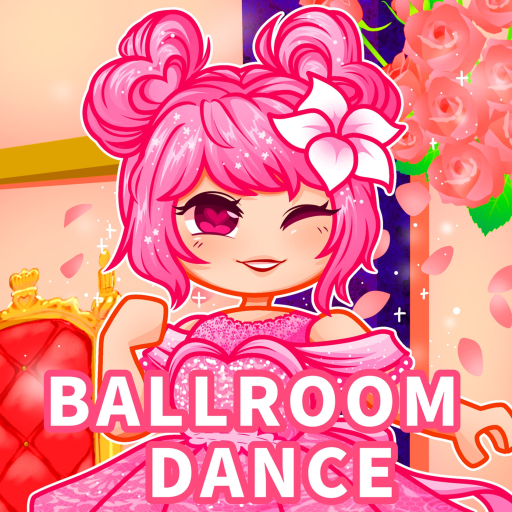 DANCE
special nametags, golden glow sticks, and 100 gems
DANCE
special nametags, golden glow sticks, and 100 gems
Using the dance group feature
Step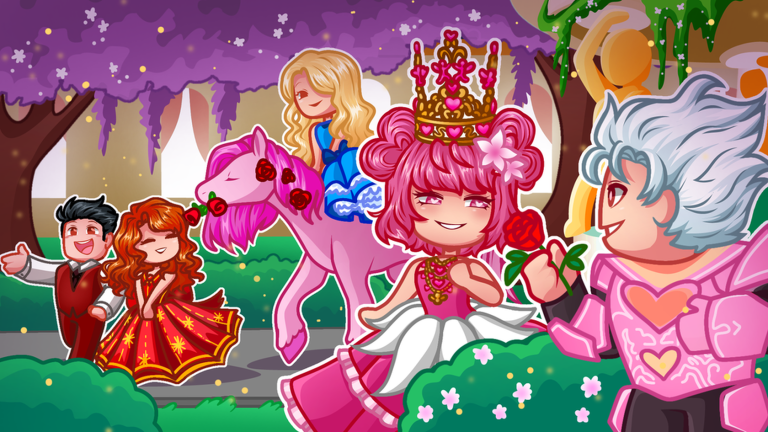
The dance group feature is one of the biggest reasons to play with friends. When everyone in a group picks the same dance, the movements sync up together. Coordinating outfits on top of that adds another layer of fun.
- Form a group invite friends or join one already running in the server.
- Choose a dance have everyone in the group select the same one so the sync works.
- Pick a costume theme matching accessories or clothing makes the group look unified.
Playing without spending Robux
Tips
All 200-plus dances and pet raising are available without paying. Clothing and accessories have both free and paid options. Roblox Premium members earn 10% more passive and task income, but the main features do not change without it.
- All dances and poses are free to use.
- Pet raising costs nothing to start.
- Use the 100 gems from the group code to buy your first accessories.
- Roblox Premium gives a 10% passive and task income boost.
Leveling up over time
Summary
The game tracks your progress through level badges. The ladder runs from level 100 all the way to level 50,000, so there is always a next target to aim for no matter how long you have been playing.
- Level 100 first major milestone and the earliest badge you can earn.
- Level 500 shows consistent play over time.
- Level 1,000 marks serious commitment to the game.
- Level 5,000 a significant long-term achievement.
- Level 10,000 reached only by dedicated players.
- Level 50,000 the highest level badge currently in the game.
Keeping up with updates
TipsThe game receives regular updates that add new dances and items. The September 4 update added dances including Monster High, Meet My Girls, and Animal. Update notices appear inside the game, so log in after any announcement to see what is new.
- Check in-game announcements after every update to see what was added.
- New dances are added regularly, so the list of 200-plus keeps growing.
- The Hatch 2025 event showed that Ballroom Dance takes part in Roblox-wide events, so keep an eye out for future ones.
Glossary
Glossary- Gems
- The in-game currency used to buy clothing, accessories, and other items.
- Dance group
- A feature that lets multiple players join together and sync the same dance at the same time.
- Redeem code
- A code you enter inside the game to claim free gems or items, usable once per account.
- Roblox Premium
- A paid Roblox membership that gives you 10% more passive and task income in this game.
- Nametag
- A cosmetic label displayed above your character, obtainable free through the group code.
Common questions
FAQWhat should I do first when I start playing?
Join the official group and redeem the group code to collect 100 free gems, nametags, and golden glow sticks. After that, browse the dance list, grab a pet, and start experimenting with outfits.
Do I need to spend Robux to enjoy the game?
No. All dances, pet raising, and a wide range of clothing options are free. The group code gives you starting gems, and Roblox Premium only adds a 10% passive and task income boost — the main content stays the same without it.
How do I play with friends?
Use the dance group feature to invite friends or join their group. Pick the same dance so your movements sync up, and try coordinating outfits for extra fun.
How high can my level go?
The highest level badge in the game is level 50,000. Levels 100, 500, 1,000, 5,000, and 10,000 each have their own badge too.
Game updates can change what is on this page. If you spot something, get in touch and let us know.
