
Infinite Keyboard Tower — Controls and your first climb
About
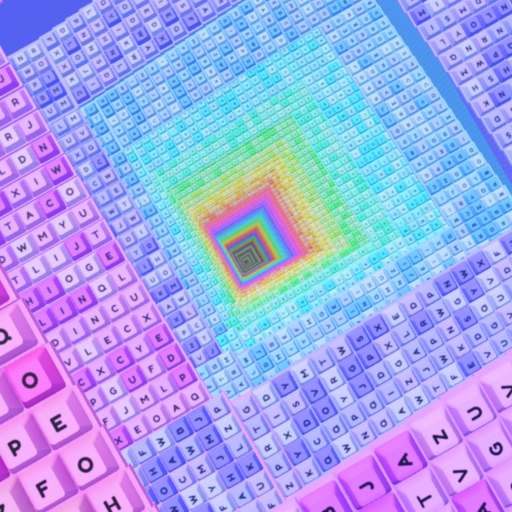
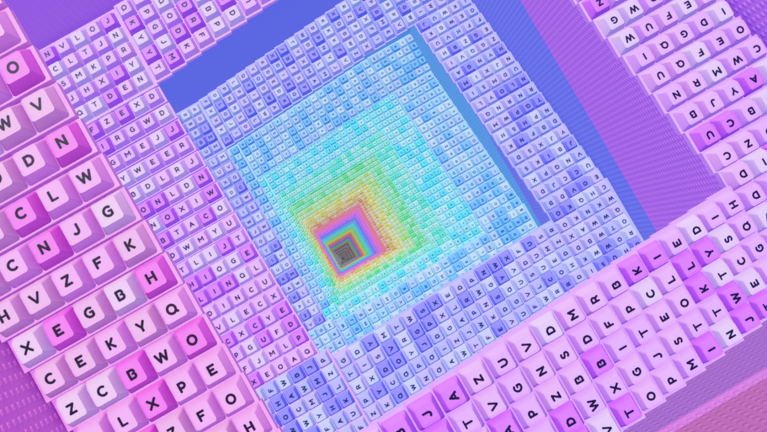
OverviewInfinite Keyboard Tower is a Roblox climbing game where you use your keyboard to move up a tower, earning coins with every step along the way. This guide covers controls, how to spend your coins, and what to work toward as you keep climbing.
What is on this page
Contents
Controls and your first climb
Step
You start at the bottom of the tower and work your way up. Every step you take earns you one coin, so just keep moving and you will build up your stash naturally.
- Pick your controls use the arrow keys or WASD to move your character.
- Start climbing head upward through the tower from the moment the game loads.
- Collect coins one coin drops into your total automatically for every step you take.
- Reach the top finishing the tower triggers a special surprise, so push all the way up.
Ways to spend your coins
Tips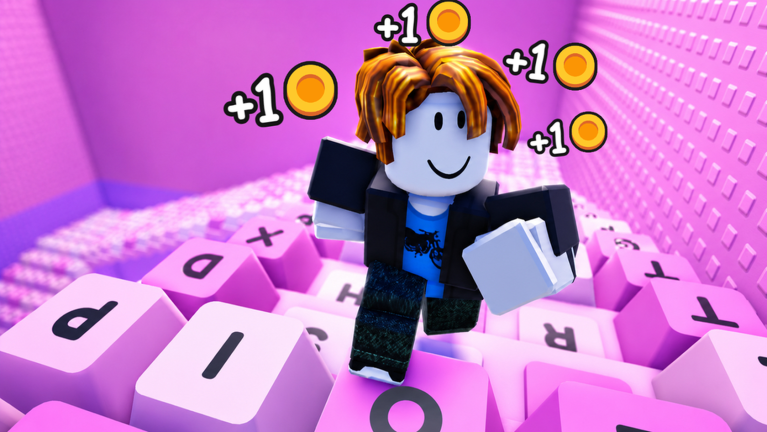
Coins you collect while climbing can be put toward several things.
- Buy cool items from the shop to customize your experience.
- Invest in movement speed so you climb faster.
- Use coins to troll other players if you want a more chaotic run.
The 10-clear milestone
Summary
There is no purchase required — just clear the tower ten times and the reward unlocks automatically.
- Goal finish the tower ten times
- Reward free permanent Admin
- Effect move through the game world with more freedom than a regular player
Glossary
Glossary- Tower
- The tall structure you climb from bottom to top — it is the entire playing field of the game.
- Permanent Admin
- A free reward unlocked after finishing the tower ten times that lets you move through the game more freely than a normal player.
Common questions
FAQHow do I control my character?
Use the arrow keys or WASD to move. Every step you take automatically adds one coin to your total, so movement and earning happen at the same time.
What happens when I finish the tower?
Completing a run triggers a special surprise. Keep clearing the tower, and after ten completions you also unlock free permanent Admin.
Can I play with friends?
Yes — each room supports up to 25 players at once, so you and your friends can climb together.
Game updates can change what is on this page. If you spot something, get in touch and let us know.
