
Pixel Z Guide: Getting started with the tutorial
About
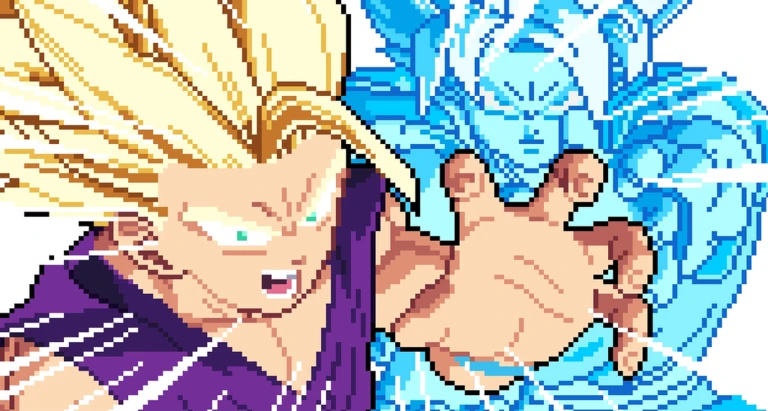
OverviewPixel Z is a fast 2D pixel-art fighting game on Roblox where you pick one of 40+ fighters and battle using combos, ki charges, transformations, and cinematic Ultimate moves. You can fight the CPU to practice or jump into online matches to climb the global ELO leaderboard.
What is on this page
Contents
Player notes and tips
Found a useful trick? Share it with everyone! Notes with screenshots are welcome!
Write a guide note
Pixel Z [SKINS!]
Getting started with the tutorial
Step
When you first load in, the game automatically shows you a tutorial that covers all the basics. If you ever forget a move later, you can look it up without leaving a match. On the character select screen, check the OWNED filter to see only the fighters you have already unlocked — any fighter showing a lock icon is not yet available.
- Follow the tutorial
it launches automatically and walks you through every action you need to know.
- Open the move list
press P to pause, then select List of Movements to see every technique in one place.
- Check OWNED
on the character select screen, switch to OWNED so you only see fighters you can actually pick; locked fighters cannot be selected.
- Pick a fighter
once the controls feel comfortable, choose the fighter you want to start with.
MetaNew Player Survey

The next survey is being prepared.
Core controls and how attacks work
Summary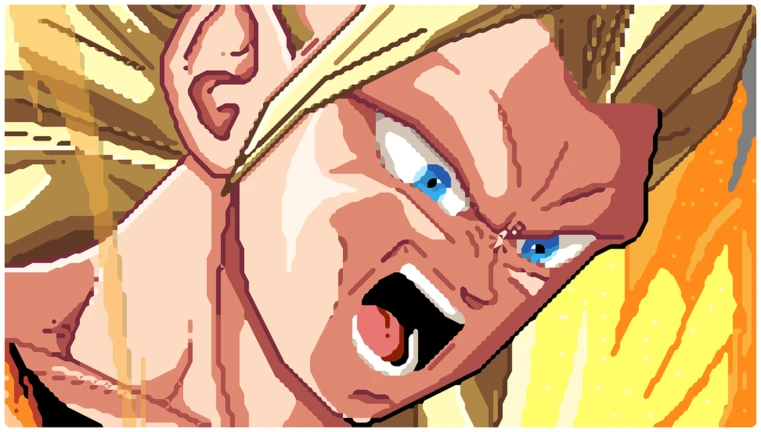
Movement and attacking use separate keys, so it is worth memorising them before your first online match.
- Move / Jump
W A S D
- Dash
Space
- Light attack
U
- Medium attack
I
- Heavy attack
O
- Charge ki
hold H
- Guard
L
- Special move
hold a direction and press J, or hold Q and press J
- Dragon Rush
E (costs ki)
- Transform
T
- Ultimate
K (requires enough ki)
- Pause / move list
P
Transformations and Ultimate moves
Step
The Ultimate includes a cinematic finish sequence when it connects.
- Build ki
hold H until you have enough stored for the move you want to use.
- Transform with T
your attacks become stronger while transformed.
- Fire the Ultimate with K
this delivers a cinematic finishing blow and requires sufficient ki.
CPU practice versus online ranked play
Table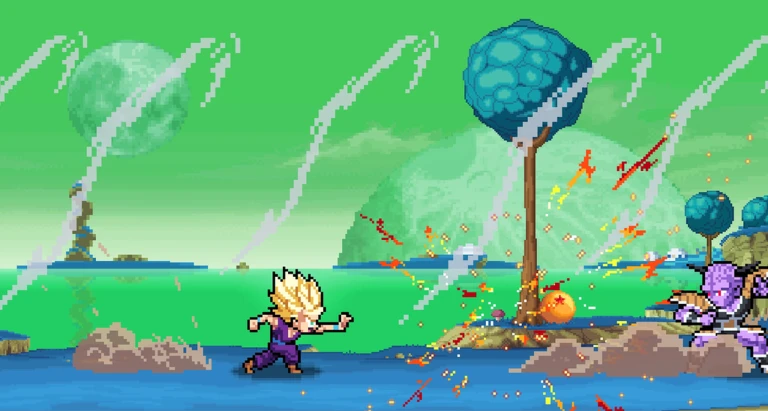
Both modes are available from the start. Online rooms support up to 100 players at once.
| CPU mode | a solo practice option. |
| Online mode | live matches that affect your global ELO rating and Wins leaderboard position. |
| Room size | up to 100 players can share one room online. |
| Leaderboards | separate rankings exist for global ELO and total wins. |
Unlocking more fighters
CheckThere are more than 40 fighters in total. Opening booster packs is how you add new ones to your roster, with each pack giving you a random fighter.
- Open booster packs in-game to receive fighters at random from the full roster.
- Use the OWNED filter on the character select screen to see which fighters you already have.
- Locked fighters show a lock icon and cannot be selected until you unlock them.
 25KLETSGO
a pack and 400 coins
15KOMG
a pack and 400 coins
20KTHX
a pack and 400 coins
Platform and input options
CheckThe controls listed throughout this guide are keyboard keys, but the game is also playable on other devices.
- Controller is fully supported as an alternative input.
- Phone and tablet are both playable.
Glossary
Glossary- Ki
- The energy resource you charge by holding H; it powers Dragon Rush, Special moves, Transformation, and the Ultimate.
- Combo
- A chain of light, medium, and heavy attacks strung together.
- Dragon Rush
- A powerful ki-consuming attack triggered with the E key.
- Transform
- A power-up activated with T that strengthens your attacks.
- Ultimate
- A move triggered with K when you have enough ki, featuring a cinematic finishing animation.
- ELO
- A numerical ranking updated by online match results.
- Booster Pack
- An in-game pack you open to receive a random fighter from the roster of 40+.
- OWNED
- A filter on the character select screen that shows only the fighters you have already unlocked; any fighter with a lock icon is not yet available.
Common questions
FAQHow do I learn the controls without looking everything up?
The built-in tutorial appears automatically when you start and covers every action. If you need a reminder later, press P to pause and open the List of Movements.
Can I play on my phone or with a controller?
Yes — the game supports phone, tablet, and controller in addition to keyboard.
How do I get more fighters?
Open booster packs in-game to unlock fighters at random. There are more than 40 fighters in total.
What is the difference between CPU and online mode?
CPU mode lets you practice freely. Online mode puts you against real players and changes your ELO rating based on whether you win or lose.
How do I use Transformation and the Ultimate effectively?
Press T to transform — your attacks become stronger while transformed. Once you have enough ki, press K to fire the Ultimate, which ends with a cinematic finishing sequence.
Game updates can change what is on this page. If you spot something, get in touch and let us know.
