
starving artists Guide: Getting your first art listed
About
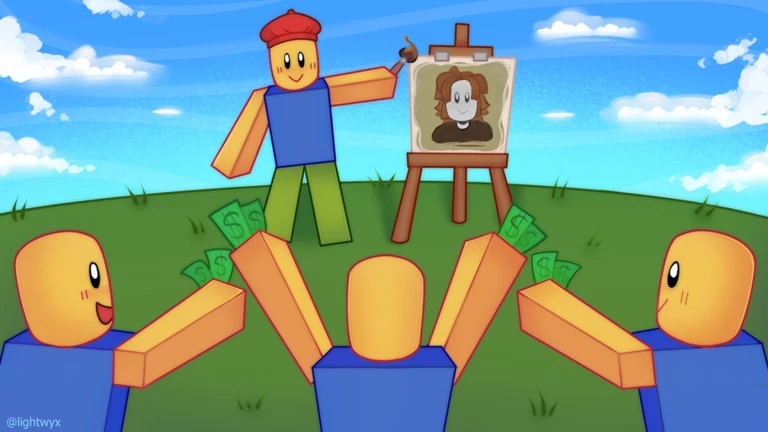
OverviewStarving Artists is a Roblox game where you create art, list it for sale, and earn Robux whenever another player buys it. Buyers can keep what they purchase or resell it later, so good art keeps moving.
What is on this page
Contents
Player notes and tips
Found a useful trick? Share it with everyone! Notes with screenshots are welcome!
Write a guide note
starving artists (DONATION GAME)
Getting your first art listed
Step
Selling in Starving Artists starts outside the game. You first create a t-shirt using the Roblox developer page linked in the game description, then wait for Roblox to approve it before the game can use it.
- Open the developer page
use the link in the game's description to reach the Roblox t-shirt creation tool.
- Upload your design
choose any image you want to use and complete the t-shirt creation process.
- Wait for approval
Roblox reviews the upload before it becomes available.
- Open the game and register your art
once approved, link the t-shirt to your in-game shop.
- Set your price
you decide exactly how much to charge.
MetaNew Player Survey

The next survey is being prepared.
How Robux earnings reach you
WarnWhen a player buys your art, the sale is processed and the Robux is sent to your Roblox account. The game is upfront that this transfer can take as long as a week.
Buying art from other players
SummaryYou are not limited to selling your own work. Any player can browse and buy art from other artists in the game, and anything you purchase goes into your inventory.
- Storage
purchased art sits in your in-game inventory until you choose to resell it or keep it.
- Resale
you can list a painting you bought back in the game at whatever price you set.
When your art is not selling
CheckGo through these checks before deciding to start over with a new piece.
- Confirm Roblox has approved the upload art that is still under review will not appear in the game.
- Compare your price to similar work.
- Look at your design honestly does it stand out from everything else on the page, or does it blend in?
- Try a completely different theme or style if nothing else has worked.
Joining the official group
TipsThe game description points to an official Roblox group. Membership costs nothing.
- Join through the link in the game's description
membership is free.
- The developers have promised a special surprise for group members.
Glossary
Glossary- Robux
- Roblox's virtual currency, which is what you earn when another player buys your art.
- T-shirt
- The type of item you create on the Roblox developer page and then link to your in-game art listing.
- Inventory
- The personal storage space where purchased art is kept until the owner decides to resell it or hold onto it.
- Approval
- The review Roblox runs on any uploaded design before it can appear in-game; it must pass before your listing goes live.
Common questions
FAQCan I sell the same painting more than once?
No. Once a player buys your art, the painting moves to their inventory. Only they can choose to resell it. To sell again yourself, you need to upload a new piece.
How do I know if my art has sold?
Robux from a sale can take up to a week to show up in your Roblox account after the sale goes through.
Do I need to spend Robux to play?
No. The whole point of the game is to earn Robux by selling art, so you do not need to spend anything to participate as a seller.
What should I charge for my art?
The price is entirely up to you.
Game updates can change what is on this page. If you spot something, get in touch and let us know.
