
Disaster Janitor Guide: The basic cleanup loop
About
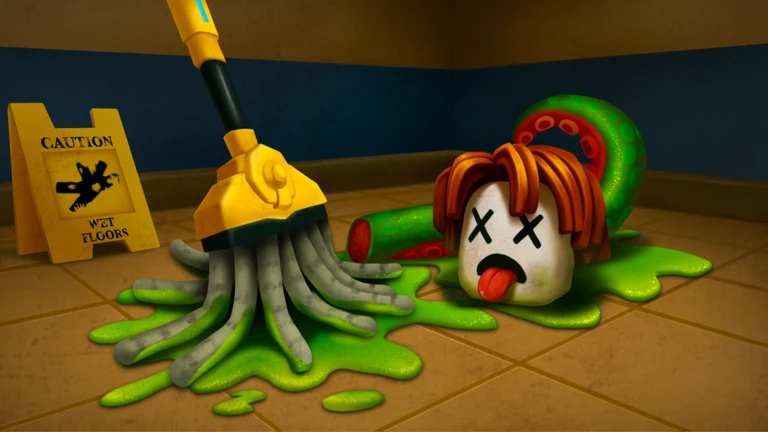
OverviewDisaster Janitor puts you in the role of a cleaner working through disaster sites, scrubbing filth and hauling waste while pests lurk in the mess. This guide covers the core cleanup loop, how contamination works, dealing with pests, and what to expect from each shift.
What is on this page
Contents
Player notes and tips
Found a useful trick? Share it with everyone! Notes with screenshots are welcome!
Write a guide note
Disaster Janitor 🧽
The basic cleanup loop
Step
Each shift drops you into a disaster site with tools in your inventory and work to do.
- Equip your tools open your inventory and select a mop or any other tool.
- Scrub the site use your mop on splatters and graffiti scattered across the map to clean them off.
- Fill the bins pick up waste from the floor and place it into bins until they are full.
- Incinerate for cash burn the full bins to earn money, then spend that money on better locker tools.
MetaNew Player Survey

The next survey is being prepared.
Contamination and why it ends your shift
WarnThe contamination level climbs on its own the whole time you are playing. Pest hits make it spike even faster.
Handling pests and crawlers
TipsPests and pathogens can be dormant inside the mess you are cleaning. Disturbing a dirty area can wake them, and crawlers can be lurking without warning. Use weapons to take them out.
- Pests and pathogens can wake up when you disturb contaminated areas.
- Crawlers lurk in the environment.
- Use a weapon to take out any pest that activates.
What changes every shift
TipsThe placement of waste, splatters, graffiti, and other content is procedurally generated at the start of every shift. The mop has physics-based bristles that move with your actions.
- Waste and content are placed differently every single shift.
- The mop bristles flop and move.
Glossary
Glossary- Splatter
- Scattered contamination on the map that you remove by scrubbing with your mop.
- Graffiti
- Markings found on the map that count as contamination and must be mopped off.
- Contamination level
- A rising meter that tracks how dirty the site is; if it maxes out, your shift ends.
- Locker tools
- Equipment you buy with in-game money.
- Shift
- One complete play session in a procedurally generated disaster site.
- Crawler
- A type of pest that lurks in the environment and must be taken out with a weapon.
Common questions
FAQWhat ends a shift early?
The shift ends when contamination reaches its maximum level. Contamination rises on its own the whole time, and pest hits spike it further.
What do I do when a pest wakes up?
Use a weapon to take the pest out. Pests and pathogens can wake when you disturb dirty areas, and crawlers can appear at any time.
Does the same map repeat?
No. Waste and content placement is procedurally generated at the start of every shift, so the layout is different each time you play.
Is there anything that exploits will get me?
Using exploits results in a permanent ban from the game, and any detected alternate accounts are banned as well.
Game updates can change what is on this page. If you spot something, get in touch and let us know.
