
Age of Titans — Controls for PC and controller
About
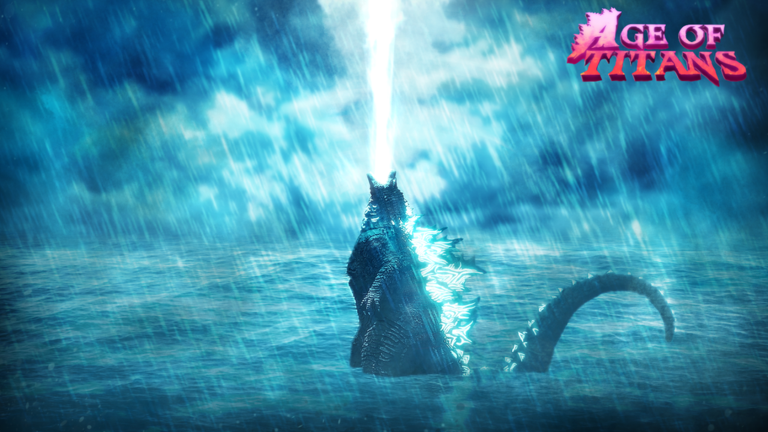
OverviewAge of Titans is a free-to-play PvP open-world game on Roblox where you control legendary kaiju, fight other players, and master unique abilities and ultimates. This guide covers controls, early play, combat tactics, skins, shards, and redeem codes so you can get into the action without getting stuck.
What is on this page
Contents
Controls for PC and controller
Table
The game supports both PC and controller, and the inputs differ between them, so check which one applies to you before your first match. PC also has Auto Run on Z and Control Lock on Ctrl; the controller equivalent for Control Lock is D-Pad Up.
| Abilities | PC: keys 1–5 / Controller: A, B, X, Y |
| Ultimate | PC: V / Controller: R1 |
| Light Combo | PC: Mouse1 / Controller: R2 |
| Block | PC: F / Controller: L2 (hold) |
| Sprint | PC: Shift / Controller: L3 |
| Roars | PC: R and T / Controller: D-Pad Right and Left |
Getting started in the open world
Step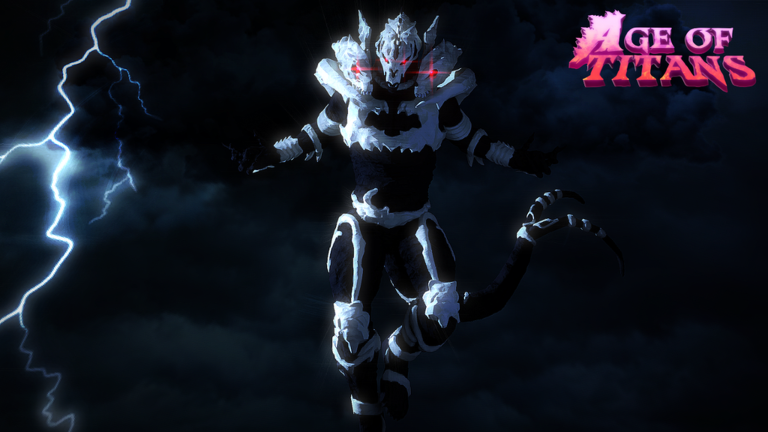
When you first drop in, take a moment to press each ability key in order so you understand what your kaiju can do. Then try the ultimate once so its timing is not a surprise mid-fight.
- Test abilities press each ability key (1–5 on PC, or A/B/X/Y on controller) and watch what each one does
- Fire the ultimate activate it with V or R1 so you know its range and timing before a real fight
- Practice blocking hold F or L2 to get the timing into muscle memory
- Use sprint to control distance Shift or L3 lets you close gaps or escape
- Explore between fights moving around the open world helps you learn the terrain
Skins and appearance
Summary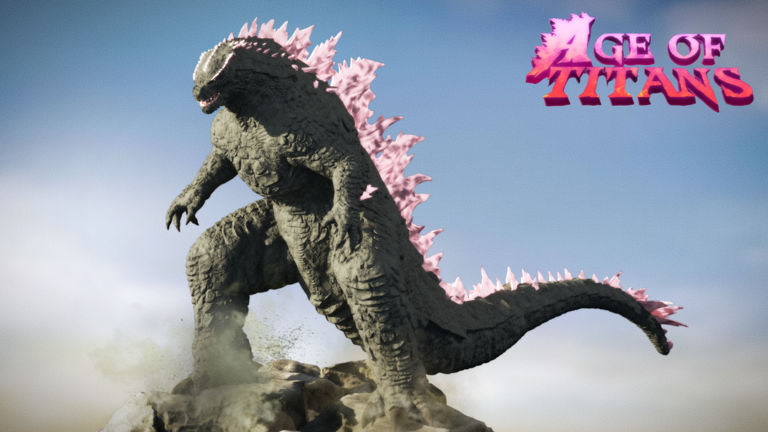
Unlocking skins is one of the ongoing goals outside of combat. You can collect multiple skins and switch between them to change your kaiju's appearance. Skins are purely cosmetic — your abilities stay the same regardless of which one you wear.
- Purpose cosmetic only, no ability changes
- Collectability multiple skins can be unlocked and swapped
- Combat effect none; skills are identical across skins
Earning and spending shards without paying
CheckShards are the reward currency you earn through playing. The game is completely free to play. Combat and redeem codes are the two main ways to build up shards. One current code alone gives 5,000 shards, but codes expire, so using them promptly matters.
- The game costs nothing to play
- Fight other players to earn shards as combat rewards
- Enter redeem codes for immediate shard bonuses one active code gives 5,000 shards
- Check official social links regularly because new codes are announced there
- Each code works once per account, so use them as soon as you find them
- There is currently one working redeem code tracked on this site
 REVAMP
5,000 Shards
REVAMP
5,000 Shards
Safety and account rules
Warn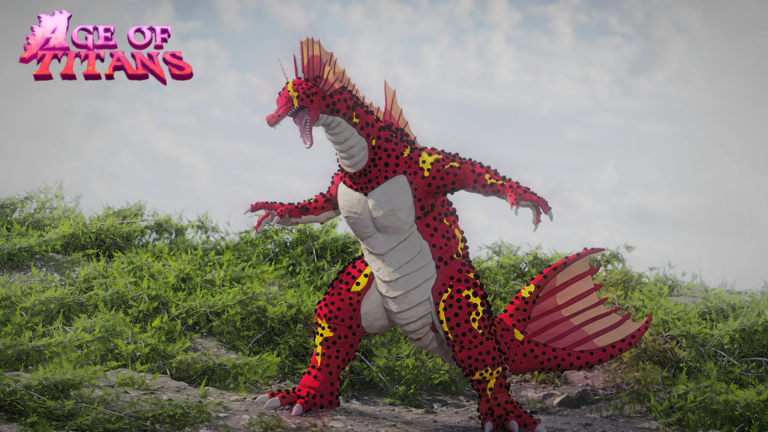
Because Age of Titans is a PvP game with an open world, strangers can engage you at any moment.
Glossary
Glossary- Kaiju
- The legendary monster characters players control in the game, each with its own set of abilities and an ultimate.
- Ability
- One of up to five skills tied to your kaiju, activated with keys 1–5 on PC or A/B/X/Y on a controller.
- Ultimate
- Your kaiju's most powerful move, triggered with V on PC or R1 on a controller.
- Block
- A defensive action that stops incoming damage, held with F on PC or L2 on a controller.
- Sprint
- A burst of speed activated with Shift on PC or L3 on a controller, useful for chasing or escaping.
- Shards
- The in-game currency earned through combat and redeem codes.
- Skin
- A cosmetic item that changes your kaiju's appearance without affecting any ability or stat.
- Light Combo
- A basic attack string activated with Mouse1 on PC or R2 on a controller.
- Roar
- A sound action triggered with R or T on PC, or D-Pad Right/Left on a controller.
Common questions
FAQIs Age of Titans actually free?
Yes, the game is completely free to play. Shards come from fighting other players and entering redeem codes.
How do I switch to a different kaiju?
Unlocking skins lets you choose different kaiju appearances. Collect skins through gameplay and swap to whichever one you want.
Where do I find redeem codes?
The developers announce codes through their official social links. Each code can only be used once per account and expires after a set period, so enter them as soon as you find them.
Can I play with a controller?
Yes, controller is fully supported. The button layout is different from PC, so check the controls section above for the exact mapping before your first session.
Game updates can change what is on this page. If you spot something, get in touch and let us know.
