
Clothing Store Simulator Guide: First steps when you load in
About
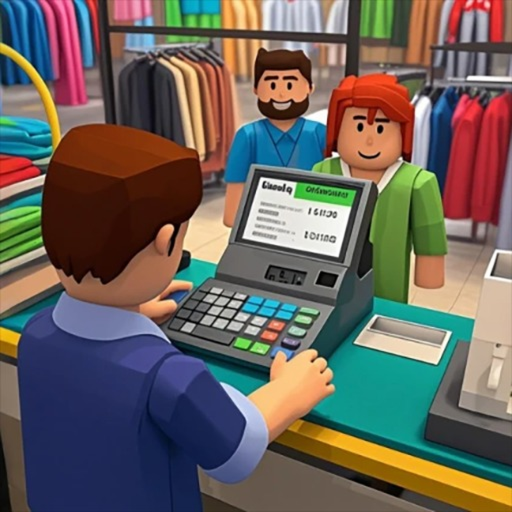
OverviewClothing Store Simulator is a tycoon game where you build and expand your own fashion shop, attracting customers and unlocking new items as your revenue grows.
What is on this page
Contents
First steps when you load in
Step
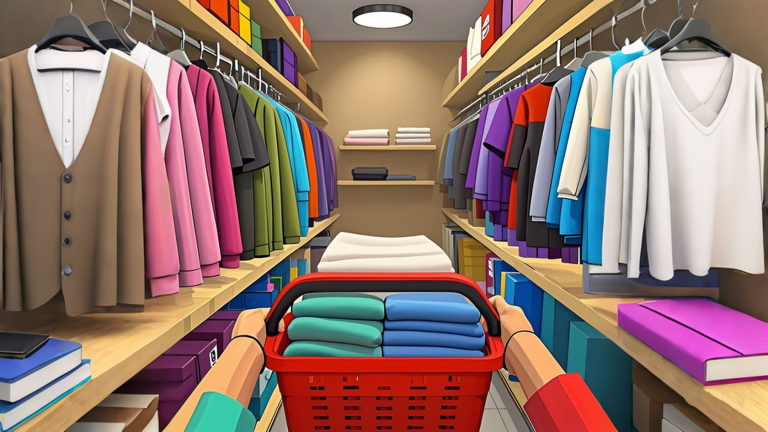
When you first load in, start by customizing your store's interior and arrangement so customers can move through it naturally. From there, begin unlocking new clothing items to grow your inventory.
- Customize the interior arrange your store so customers can move through it.
- Unlock new items add more clothing options to increase your selection.
- Expand your floor space a bigger store lets you serve more customers at once.
Keeping money flowing without spending real cash
Tips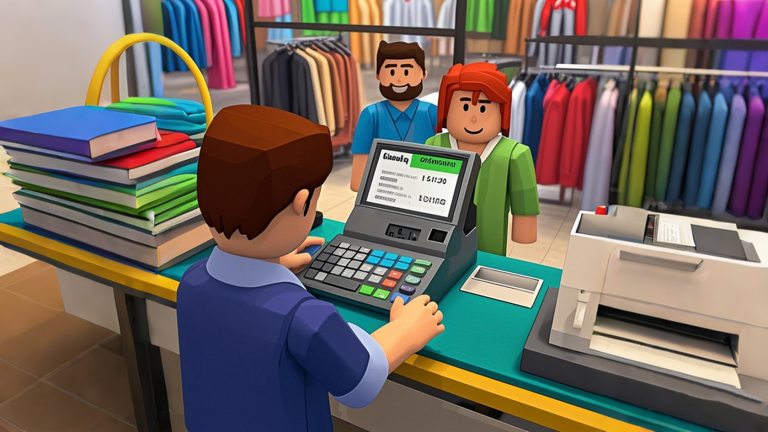
Clothing Store Simulator is fully playable without spending Robux. Every purchase a customer makes adds to your cash, and that cash is what you use to unlock items and grow the store. The paid options exist but do not block progress for free players.
- Let customers shop — each sale puts money in your pocket.
- Redeem codes — the game offers free reward codes.
- Grow at your own pace — there is no timer or penalty for taking it slow.
How redeem codes work
CheckThe game hands out codes through its official page and in-game announcements. Each code can only be used once per account, so do not sit on them. A new code is planned for release once the game reaches 80,000 likes.
- Find the code entry field inside the game menu.
- Collect your reward after the code is accepted.
- Check back regularly, since new codes drop as the game hits like milestones.
Growing your store over time
Tips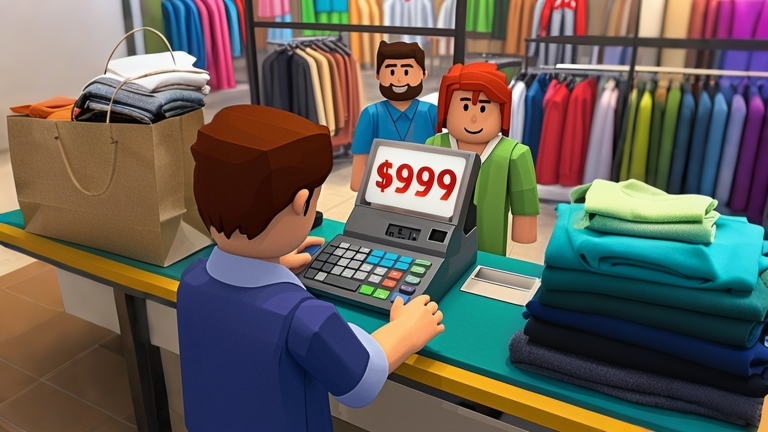
Each upgrade you make — more floor space, more products, a cleaner layout — brings in more customers.
- Widen your floor plan when funds allow so you can fit more display space.
- Add new clothing items regularly to give customers more to browse.
- Keep the walking path clear so shoppers can move through the whole store.
- Refresh your interior to keep the store feeling current.
Playing solo at your own pace
TipsClothing Store Simulator is a solo experience. You can decorate your shop as you like, wait for new items to become available, and build your store at whatever pace suits you.
- Customize your store to your own taste.
- Enjoy the steady growth as sales increase.
- Look forward to unlocking new items over time.
Glossary
Glossary- Tycoon
- A game genre where you build and manage a business, growing it from a small operation into a large one. In this game the goal is running an apparel store.
- Unlock
- Making a new item or feature available in your store by spending the in-game cash you have earned.
- Redeem code
- A short string of characters you type into the game to claim a free reward; each code works only once per account.
- Customize
- Changing the interior layout and product arrangement of your store to your own preference.
Common questions
FAQWhat do I do when I run out of money?
Keep your store stocked and let customers buy things — every sale adds to your total. Redeeming any available codes can also give you a boost.
Where do I find new codes?
Codes are announced on the game's official Roblox page and in-game.
Is this a multiplayer game?
Clothing Store Simulator is a solo experience — you run your own store at your own pace.
Do I need to spend Robux to progress?
No. The paid options exist, but everything needed to grow your store can be earned through normal sales.
Game updates can change what is on this page. If you spot something, get in touch and let us know.
