
D-DAY Guide: Getting started
About
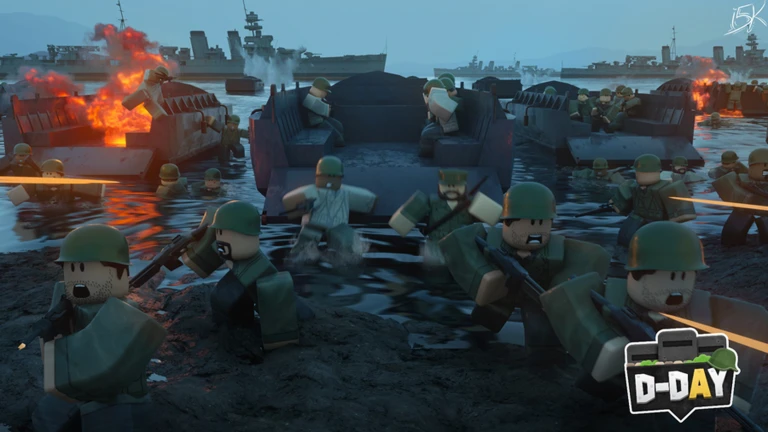
OverviewD-DAY is a team-based shooter set in World War II, where you storm beaches and fight across multiple maps inspired by real historical battles. It runs on PC, mobile, and console.
What is on this page
Contents
Getting started — what to learn first
CheckD-DAY is a team game, so knowing who you are fighting alongside matters as much as knowing how to fire.
- Basic controls confirm how to move, aim, and shoot on your platform before your first match.
- Team colours identify how your side is marked so you never shoot a teammate by accident.
- Enemy spawn points watch where opponents enter the map early in a round so you can prepare.
- Weapon variety the game offers different weapons, so take note of what you are carrying and what it does.
- Map terrain spot walls, crates, and other objects you can hide behind before the shooting starts.
Early-round tactics
Step
Your first rounds are about learning, not leading the charge. Watch what more experienced players do, stay close to them, and use the environment to protect yourself while you get comfortable with aiming.
- Stick with teammates follow a more experienced player rather than pushing into enemy territory alone.
- Watch your ammunition keep track of how many shots you have left and avoid running dry in a fight.
- Share enemy positions call out or type where you spotted enemies so your whole team benefits.
Tactics that raise your win rate
Tips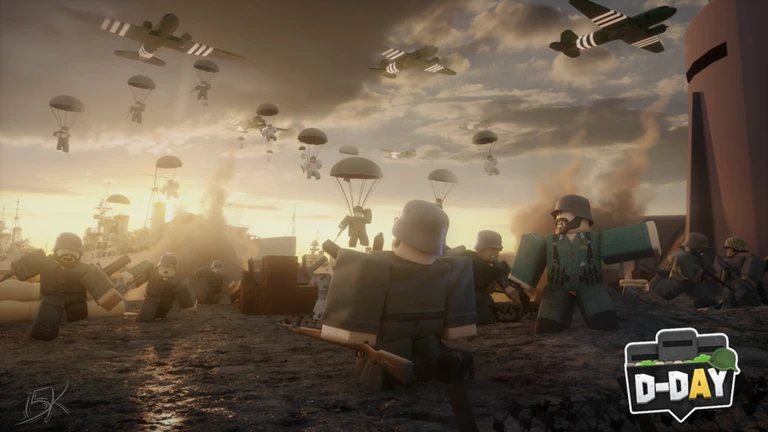
Once you have the basics down, focus on these habits during every match.
- Claim high ground — shooting downward makes you harder to hit and gives you a wider view of enemies below.
- Stay grouped — isolated enemies are easy targets, so move with teammates to create a numbers advantage.
- Replay the same map — each run teaches you where opponents like to hide and which routes they favour.
- Report enemies immediately — the moment you spot someone, tell your team before that enemy moves.
Troubleshooting a losing streak
Warn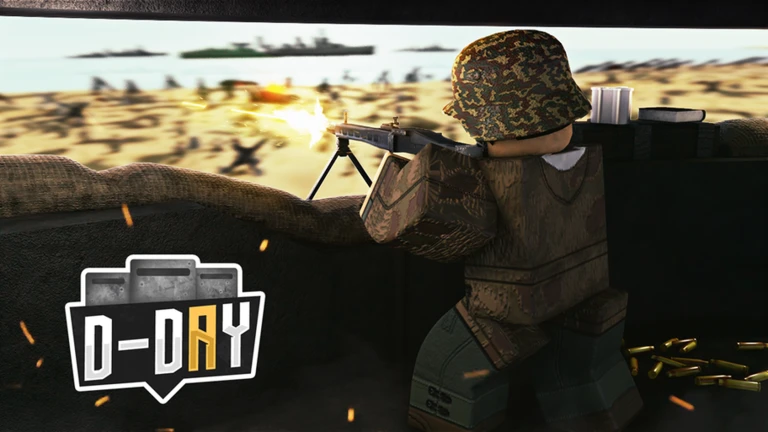
If you keep getting eliminated, run through this list before blaming your shooting. Small positioning errors cause far more deaths than poor aim, especially for newer players.
Playing on mobile
Tips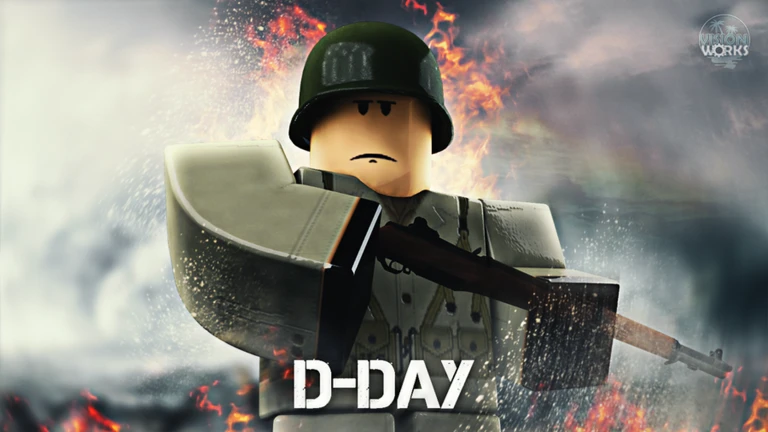
D-DAY supports mobile, but touch controls require a few adjustments to be competitive.
- Adjust your sensitivity — set it so your crosshair moves at a speed that feels natural when tracking a moving target.
- Scan the whole screen — enemies can appear near the edges, and a small screen makes them easier to miss.
- Close background apps — freeing up your device's memory keeps the game running smoothly and reduces lag.
- Consider a controller — connecting a physical controller gives you the same feel as console play.
Spending and not spending
Summary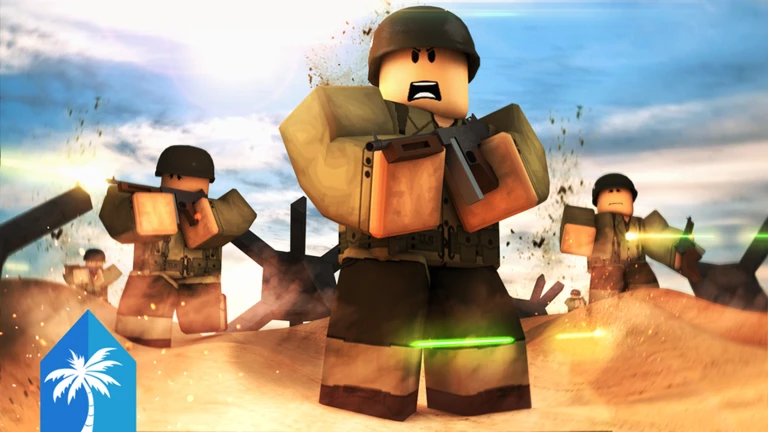
D-DAY is free to play, and the competitive side of the game does not require any purchases.
- Core gameplay free; every player can fight, win, and improve without spending anything.
- Skins paid cosmetics that change how your character looks without affecting stats or damage.
- Competitive fairness purchasing cosmetics gives no advantage in a match.
Glossary
Glossary- Cover
- Any object — a wall, crate, or building — that blocks enemy bullets and lets you shoot back more safely.
- Spawn point
- The location on the map where players or enemies enter the game at the start of a round or after being eliminated.
- High ground
- An elevated position such as a rooftop or hill that gives you a wider firing angle and makes you harder to target.
- Sensitivity
- A setting that controls how fast your view moves in response to your mouse, stick, or touch input.
- Round
- A single match from start to finish on one map.
- Skin
- A cosmetic item that changes a character's appearance without altering gameplay performance.
- PvP
- Player versus player — a format where the opponents you fight are other real people, not the computer.
Common questions
FAQWill I always face the same map, or does it change?
D-DAY includes multiple maps inspired by different historical battles, so matches do not repeat the same location every time.
Game updates can change what is on this page. If you spot something, get in touch and let us know.
