
Army Roads Guide: Getting started with the tutorial
About
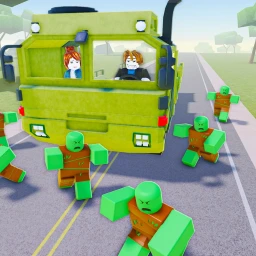
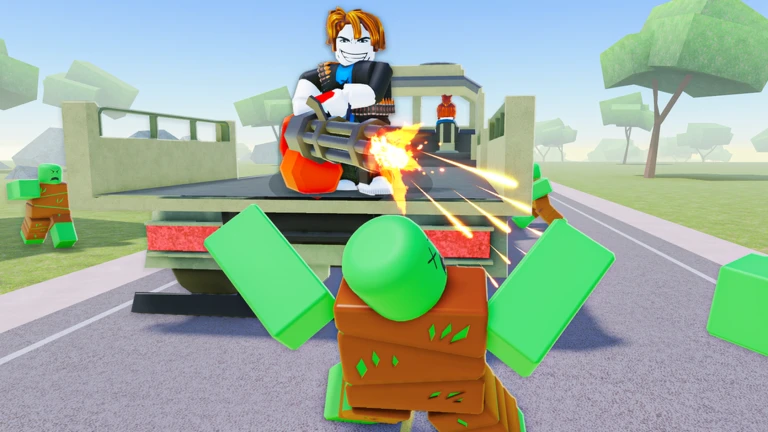
OverviewArmy Roads drops you into a zombie-overrun battlefield where your only ride is a heavily armed military truck. You will fight through waves of undead, rival factions, and rogue war machines while upgrading your truck to keep pace with tougher enemies.
What is on this page
Contents
Getting started with the tutorial
Step
When you first load in, the game walks you through its controls step by step. Take your time with each prompt instead of rushing — the tutorial covers truck movement, shooting, and dodging before it opens the main stages. Once it ends, you are ready for real combat.
- Complete the tutorial follow every on-screen prompt until the game confirms it is done.
- Practice turning and reversing these movements are what keep you alive when fire is incoming.
- Check your starting gear you receive equipment at the beginning, so look it over before your first fight.
Three enemy types and how to handle them
Tips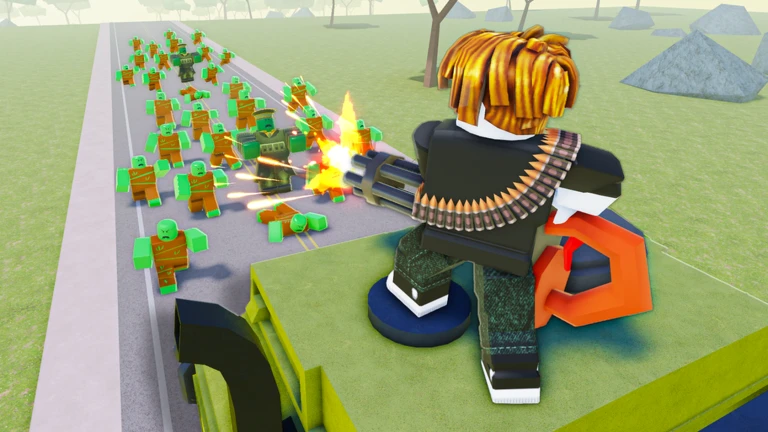
Every battle throws three kinds of threats at you: zombies, enemy faction soldiers in vehicles, and rogue war machines. Zombies come in large numbers but are individually weak. Armored enemy vehicles are tougher and require sustained fire. War machines follow set attack patterns that you can learn and exploit.
- Sweep zombie groups with high-damage weapons rather than picking individuals off one by one.
- Hammer armored enemy vehicles with continuous fire — their armor is thick enough that burst damage alone rarely finishes them.
- Watch a boss machine's pattern before committing to an attack, then alternate between striking and dodging.
- Keep a safe gap between your truck and any enemy — closing the distance makes dodging far harder.
Solo play vs. co-op
TableThe game supports both solo and cooperative play. Going solo means all rewards stay with you and you set your own pace, but tough stages can become a real grind. In co-op, players split enemy attention and clear difficult stages more reliably, though the rewards are divided among everyone in the run.
| Solo | rewards go entirely to you, and you progress at your own speed. |
| Co-op | enemies are spread across multiple players, making hard stages much more manageable. |
Glossary
Glossary- Truck
- The heavily armed military vehicle you drive and upgrade throughout the game.
- Upgrade
- Spending funds earned in battle to improve your truck's weapons, armor, or engine.
- Zombie
- An undead enemy infected by a deadly virus — weak individually but dangerous in large groups.
- Stage
- A single combat area that you clear by defeating enemies to unlock the next one.
- Co-op
- A mode where multiple players tackle the same stage together, splitting enemies and rewards.
- Loot
- The funds, experience, and items you earn by clearing stages and defeating enemies.
Common questions
FAQMy truck is too weak to beat the current stage. What should I do?
Put everything into your weapon and armor upgrades.
A boss keeps killing me no matter what I try. How do I beat it?
Bosses follow repeating attack patterns, so spend one run just watching what the machine does instead of focusing on winning. Once you can predict the pattern, you can time your attacks and dodges around it.
Game updates can change what is on this page. If you spot something, get in touch and let us know.
