
Canyon Jumping Guide: Getting started in the lobby
About
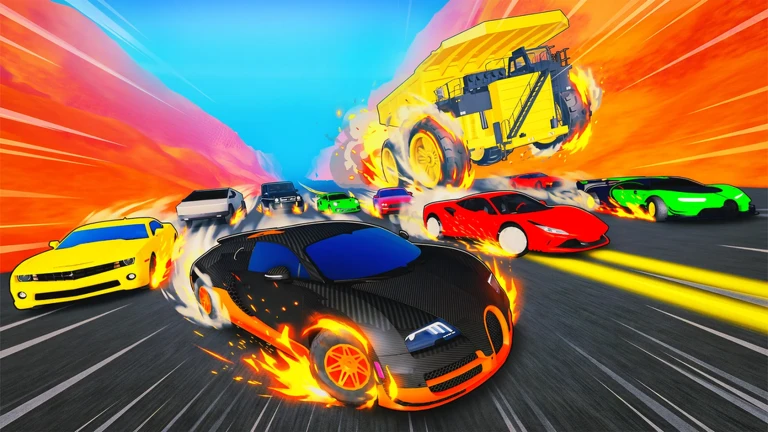
OverviewCanyon Jumping! is a Roblox driving game where you pick a car and launch it across a deadly canyon. You can race other players, pull off stunts, or blow up rival vehicles.
What is on this page
Contents
Getting started in the lobby
Step
When you first load in, you land in the lobby. From here you choose a car and then head out to the canyon stage.
- Pick a car choose whichever vehicle you like from the lobby selection.
- Move to the canyon drive into the canyon area.
MetaNew Player Survey
The next survey is being prepared.
Controls worth knowing
CheckTwo extra keys give the game a bit of personality, especially in multiplayer.
- H key triggers your car's horn.
- J key plays a police siren sound.
Racing and blowing up other cars
Summary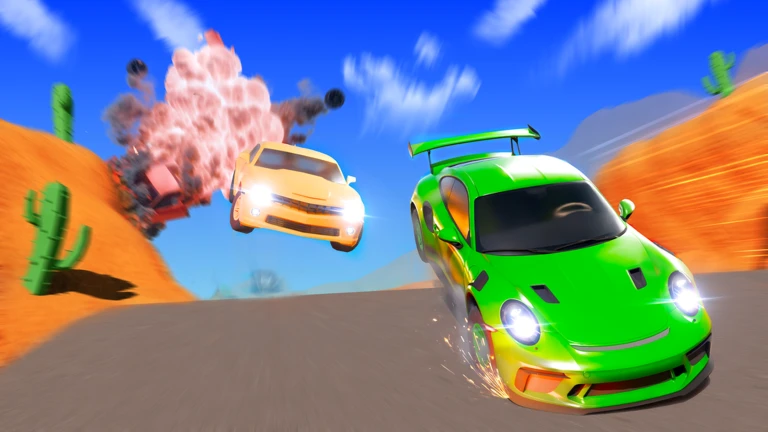
Two multiplayer activities run alongside the jumping: organised races where you compete against other players to reach the finish, and the ability to blow up other cars.
- Racing find the race start point on the map, register, and wait for the starting signal alongside other players.
- Car combat blow up other cars for an action-style twist on the canyon driving.
Glossary
Glossary- Stunt
- An aerial move that scores you a reward on success.
- Race
- A multiplayer mode where several players compete to reach the finish line first.
- Honk
- A horn sound triggered by the H key.
- Siren
- A police siren sound triggered by the J key.
Common questions
FAQCan I play this without spending Robux?
Yes. Jumping, racing, performing stunts, and blowing up other cars are all free.
How do I join a race?
Look around the map for the race start area, then register there and wait alongside the other players. The race begins once the start signal fires.
Game updates can change what is on this page. If you spot something, get in touch and let us know.
