
 Live now
–
Game guide
+1 Speed Ninja Keyboard Escape Guide: How the speed system works
Is this game fun?
No votes yet. Cast the first one.
About
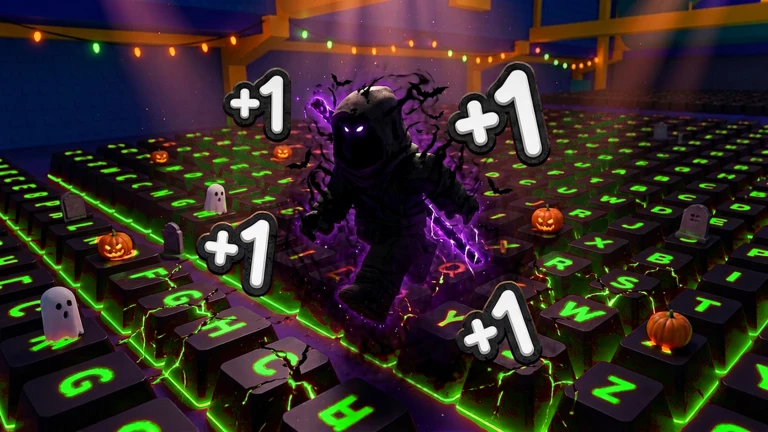
OverviewSpeed Ninja Keyboard Escape is a Roblox obstacle course built on a giant keyboard-shaped map, where every step you take makes your character move faster. This guide covers how the speed system works, how to use parkour to get through stages quicker, and what you can unlock to push your speed even further.
What is on this page
Contents
01
How the speed system works
Summary
In short
Keep moving and your speed climbs on its own.
Every time you take a step, your movement speed increases automatically. The longer you keep walking or running through the keyboard stage, the faster you get.
- Movement each step raises your speed
- Multipliers unlocking a multiplier makes your speed climb even faster than the base rate
- Goal reach the end of the keyboard-shaped stage as quickly as you can
- Ranking your speed puts you on a leaderboard against other players
✦ Player polls!
MetaNew Player Survey

The next survey is being prepared.
02
Getting started without spending Robux
CheckIn short
Every core feature — movement speed gains, stage completion, and leaderboard access — is available for free.
You do not need to spend Robux to finish the stage or to climb the rankings. The speed-gain system works for everyone from the start. Group members receive exclusive bonuses.
- The speed-gain system is available to all players at no cost
- Stage completion requires no purchase
- The ranking system is open to free players
- Group members receive exclusive bonuses
Stuck? Try a video
All* Secret *[👟X70🏆X2] +1 Speed Ninja Keyboard Escape Codes | Codes for [👟X70🏆X2] +1 Speed Ninja K
03 Live and upcoming events
Events
Events running now or coming soon. They have fixed dates, so check them first.
Live now
–
 Upcoming
–
THANKSGIVING UPDATE
 Upcoming
–
CHRISTMAS UPDATE
04
Parkour and shortcut techniques
Tips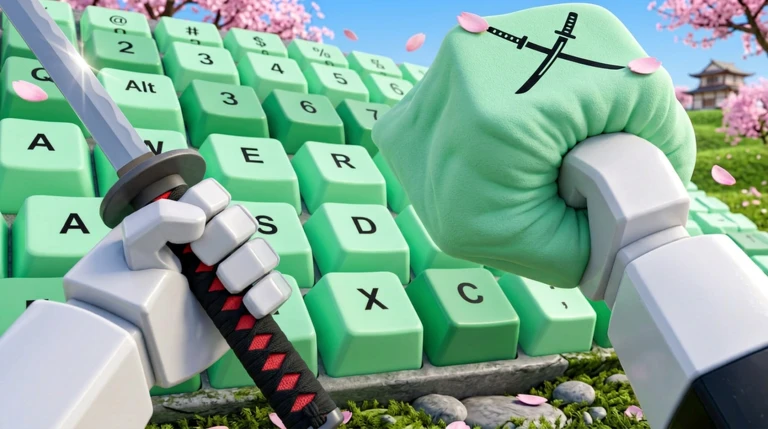
In short
Learning master jumps and shortcut routes cuts your stage time down.
The keyboard stage includes jumps, obstacles, and alternate paths. Master jumps are a more advanced form of jumping. Parkour challenges are built into the stage.
Tips worth knowing
- Practice master jumps — they open up routes a standard jump cannot reach
- Look for shortcut paths across the keyboard stage
- Use parkour challenge sections to sharpen your timing
05
Multipliers and progression
Tips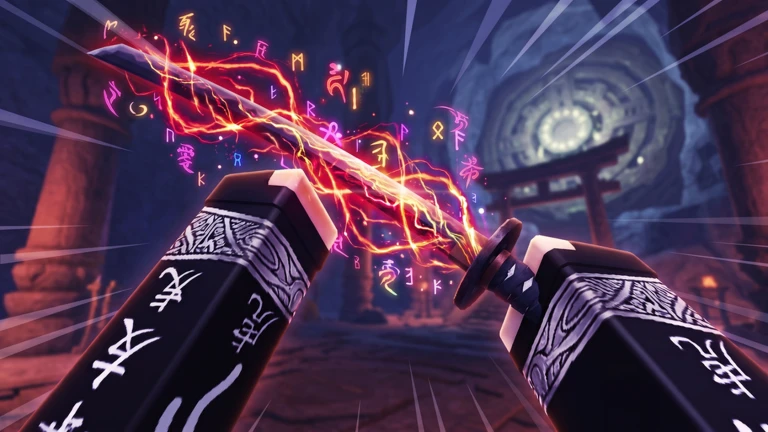
In short
Unlocking multipliers pushes your speed beyond what walking alone can achieve.
Multipliers amplify the effect of every step you take, stacking on top of the base speed gain the game already gives you.
Tips worth knowing
- Walk and run through the stage to raise your speed naturally
- Unlock a multiplier to amplify each speed gain
- Compete on the leaderboard once your multiplier is active
Community strategy ideas
CommunityThese ideas and tips come from people playing the game. Share your discoveries too!
No strategy ideas yet. Share a tip you discovered.
Share a strategy idea
[👟X70🏆X2] +1 Speed Ninja Keyboard Escape
Glossary
Glossary- Master Jump
- An advanced jump technique built into the stage.
- Multiplier
- An upgrade that amplifies your speed gain so each step increases your movement speed by more than the base amount.
- Parkour Challenge
- Built-in obstacle sections on the keyboard stage that test your ability to move over and around barriers quickly.
- Speed Runner
- A player competing to complete the stage in the shortest possible time, tracked by the in-game ranking system.
Common questions
FAQHow do I check how I rank against other players?
The game has a built-in ranking system. Your position reflects how fast you have become compared to other speed runners in the game.
Updated Sep 11, 2026
Game updates can change what is on this page. If you spot something, get in touch and let us know.
Game updates can change what is on this page. If you spot something, get in touch and let us know.
