
Don't Press The Button Furious Jumper — Getting started
About
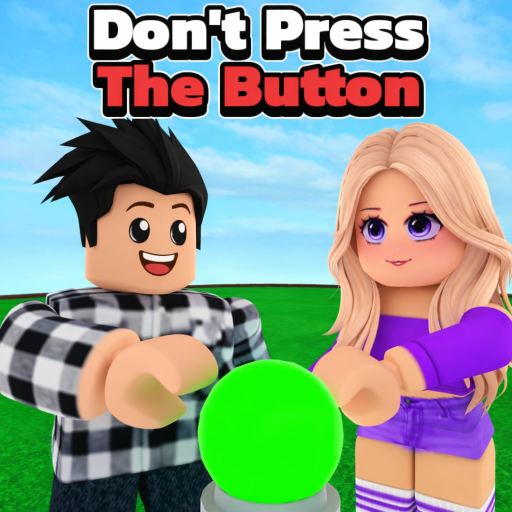
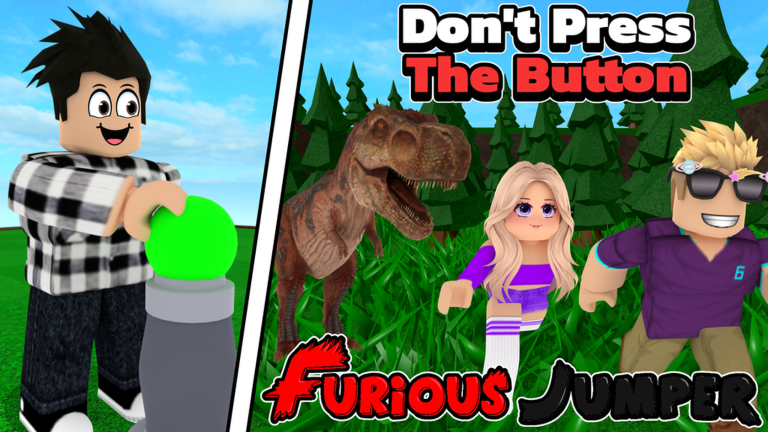
OverviewDon't Press The Button Furious Jumper is a stage-based Roblox game where every button you press sets off something unexpected — a funny moment, a tough challenge, or a situation that puts you on the back foot. This guide walks you through starting out, clearing stages, earning coins, and spending them on accessories.
What is on this page
Contents
Getting started
Step
When the game loads you land on the main menu. From there you move to the stage select screen and pick Stage 1. Inside each stage your job is to find the button and press it — what happens next is the whole point of the game.
- Open the stage select screen choose Stage 1 and enter it.
- Explore the stage look around until you spot the button.
- Press the button don't overthink it; just go for it and see what fires off.
How stages are structured
Table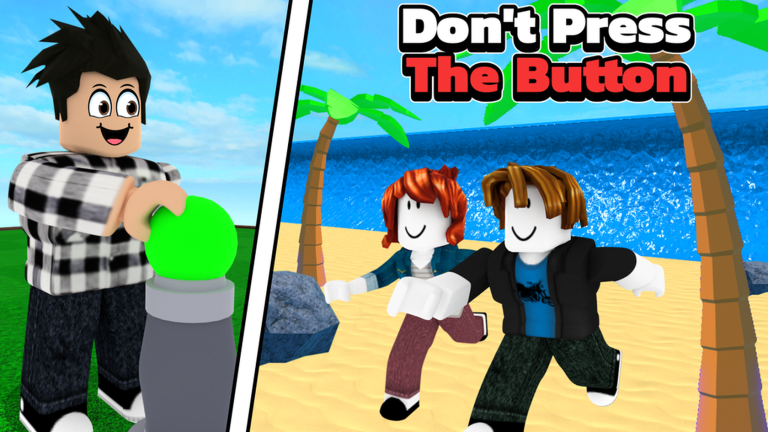
There are 70 stages in total, with more planned. Each one is its own self-contained challenge, and the buttons behave differently from stage to stage. Earlier stages are fairly straightforward; later ones involve trickier setups.
| Early stages | simpler layouts, fewer surprises to juggle. |
| Later stages | more complex mechanics and harder situations after the button fires. |
| Total stage count | 70 available now, with additions planned. |
Tips for clearing stages
TipsSome stages have more than one button, and pressing them all is worth doing. The game is built around surprise, so dying or landing in a rough spot is part of the experience — you can always restart. Playing a stage repeatedly lets you learn what each button does and react faster.
- If a stage has multiple buttons, press every one before you decide you're stuck.
- Replay the same stage a few times to figure out what each button triggers.
- Don't treat a failure as a dead end — resetting and trying again is always an option.
Warning: beta bugs and save data
Warn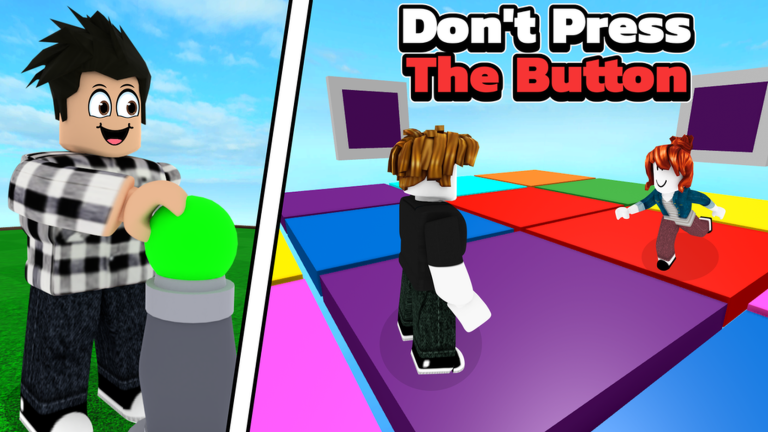
The game is openly in beta, which means unexpected errors can show up during a session. Save data can be wiped when updates are pushed. If you run into a bug, reporting it to the developer helps get it fixed.
Earning and spending coins
StepCoins drop from clearing stages. You spend them in the in-game shop on accessories that change how your character looks. Everything in the shop is reachable without spending real money — you just need to put in the stage time.
- Clear a stage collect the coins it awards when you finish.
- Open the shop from the menu browse what accessories are available.
- Purchase the accessory spend your saved coins and equip it to your character.
When you are stuck
CheckWork through these checks before giving up on a stage.
- Have you pressed every button in the stage, not just the first one you found?
- Have you replayed the stage at least once to see if the button's effect changes or follows a pattern?
- Have you tried reloading the game to rule out a bug?
- If the problem persists, have you reported it to the developer?
Glossary
Glossary- Button
- The interactive object placed in each stage that triggers an unpredictable event when pressed.
- Stage
- One of the 70 self-contained levels in the game, each built around its own button and set of surprises.
- Coins
- The in-game currency you earn by clearing stages and spend in the shop.
- Accessories
- Cosmetic items you buy with coins to customize how your character looks.
Common questions
FAQWhat happens when I press the button?
It depends on the stage. Pressing it can kick off a funny moment, throw a hard challenge at you, or drop you into a tricky situation. The whole point is that you find out by pressing it.
Do I need to spend real money to get all the accessories?
No. Every accessory in the shop can be bought with coins, and coins come from clearing stages. Playing through the game without spending anything gives you full access to the shop.
How many stages are there?
There are 70 stages right now. More are planned, so that number will grow as the game develops.
My progress disappeared after an update. Is that normal?
It can happen. The game is in beta, and updates sometimes wipe save data. If it happens, the best you can do is start again and report the issue to the developer.
Game updates can change what is on this page. If you spot something, get in touch and let us know.
