
Piano Tiles Rush — Core rules before you play a single note

About
OverviewPiano Tiles Rush is a rhythm game on Roblox where black tiles fall down the screen and you have to tap them in time to keep the music playing. The game offers three difficulty levels, head-to-head battles, and leaderboard competition. This guide covers the core rules, how to improve, and what to do when you get stuck.
What is on this page
Contents
Core rules before you play a single note
Check
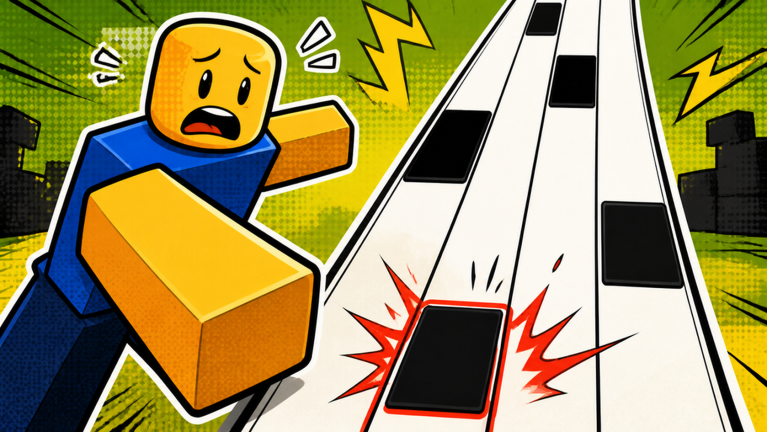
The whole game comes down to one idea: only ever touch the black tiles. Two specific mistakes cause instant game over, so knowing them before your first attempt saves a lot of frustration.
- Tap each black tile as it falls missing one stops the music and ends your run.
- For slide tiles, press and hold without lifting your finger until the tile finishes scrolling.
- Never tap a white space touching the white area is an immediate game over, no matter how well you were doing.
Picking the right difficulty
Step
Each difficulty level is its own badge you can earn.
- Start on Easy get comfortable with the tap timing and the slide tile mechanic before anything else.
- Move to Normal once you can finish an Easy song cleanly.
- Attempt Hard this level demands fast fingers and precise timing.
Customizing your tiles and piano
Summary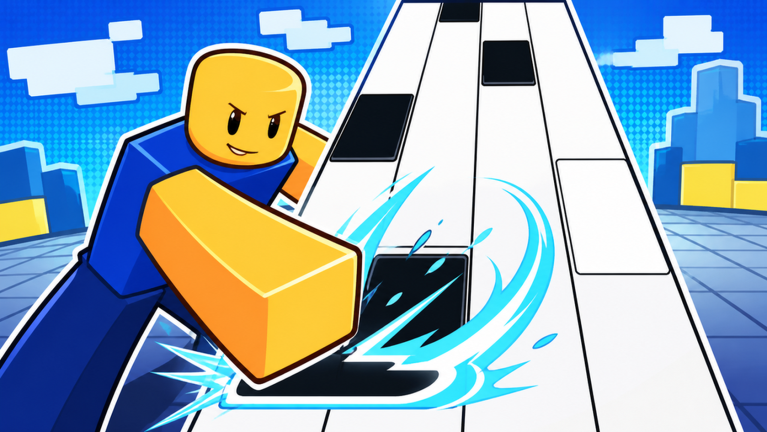
The game lets you change two visual elements. Neither one affects your score or how tiles fall.
- Tile style changes the look of the black tiles that fall during a song.
- Piano style changes the appearance of the piano shown on screen while you play.
Glossary
Glossary- Slide tile
- A special tile that requires you to press and hold without lifting your finger, unlike a regular tap tile.
- XP
- Experience points earned by completing songs; accumulate enough and your player level goes up.
- 1v1 battle
- A mode where two players play the same song simultaneously and the higher score wins.
- Leaderboard
- A ranked list that shows players ordered by their highest scores.
- Note chart
- A fan-created arrangement that maps out exactly when tiles fall during a particular song.
Common questions
FAQWhat causes a game over?
Two things end your run: missing a black tile entirely, or tapping a white space. Keep your taps strictly on the black tiles and hold slide tiles until they finish to avoid both.
Which difficulty should a new player start on?
Start on Easy. Move to Normal once you can finish Easy songs, then try Hard when Normal feels comfortable.
Can I play on my phone and on a computer?
Yes — the game is built for both mobile and PC.
Will more songs be added?
The game is currently in beta, and more songs, modes, and customization options are on the way.
Game updates can change what is on this page. If you spot something, get in touch and let us know.
