
Throwing Simulator — First steps when you join
About
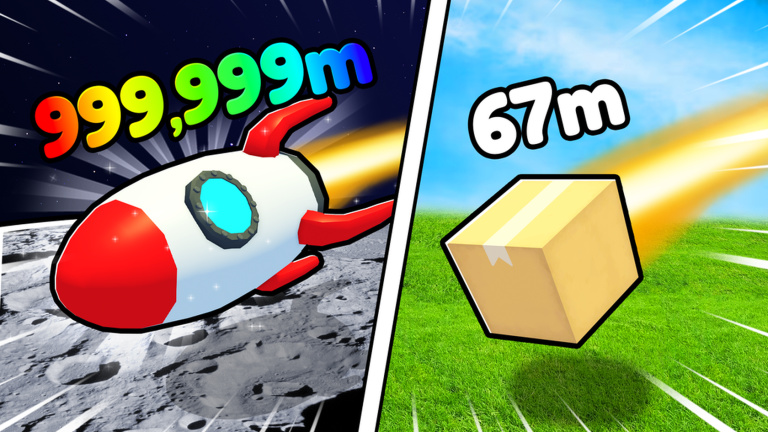
OverviewThrowing Simulator is a Roblox game where you launch items as far as you can to earn money, then spend that money on training and better items to throw even further. This guide walks you through getting started, boosting your distance, collecting pets, and redeeming codes.
What is on this page
Contents
First steps when you join
Step
Before you throw anything, open the Shop and grab your free items from the Codes section. Once you have those, the basic loop is simple: throw, earn money, spend it on training, repeat.
- Go to Codes scroll to the very bottom of the Shop menu to find the Codes field.
- Redeem a code type a code exactly as written and press the Redeem button to collect free Potions and Enchant Gems.
- Throw your item head out to the field, launch your item, and collect the money you earn from the distance.
- Spend on training put that money into training to raise your power.
Three things that decide your throwing distance
Table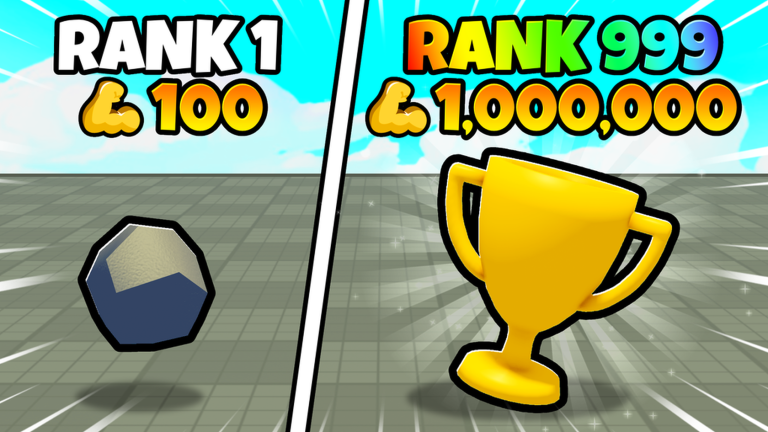
Distance comes from three separate sources working together.
| Power | raised by spending money on training; the foundation of every throw. |
| Item | heavier and more outrageous items travel further, so upgrade your throwing item whenever you can afford one. |
| Enchantments | apply Enchant Gems to your throwing item early to boost your baseline distance from the start. |
Pets and why they matter
Summary
Pets come from hatching eggs, and the rarer the pet, the bigger the strength boost it brings. Building up your pet collection also helps you climb the leaderboards.
- Source hatch eggs to get pets, just like a gacha system.
- Rarity higher-rarity pets carry stronger abilities than common ones.
- Goal a strong pet collection is one of the clearest routes to leaderboard dominance.
Redeeming codes step by step
StepCodes expire and each one can only be used once, so enter them carefully. As of October 7, 2026, there are twelve working codes tracked for this game.
- Open the Shop tap the Shop icon on the left of your screen.
- Find Codes scroll all the way to the bottom of the Shop menu.
- Enter the code type it exactly, matching uppercase and lowercase letters, then press Redeem.
- Collect your reward Potions and Enchant Gems are added to your inventory immediately.
 update10
Free Potion
SONIC
This code credits your account with the free pet .
1mevent
update3
250 Essence , 1 Money Potion , 1 Strength Potion , and 1 Luck Potion III
update10
Free Potion
SONIC
This code credits your account with the free pet .
1mevent
update3
250 Essence , 1 Money Potion , 1 Strength Potion , and 1 Luck Potion III
Things to avoid
Warn
A few bad habits can ruin your progress or put your account at risk.
Glossary
Glossary- Enchant Gem
- An item you apply to your throwing item to boost its base distance.
- Hatching
- The process of opening an egg to receive a pet, with rarer results giving stronger abilities.
- Leaderboard
- An in-game ranking screen that shows how players compare.
- Redeem
- The button you press after entering a code to claim your free reward.
Common questions
FAQCan you play without spending Robux?
Yes, the game is designed so free players can enjoy it fully. Codes give you Potions and Enchant Gems at no cost, which helps a lot in the early game. The only premium perk is a ten percent luck bonus.
Why is my code showing an error?
Codes are case-sensitive, so even one wrong letter will cause an error. It is also possible the code has already expired, since codes have a time limit and stop working after it passes.
Does having Premium on Roblox help in this game?
Premium members get a ten percent luck bonus. It is a small bonus rather than something essential to progress.
Game updates can change what is on this page. If you spot something, get in touch and let us know.
