
Drift Universe Guide: Controls to learn before you hit the track

About
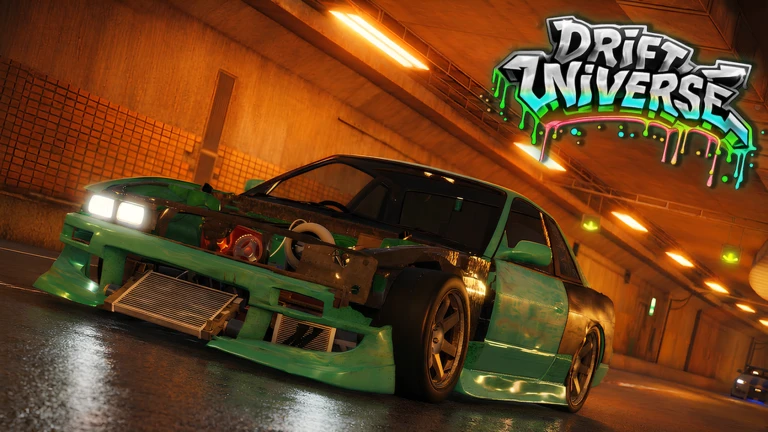
OverviewDrift Universe is a drifting car game by CC Team where you can do tandems, wall taps, races, and drift battles with friends. This guide covers the controls you need to know, how to pull off clean drifts, secrets and badges hidden around the map, and a few things to watch out for as a beta player.
What is on this page
Contents
Controls to learn before you hit the track
Check
Every action in Drift Universe is keyboard-driven, so it pays to run through the full control list before you start a session. The handbrake and gear keys are especially important — without them, proper drifting is nearly impossible.
- W, A, S, D move your car forward, left, backward, and right
- E shift gear up; Q — shift gear down
- P handbrake, the key that starts a drift
- T toggle Traction Control System (TCS) on or off
- H turn your headlights on or off
- Shift + C enter free-camera mode to look around the map
MetaNew Player Survey
The next survey is being prepared.
Drifting with other players
Tips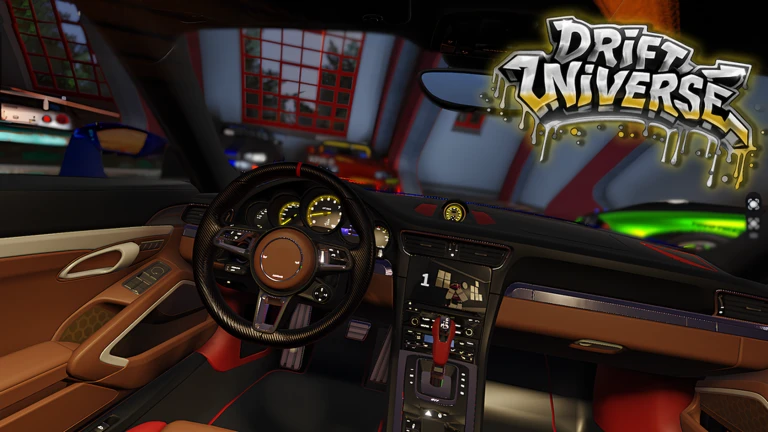
Drift Universe is built around playing with friends, so two of its headline modes only make sense in a group.
- Tandem drifting means running side by side with another car while matching each other's line through corners.
- Drift battles are head-to-head competitions where both drivers are trying to out-style the other.
- Wall taps involve brushing the car against a wall to adjust your drift angle or direction.
Badges and secrets on the map
Tips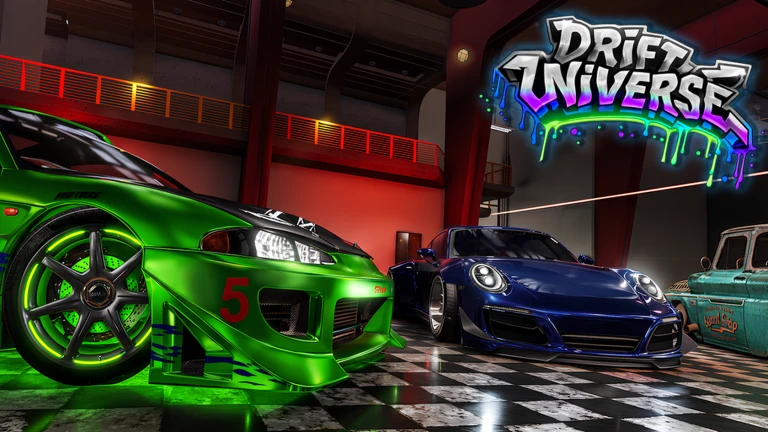
There are eleven badges to collect. Some reward exploration, others ask you to interact with objects or characters a set number of times.
- There is a hidden area somewhere on the map — finding it earns the 'Why are you here?' badge.
- Three separate Easter eggs are hidden across the map, each with its own badge.
- Drink coffee fifty times to earn the 'The Best Driver' badge.
- Press the MIOT object one hundred times to earn the 'MIOT' badge.
- Talk to the girl character on the map to earn 'Employee of the Month'.
- If you ever meet the game's owner in-session, that alone is worth a badge.
What to know as a beta player
Warn
Drift Universe is published as a beta, which means the developers are still actively working on it. Liking and favoriting the game on Roblox contributes toward the threshold that triggers new updates.
Community strategy ideas
CommunityThese ideas and tips come from people playing the game. Share your discoveries too!
No strategy ideas yet. Share a tip you discovered.
Share a strategy idea
[LADA] Drift Universe
Glossary
Glossary- TCS
- Traction Control System — a setting that limits wheel spin; turning it off with T makes sliding easier.
- Handbrake
- Pressing P locks the rear wheels briefly, kicking the back of the car sideways to start a drift.
- Tandem
- A drifting style where two cars run side by side and try to match each other's line through corners.
- Wall tap
- A technique where you lightly touch a wall mid-drift to adjust your angle or direction.
- Free camera
- A camera mode activated with Shift + C that lets you move your view freely around the map.
- Easter egg
- One of three hidden surprises on the map; finding each one earns a dedicated badge.
Common questions
FAQHow do I find the Easter eggs and the secret area?
The game does not mark them on any visible map, so the only way is to explore on foot and by car. Drive slowly through areas that look off or out of the way, and check spots that seem intentionally tucked away.
What does free-camera mode let me do?
Pressing Shift + C detaches the camera from your car so you can look anywhere around the map.
Game updates can change what is on this page. If you spot something, get in touch and let us know.
