
RoBuild Guide: Four world types and when to use each

About
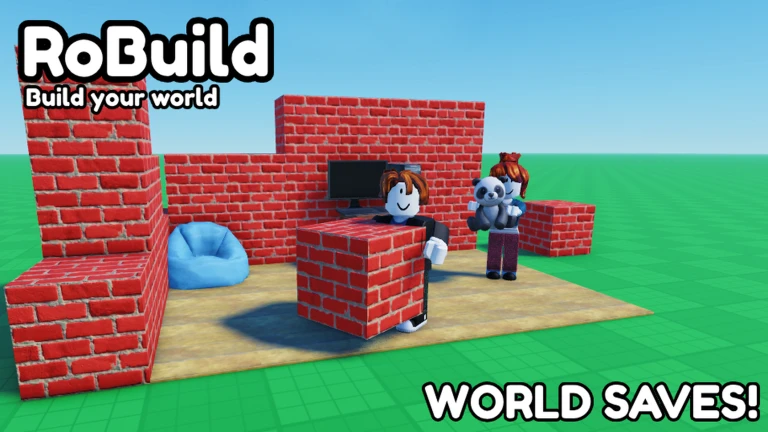
OverviewRoBuild is a sandbox building game where you place blocks and decorate with hundreds of items to create your own worlds. You can build alone, team up with a best friend, or jump into a public session with strangers.
What is on this page
Contents
みんなの攻略ノートとコツ
見つけたコツや、とっておきの攻略をみんなに教えよう!画像付きのノートも大歓迎!
Write a player note
RoBuild 🔨[AUTO-SAVE]
Four world types and when to use each
Table
RoBuild gives you four distinct spaces to build in. Your choice affects privacy, collaboration, and how much creative control you keep.
| Your Worlds | a fully customizable plot you can keep private or open to anyone |
| Duet Worlds | a shared space built with one best friend only |
| Online Worlds | worlds hosted by other players that you can visit and explore |
| Public Worlds | open sessions where multiple players build together and meet new people |
MetaNew Player Survey

The next survey is being prepared.
Building with other players
Tips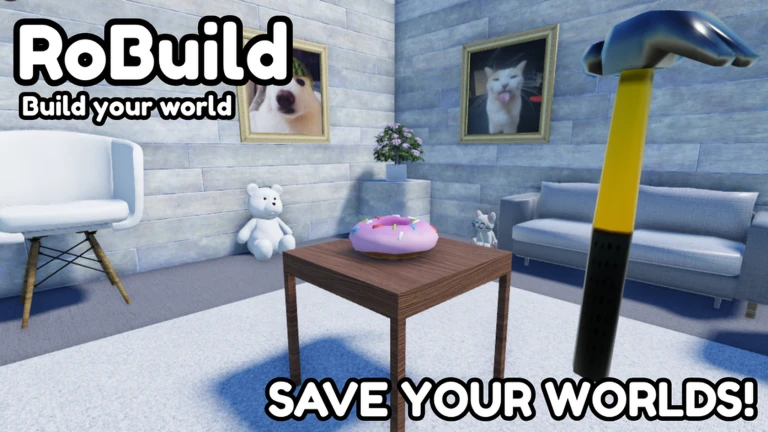
Whether you want an intimate co-op session or a busy communal build, RoBuild has a mode for it.
- Duet Worlds are reserved for you and one best friend, so they stay focused and uncluttered
- Public Worlds let you jump in, place blocks, and meet new players all in the same session, with up to ten players at once
- If you want to build entirely alone, set Your Worlds to private
Auto-save and returning to a build
Check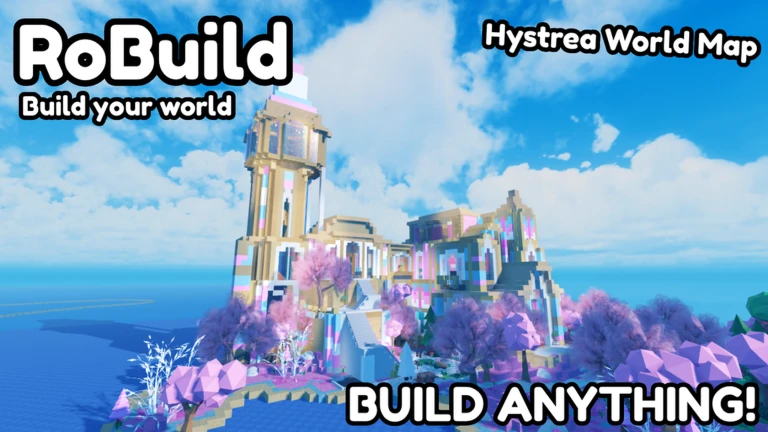
You do not need to do anything to save your work. Every world stores its state automatically, so leaving the game does not erase what you built.
- Feel free to leave at any point your blocks and decorations will still be there on your next visit
- Return to an older build whenever new items are added and use them to update or expand what you already made
Making the most of new items
Tips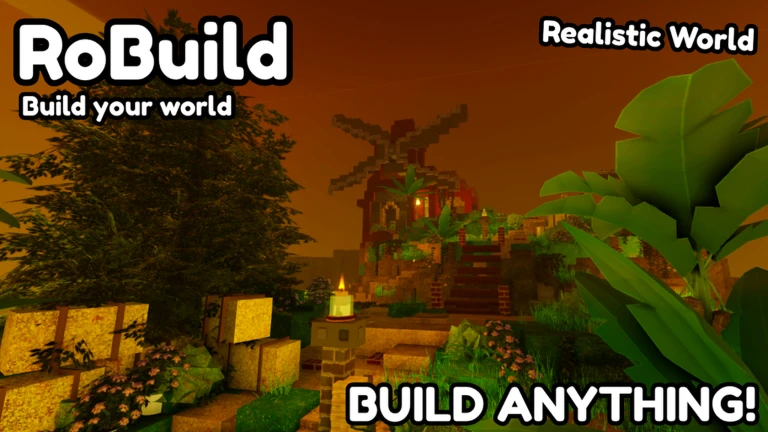
- New decorative objects are added all the time
- Older builds can be updated: open the world, add new items, and auto-save handles the rest
Glossary
Glossary- Block
- The basic placeable unit used to build structures and shape the landscape of a world.
- Item
- A decorative object placed on top of or alongside blocks to add detail and personality to a build.
- Duet World
- A co-op world shared exclusively between you and one best friend.
- Public World
- An open building session that any player can join to build alongside others.
- Your Worlds
- A fully customizable personal plot that you can keep private or share publicly.
Common questions
FAQDoes my build save automatically?
Yes. Every world in RoBuild auto-saves. You can leave at any time and your build will be exactly as you left it when you return.
How many people can build together at once?
Public Worlds support up to ten players building together at the same time.
Can I build completely alone without anyone interrupting?
Set Your Worlds to private. Only you can enter while it stays on that setting.
What is the difference between a Duet World and a Public World?
A Duet World is a shared space limited to you and one specific best friend. A Public World is open to multiple players at once, suited to meeting new people and working on larger group builds.
Game updates can change what is on this page. If you spot something, get in touch and let us know.
