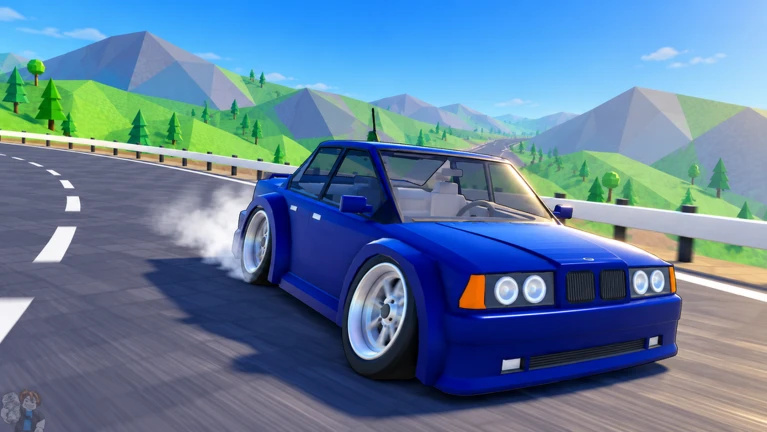
How To Drift is a Roblox racing game where you earn cash by pulling off drifts across seven maps with up to 15 players at a time. This guide walks you through the controls, how to drift well, how to earn cash, and how to use the game's extra features so you can get comfortable behind the wheel as fast as possible.
Found a useful trick? Share it with everyone! Notes with screenshots are welcome!
Write a guide note
How To Drift 🏁 [MAP EXPANSION + Z14 REMODEL]
01
Controls you need to know before your first lap
Check
In shortLearning every key before you race means you won't have to hunt around mid-corner.
The game runs on four groups of inputs: driving, steering, shifting, and the handbrake. A few extra keys handle the camera, the garage, and the map screen.
W moves you forward, S reverses.
A and D steer left and right.
Space is the handbrakethis is what starts a drift.
E and Q cycle through gears; pressing Q from first gear puts you in neutral, and pressing it again puts you in reverse.
G opens the garage so you can check your car and equipment.
N opens the map selection screen, and V cycles through camera angles.
In shortHit the handbrake just before the corner, keep accelerating through it, and use short steering taps to hold the angle.
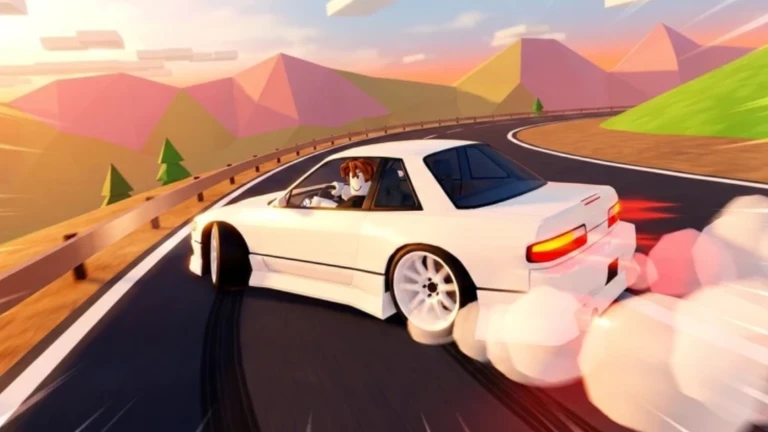
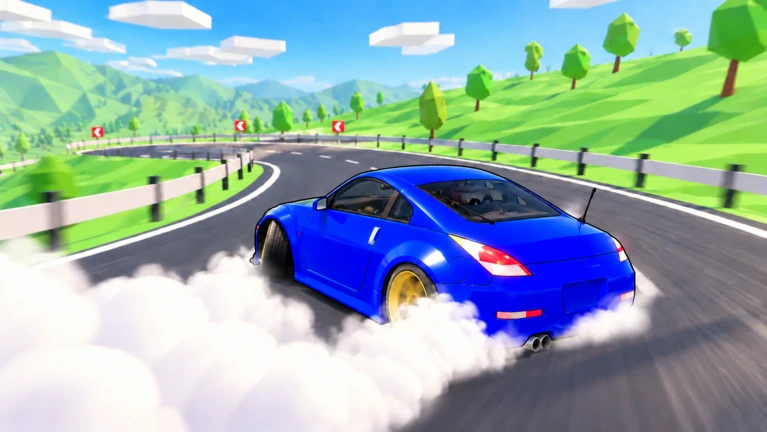
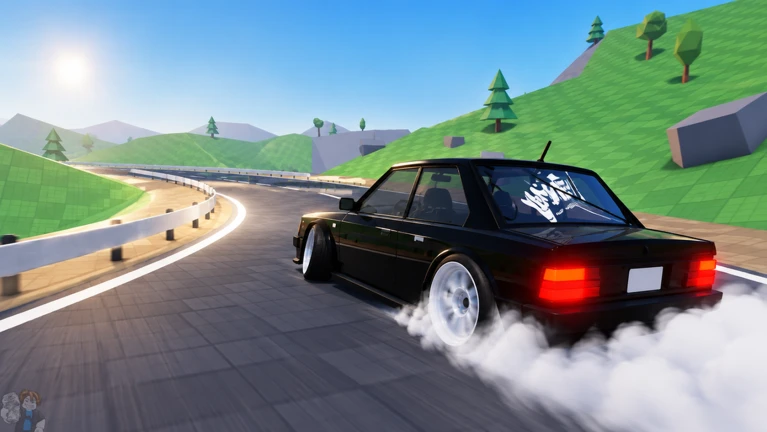
Drifting is the main way you earn cash in this game. The basic rhythm is simple once it clicks, but timing the handbrake takes practice on the same corner a few times over.
Hit the handbraketap Space just before you reach the turn, not once you're already in it.
Keep W heldreleasing the accelerator during the handbrake scrubs your speed and kills the drift.
Steer to balancetap A or D in small, quick inputs to keep the car from spinning out or straightening up too early.
Chain cornerswhile still sliding, steer into the next curve before the first one ends to link drifts together.
Release on straightslet go of Space before a straight section so the car settles and you build speed again.
03Live and upcoming eventsEvents
Events running now or coming soon. They have fixed dates, so check them first.
Upcoming –
Update
More cars? More leaderboards? More features? Find out this week!
In shortUp to 15 players can share the same map at once, each running at their own pace.
Rooms hold up to 15 players, and everyone on the same map can race simultaneously.
Room size up to 15 players in one session.
Shared maps all players in the room drive the same map at the same time.
Own pace each player enters races independently.
Glossary
Glossary
Handbrake
The Space key input that kicks the car into a drift.
Cash
The in-game currency earned through drifts and race completions, used to unlock cars and equipment.
Shift
Gear changes made with E and Q, including a neutral and a reverse setting.
Race rotation
The weekly swap of certain races within each map, introduced in the October 20 update.
Replays pass
A pass required to save recorded footage started with the Y key.
Common questions
FAQ
Where do I find the newest tracks each week?
Press N to open the map screen and browse the races listed under each of the seven maps. Some of those races rotate on a weekly basis. You can also check the settings menu under 'What's New' for a rundown of recent changes.
Can I play with my friends in the same session?
Yes — up to 15 players can be in the same room at once.
How do I switch to a better camera angle?
Press V while playing to cycle through the available camera angles. You can also use F to zoom the camera in or out from whichever angle you've chosen.
Updated Oct 24, 2026
Game updates can change what is on this page. If you spot something, get in touch and let us know.
 Upcoming
–


 100KMEMBERS