
Animal Life: Forest RP — Building your character at the start
About
OverviewAnimal Life: Forest RP is an open-world roleplay game where you pick one of thirteen animals, customize its look, and explore five different maps with other players. This guide walks you through building your character, getting around, hosting your own roleplay sessions, and picking the right animal for the story you want to tell.
What is on this page
Contents
Building your character at the start
Step
When you load in, the fox head icon at the top of the screen is your entry point for all character creation. From there you choose your animal, set its colors, and add accessories before you head into a map. You can come back to this menu anytime, so nothing you pick is permanent.
- Open the menu click the fox head icon at the top of the screen.
- Pick your animal choose from thirteen options including wolf, bear, rabbit, deer, fox, raccoon, red panda, cougar, leopard, moose, eagle, horse, and raven.
- Open color settings click the two animal heads icon at the top of the same menu.
- Choose a color mode select Simple Colors for quick presets, or Advanced Colors to adjust individual parts like fur and eyes.
- Add accessories browse the available items and equip whatever fits your character.
Color customization in detail
Table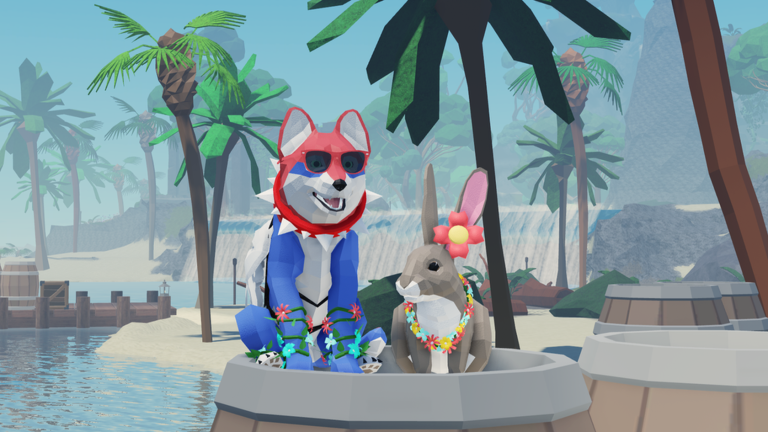
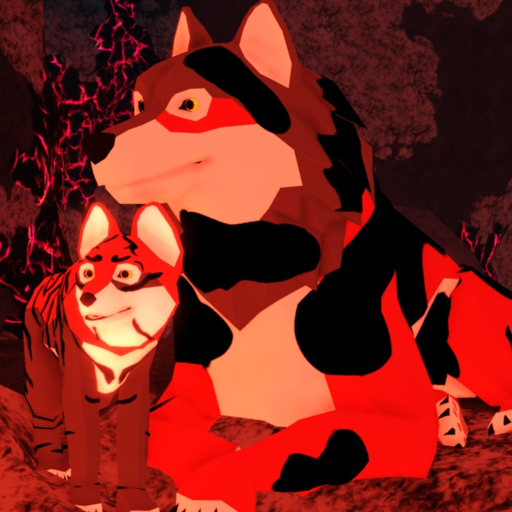
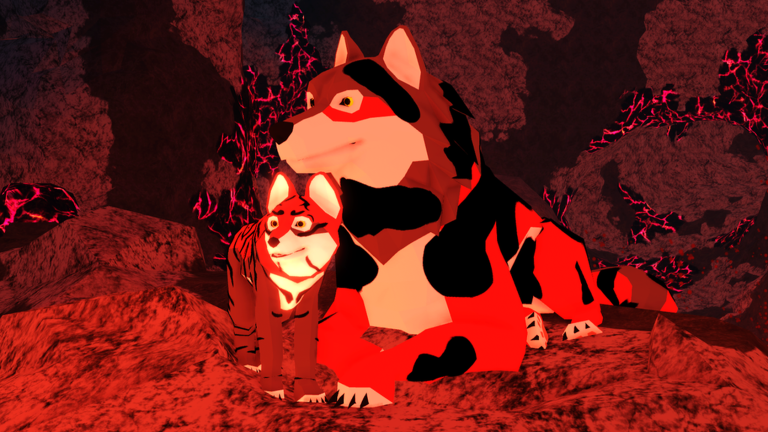
The two color modes serve different players. If you just want to get into the game quickly, Simple Colors gets it done in a few clicks. If you want a character that looks exactly right, Advanced Colors lets you dial in each part separately. Wolves also have an extra option — splotch and stripe patterns on top of whatever color you choose.
| Simple Colors | pick from a set of ready-made color combinations with one click. |
| Advanced Colors | adjust each body part, such as fur, eyes, and paws, individually. |
| Wolf patterns | choose splotches or stripes as an additional layer on your wolf's coat. |
| Accessories | equip items like hats and glasses to finish the look. |
| Changes | swap colors or accessories at any time through the fox head icon. |
Moving around the maps
Tips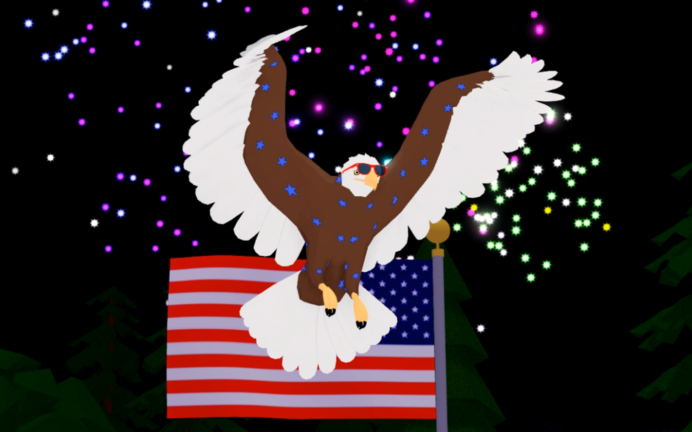
Once your character is ready, you pick one of five maps and start exploring. The maps each offer a different environment, so it is worth trying more than one. The most useful movement skill to practice early is the double jump, which lets you reach higher spots and cover ground faster.
- Five maps are available from the start, each with its own environment, all free to enter.
- Double jump by pressing the jump button a second time while you are already in the air.
Hosting a roleplay session
Step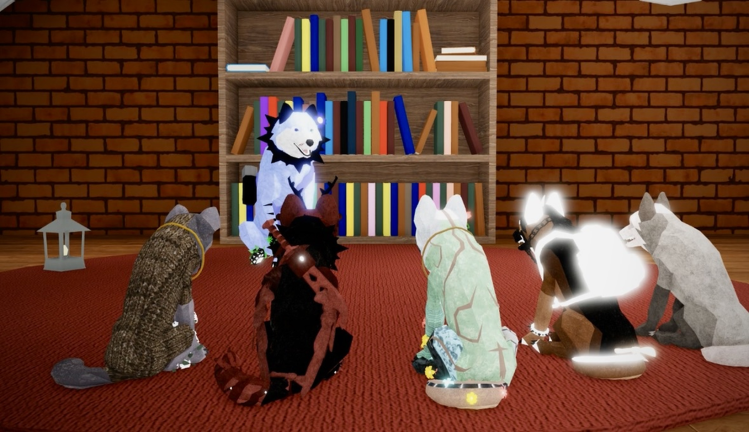
The game includes a built-in hosting system so that one player can take charge of a session. As host you decide the rules, shape the story, and manage who takes part.
- Start a session use the roleplay hosting feature to open a managed session.
- Set your rules decide the scenario, roles, and boundaries for everyone joining.
- Invite players choose who joins rather than leaving it open to anyone.
- Manage members use the host management panel to adjust participant settings during the session.
Common problems and quick fixes
Check
If something is not working the way you expect, the steps below cover the most common snags. The customization menu has a few layers, so it is easy to click the wrong icon and end up on the wrong screen. For bugs that go beyond these fixes, the developer group Humongous has a group wall where you can post a report.
- Cannot find the character menu look at the top of the screen for the fox head icon.
- Color screen is not appearing after clicking the fox head icon, also click the two animal heads icon to reach the color options.
- Double jump not working press jump once to leave the ground, then press it a second time while still airborne.
- Cannot enter a hosted session wait for the host to invite you rather than trying to join directly.
Glossary
Glossary- Roleplay (RP)
- Playing as your character and acting out a story or scenario with other players.
- Host
- The player who starts a managed session, sets the rules, and controls who can join.
- Double jump
- Pressing the jump button a second time while airborne to reach higher places or jump farther.
- Simple Colors
- A color mode that lets you pick from ready-made preset combinations quickly.
- Advanced Colors
- A color mode that lets you set the color of each part of your animal separately.
- Map
- One of the five playable environments you can choose when you start a session.
- Accessories
- Wearable items such as hats and glasses that you add on top of your animal's color customization.
Common questions
FAQCan I change my animal after I have already joined a map?
Yes. Click the fox head icon at the top of the screen at any time to open the character menu and switch to a different animal. Your colors and accessories can also be changed the same way, as many times as you like.
How do I play with my friends?
The simplest way is to enter the same map at the same time. If you want a more controlled session, one of you can use the hosting feature to start a managed session and invite the others directly.
Is anything locked behind a payment?
All thirteen animals, all five maps, and the roleplay hosting system are free to use. You do not need to spend anything to access those features.
Where do I report a bug?
Post your bug report on the group wall for the developer group Humongous. The group description also has information about ban appeals if you need that.
Game updates can change what is on this page. If you spot something, get in touch and let us know.
