Games listed 42,693
Game guide

City Services: Bear Creek Guide: Getting started in Bear Creek

City Services: Bear Creek
Rapid Games Studios, Playing 77, Rating 77.1%
Creator Rapid Games Studios
Playing 77
Rating 77.1%
Is this game fun?
No votes yet. Cast the first one.

About

Overview

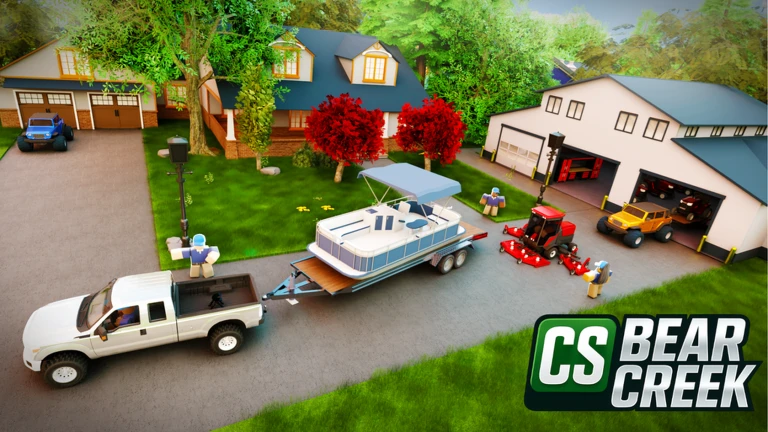
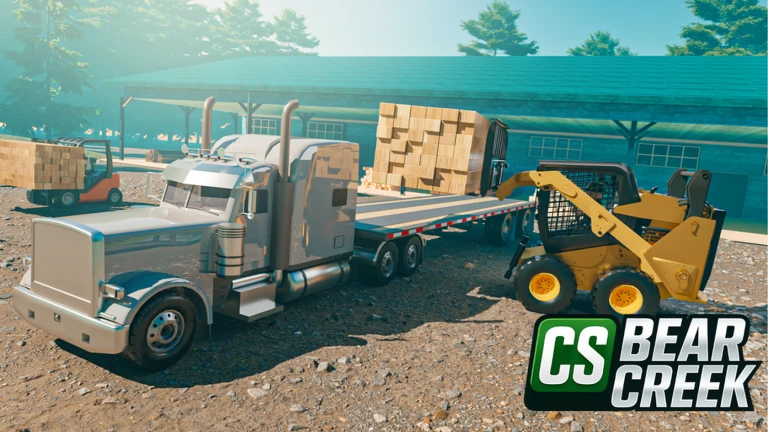
City Service: Bear Creek, developed by Rapid Games Studios, is a laid-back business simulator where you take on jobs like lawn mowing, farming, logging, pressure washing, and snow removal to grow your service empire. Up to 15 players can share one server, so you can work alongside friends. This guide walks you through starting out, building toward long-term badge goals, and redeeming codes for a cash boost.

What is on this page

Contents
01

Getting started in Bear Creek

Step
In short Picking up a lawn mower and cutting your first 500 grass is the fastest way to learn how the game works.

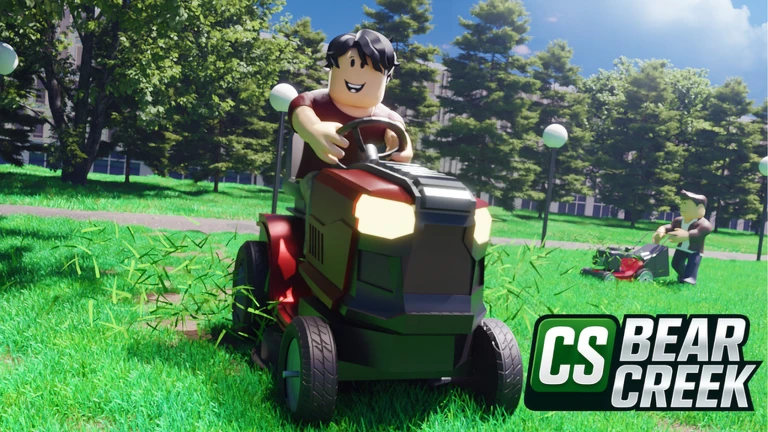
When you first load in, lawn mowing is the straightforward job to try. Cutting grass earns you cash, and that cash lets you expand into other services and customize your home and avatar over time. The game tracks your total grass cut across every session, so nothing you do is wasted.

  1. Chase 500 grass hitting that number unlocks the Beginner Mower badge.
  2. Explore other jobs branch into farming, logging, pressure washing, yard waste, or snow removal.
  3. Play with friends up to 15 players can share one server.
Ask on the board
02

Lawn-mowing badge milestones

Table
In short All five mowing badges track your lifetime grass count, so every blade you cut moves you closer to the next one.

The game counts every piece of grass you cut across all your sessions. Use the targets below to plan how long each stage will take you.

BadgeGrass to cut (lifetime)
Beginner Mower500
Lawnpreneur5,000
Lawntastic Fan50,000
Lawnsanity500,000
Grass Farmer5,000,000
03 Live and upcoming events Events

Events running now or coming soon. They have fixed dates, so check them first.

Live now –

Update 83

Check out this new Helicopter with Saw Attachement

See the whole schedule
04

Hay-farming badge milestones

Table
In short Hay bales also accumulate over time, giving you four badges to work toward alongside your mowing grind.

Farming adds a second long-term track. Every bale you collect counts toward these four badges.

BadgeBales to collect (lifetime)
Hay Collector10
Hay Pro100
Hay Tycoon1,000
Hay Master5,000
05

Redeeming codes for cash

Step
In short Codes give you a free cash boost, but each one works only once per account and can expire.

The game has a code-entry field somewhere in its menu UI. Two codes are currently tracked as working. Each code can only be redeemed once on your account.
  1. Open the menu look for a code or rewards button on the game's main UI when you load in.
  2. Collect your cash the reward goes straight to your in-game wallet after a successful redeem.
06 Working codes Codes
2026 cash
cash
20klikes cash
cash
Every code, and the votes on it, are on the codes page
07

Badges for meeting developers

Tips
In short Meeting the game's owners or developers while you play rewards you with special badges.

The game awards a badge for meeting the game's owners and a separate badge for meeting a developer in the game.

Tips worth knowing
  • Meet the Owner Badge — awarded for meeting the owners of the game.
  • Meet A Dev — awarded for meeting a developer in the game.

Glossary

Glossary
Cash
The in-game currency you earn by completing jobs and redeeming codes, used to expand your services and customize your home.
Hay bale
An item collected through farming that counts toward the four Hay badge milestones.
Code
A string you enter in the game's menu UI to receive a one-time cash reward; codes can expire and cannot be reused on the same account.

Common questions

FAQ

How many players can join the same server?

Each server holds up to 15 players.

Do my grass and hay counts reset when I leave?

Both counters track your lifetime totals across all sessions. Every piece of grass you cut and every bale you collect permanently advances your badge progress.

Where do I enter a code?

Look for a code or rewards button inside the game's menu UI after you load in, then collect the cash reward.

Updated Oct 24, 2026
Game updates can change what is on this page. If you spot something, get in touch and let us know.
City Services: Bear Creek Rapid Games Studios, Playing 77, Rating 77.1%
See the game pageSee working codesAsk on the board
Add it to your home screen and it works like an app. One tap to open, and it loads faster after that.