
Countryball Neighborhood Guide: Picking your country and spawning in
About
OverviewCountryball Neighborhood is a Roblox roleplay game where you pick a country, explore a shared town map, and act out international drama with other players. This guide covers how to get started, move around, play with others, and use the paintable map.
What is on this page
Contents
Player notes and tips
Found a useful trick? Share it with everyone! Notes with screenshots are welcome!
Write a guide note
Countryball Neighborhood
Picking your country and spawning in
Step
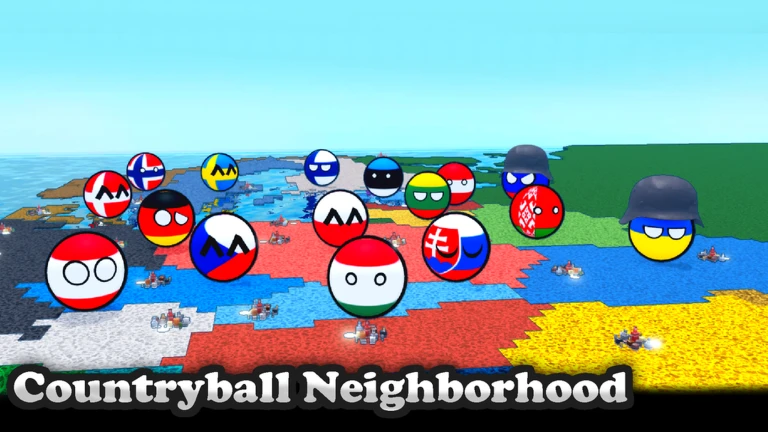
When you join the game, you are shown a country selection screen before anything else. Pick whichever country you want to roleplay as — France, the United States, the United Kingdom, and many others are available. Once you confirm your choice, you spawn at that country's location on the town map and can start playing straight away.
- Open the selection screen choose any country from the list when you first join.
- Confirm your pick you spawn at your chosen country's spot on the map.
- Start exploring the town map is open to you from the moment you spawn.
MetaNew Player Survey

The next survey is being prepared.
Moving around the town map
Tips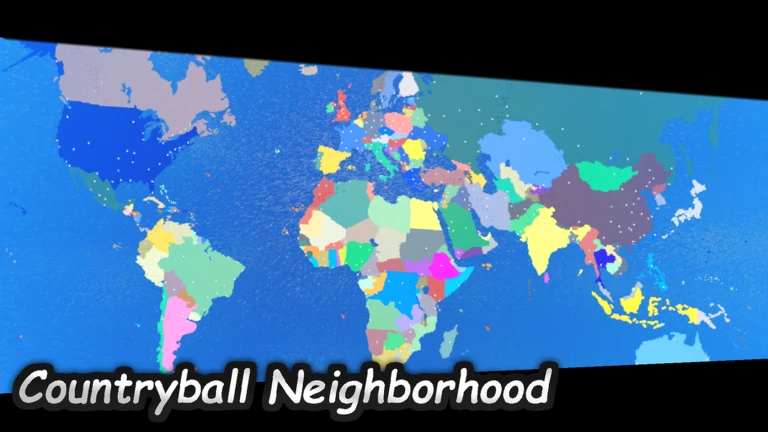
The town is divided into multiple areas you can walk through freely. If you need to cover ground faster, hold Shift to sprint. The map is also set to expand in future updates, so there will be more to explore over time.
- Hold Shift while moving to sprint and cross the map faster.
- Check back after updates — the town map is planned to grow larger.
Roleplaying with other players
Table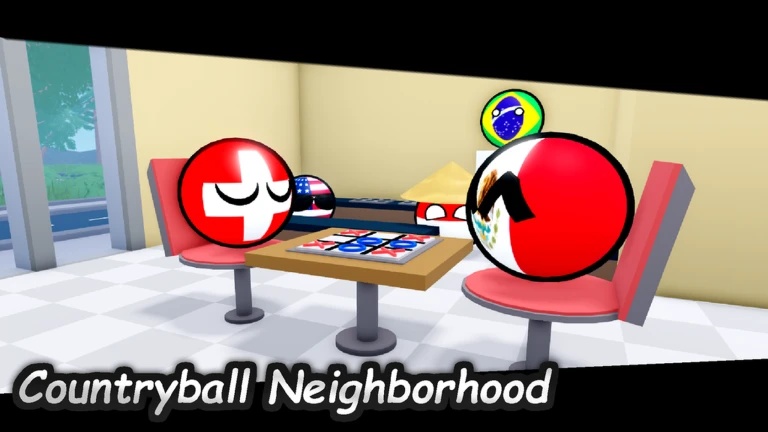
Multiple players share the same town. There are no fixed objectives — you shape the narrative together.
| Alliance | team up with other countries to form a friendly bloc. |
| War | declare conflict with other players and act out the drama. |
| Empire | build a story where your country takes control of others. |
Using the paintable map
Check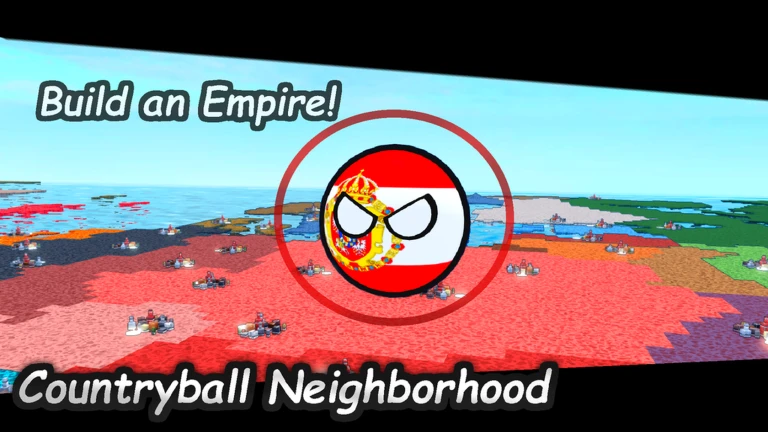
The game includes a paintable world map that any player can edit. You can use it to redraw borders, invent entirely new countries, or recreate historical what-ifs.
- Redraw borders paint over existing country lines to change where one nation ends and another begins.
- Create new countries add regions that do not exist in the real world.
- Rewrite history use the map to support whatever alternate-history story you are roleplaying.
Glossary
Glossary- Paintable map
- An in-game world map that players can draw on to change borders, add countries, or alter geography.
- Alliance
- A roleplay agreement between two or more players to act as friendly or allied nations.
- Sprint
- A faster movement mode activated by holding Shift, letting you cross the map more quickly.
Common questions
FAQWill the town map get bigger?
The game's own description confirms the town map will expand in future updates.
Game updates can change what is on this page. If you spot something, get in touch and let us know.
