
Game guide
Better Avatar? — First steps when you load in
Is this game fun?
No votes yet. Cast the first one.
About
OverviewBetter Avatar? is a PvP game where you pick an avatar style and fight to prove your taste beats everyone else's. This guide covers how to get started, earn free exclusive items, and make the most of every match.
What is on this page
Contents
01
First steps when you load in
Step
In short
Pick an avatar you like, then grab your free exclusive items before your first fight.
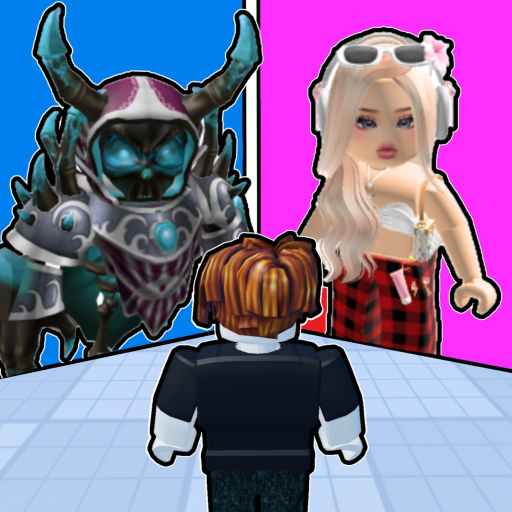
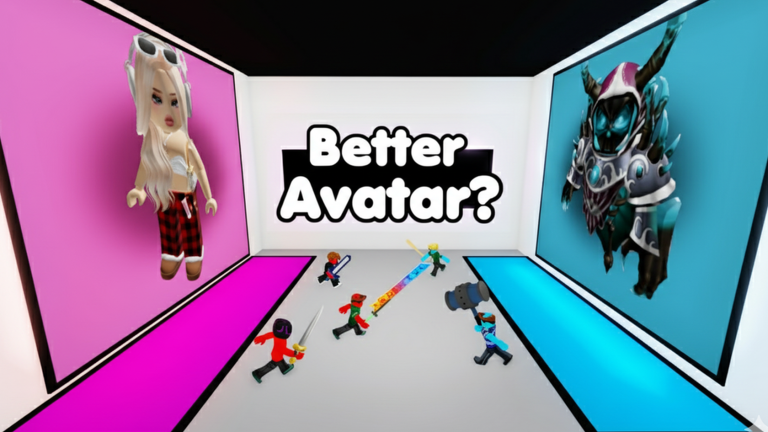
When the game loads, you are shown a selection of avatars and asked to choose the one whose style you prefer. After that, two quick actions unlock a free exclusive weapon and a unique chat tag that show up in every match.
- Pick your avatar choose whichever style appeals to you from the options shown.
- Join the official group membership is the first requirement for the free rewards.
- Like the game liking the game page, combined with group membership, unlocks the Golden Claws weapon and a unique chat tag at no cost.
- Hit the bell turning on notifications means you will hear about new avatars and updates the moment they drop.
02
Avatar customisation
TipsIn short
Adjusting your outfit and weapon style gives you a look that is entirely your own going into battle.
The game lets you modify your avatar beyond the default options. Experimenting with different combinations is the best way to land on a style that feels right.
Tips worth knowing
- Change your outfit to suit the style you want to bring into matches.
- Swap your weapon style so your loadout matches your overall look.
03 Live and upcoming events
Events
いま開催中・開催予定のイベントです。期間が決まっているので先に確認しておきましょう。
04
Claiming the Golden Claws
Check
In short
Both conditions must be met at the same time, so verify each one before expecting the reward to appear.
The Golden Claws weapon and the unique chat tag are free, but the game checks for both conditions. If either one is missing, the items will not come through.
- Group membership confirmed check that your name appears in the official group member list.
- Like registered open the game's detail page and confirm the heart icon is lit.
- Chat tag visible once both conditions are active, the tag should appear next to your name in in-game chat.
- No payment required both the weapon and the chat tag cost nothing.
Glossary
Glossary- Avatar
- The character appearance and outfit you control and represent in matches.
- Golden Claws
- An exclusive weapon unlocked for free by joining the official group and liking the game.
- Chat tag
- A special label that appears next to your name in in-game chat, earned alongside the Golden Claws.
- PvP
- Player versus player — a format where you fight directly against another real player, not a computer.
- Customisation
- The in-game system that lets you change your avatar's outfit and weapon style before a match.
Common questions
FAQI joined the group and liked the game but still have no Golden Claws — what now?
Make sure both actions are fully registered: check that you appear in the group member list and that the heart icon on the game page is lit. Both conditions must be active at the same time for the reward to come through.
Do I need to spend Robux to keep playing?
The core game — choosing avatars, fighting matches, and customising your look — is all free. The Golden Claws weapon and chat tag are also free as long as you join the group and like the game.
How will I know when new avatars are added?
Hit the bell icon on the game's page to turn on notifications. You will get an alert each time an update drops, so you can try new styles as soon as they are available.
Updated Oct 5, 2026
Game updates can change what is on this page. If you spot something, get in touch and let us know.
Game updates can change what is on this page. If you spot something, get in touch and let us know.
