
100 Waves Later — Lobby setup before the run starts
About
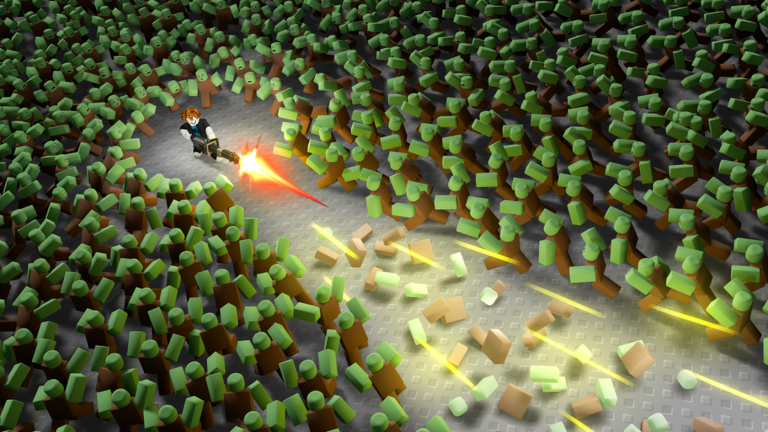
Overview100 Waves Later is a cooperative zombie tower-defense game where you and your teammates fight off increasingly dangerous hordes across 100 waves. Each run requires you to adapt your build on the fly, since every wave rolls new weapons and skills for you to work with. This guide covers how to set up before a run, handle the mid-game difficulty spike, coordinate with teammates, and keep unlocking new classes.
What is on this page
Contents
Lobby setup before the run starts
Step
When you launch the game you land in a lobby screen before any wave begins. This is the only quiet moment you get, so use it to lock in your class and take a first look at your starting weapons and skills. If you are playing with friends, make sure everyone is in the same lobby before moving to the map.
- Pick your class choose one that matches how you want to play.
- Check your starting weapons weapons can be changed during the run, so begin with something basic and swap later as you learn the map.
- Confirm your team wait until all teammates are present before entering the map.
Early waves: learning the map and your weapons
TipsWaves one through ten bring fewer enemies and lower threat. Watch where zombies enter from, test how your weapon feels at different ranges, and begin staking out a defensive line with your team. Resources start accumulating here too.
- Watch enemy spawn points each wave so you can predict where the pressure will come from later.
- Try more than one weapon early — finding what clicks now saves frustration in the harder stages.
- Agree with teammates on which areas each person will cover before the horde gets large enough to split your attention.
Build types and when to use each
Table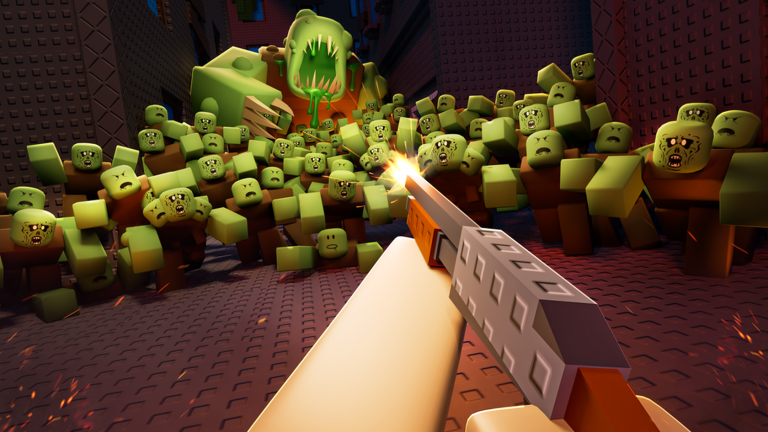
Every wave rolls new weapons and skills, so your build is never fully fixed. Matching your setup to what the current wave demands — lots of weak enemies versus one powerful boss — makes a real difference in how far you get. Coordinate with teammates so your builds complement rather than duplicate each other.
| High damage, single target | best when a boss or heavily armored enemy needs to go down fast. |
| Area attack focus | most effective when zombies are bunching together in large groups. |
| Team-synergy build | chosen after you see what your teammates are running, filling the gap they leave. |
Mid and late waves: tougher enemies and boss fights
WarnPast the early waves, the enemy roster grows well beyond standard zombies. Heavily armored enemies and fast-moving variants appear, and boss fights demand the whole team focuses fire on a single target to burn it down quickly.
Unlocking new classes over time
CheckNew classes become available as you advance through the game, and they can be earned without spending anything. Each class brings its own strengths, preferred weapons, and role, so having two or three classes developed means you can slot into whatever your team is missing on any given run.
- Keep playing runs to meet the unlock conditions for additional classes.
- Develop at least two or three classes with different strengths so you are not locked into one role.
- Before a run, check which classes your teammates chose and pick something that fills a different function.
- Avoid having two players on the same class in the same run, since it makes build coordination harder for both of them.
 XMAS
5,000 Scraps
LAUNCH
5,000 Scrap
XMAS
5,000 Scraps
LAUNCH
5,000 Scrap
Teamwork and positioning
Tips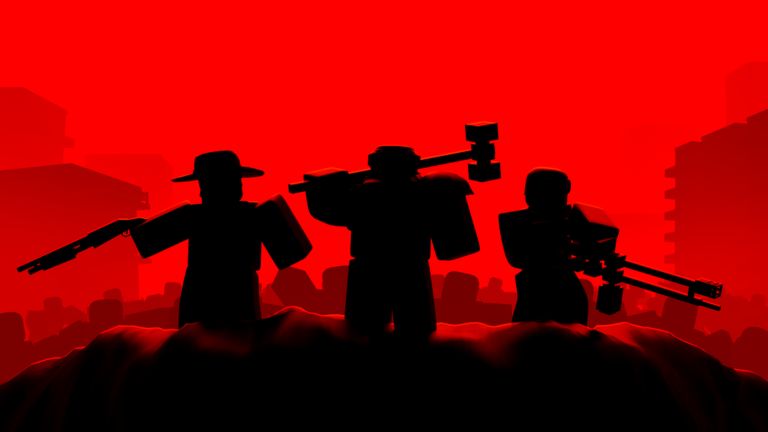
Zombies can approach from several directions, and a team that bunches together in one area leaves other lanes completely open. Communication matters most during boss waves, when focused fire is the fastest way to clear the threat.
- Assign each teammate a map zone before waves begin so everyone knows their lane.
- Check on your teammates' positions and health between waves.
- During boss fights, everyone targets the same enemy to bring it down before it can tear through the team.
- If one player is in trouble, nearby teammates should shift position to help rather than holding a zone that is already clear.
When you keep getting stuck at the same wave
CheckRepeating the same approach on a wave that already beat you rarely works. Run through these checks before your next attempt and change at least one of them.
- Check your build make sure your current skills and weapons actually match the type of enemies appearing on that wave.
- Consider swapping your class a different class can open up counters you did not have access to before.
- Rethink your position talk with teammates about whether your formation is meeting the enemy flow or leaving gaps.
- Confirm upgrades make sure no one on the team is falling behind on resource spending.
Glossary
Glossary- Wave
- One round of enemy spawns; enemies become more numerous and stronger with each successive wave.
- Build
- The combination of weapons, skills, and upgrades that defines how your character performs in combat.
- Class
- Your character type, which determines your available skills and the weapons you are best suited to use.
- Boss
- A powerful enemy that appears periodically and requires the whole team to focus it down together.
- Resources
- Points or credits earned by defeating enemies, used to pay for weapon and skill upgrades during a run.
- Area attack
- A weapon or skill that damages multiple enemies at once, most effective when zombies are grouped tightly.
- Single-target damage
- High damage concentrated on one enemy, the right tool for bosses and armored threats.
- Unlock
- Gaining access to a new class or feature by reaching a progress milestone during normal play.
Common questions
FAQCan you reach wave 100 without spending Robux?
New classes are available through normal play without any purchases.
Does it matter which class you pick as a beginner?
Start with whichever class is available to you by default and use the early waves to learn how it handles. As you unlock more classes through play, experiment with them to find the role that suits your style.
Is there any difference between playing on desktop and playing on mobile?
The game supports both desktop and mobile platforms.
What happens if the whole team wipes?
The run ends and your next game starts fresh from wave one.
Game updates can change what is on this page. If you spot something, get in touch and let us know.
