
Swing Tower — Basic controls and how ropes work
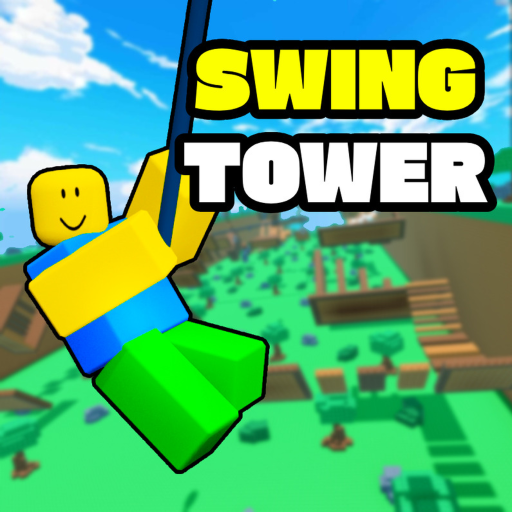
About
OverviewSwing Tower is a Roblox obstacle game where you climb a tower by grabbing ropes and swinging your way to the top without falling. Each world you clear unlocks a harder one, so mastering the core movement early makes everything easier. This guide covers controls, climbing tactics, troubleshooting, and customization.
What is on this page
Contents
Basic controls and how ropes work
Summary
You move with the arrow keys or WASD and jump with the spacebar. To grab a rope, you need to get close to it and press the spacebar twice in quick succession — that double jump is what latches you on. Work from the bottom of the tower upward, treating each rope as its own step rather than rushing ahead.
- Movement WASD or the arrow keys
- Jump spacebar once
- Grab a rope double jump (spacebar twice, fast) near the rope
- Goal climb from the bottom to the top without falling
- Progress reaching the top unlocks the next world
Climbing without falling
Tips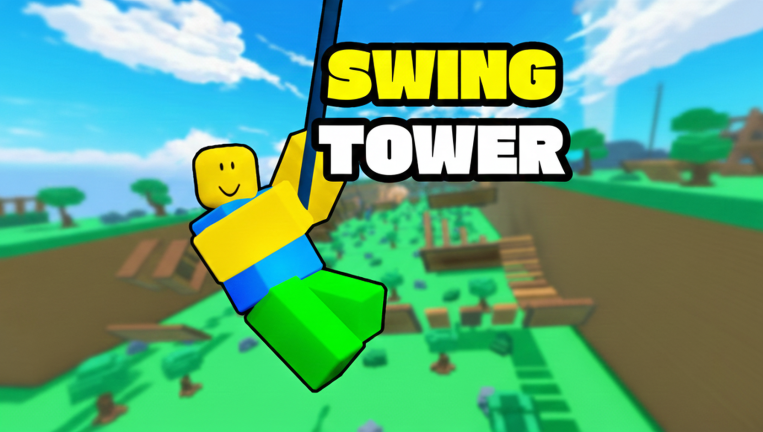
The first world has generous rope spacing, so use it to build good habits. Waiting until the swing brings you into a clean angle makes the jump far more reliable. Aim for the center of each rope rather than its edge.
- Secure your current rope fully before looking at the next one
- Wait for your swing to reach the best angle before jumping
- Target the middle of the next rope, not its tip
- If your rhythm breaks, pause on your current rope and reset before moving
- Falling returns you to a checkpoint, so treat each attempt as practice rather than failure
What to check when you keep getting stuck
Check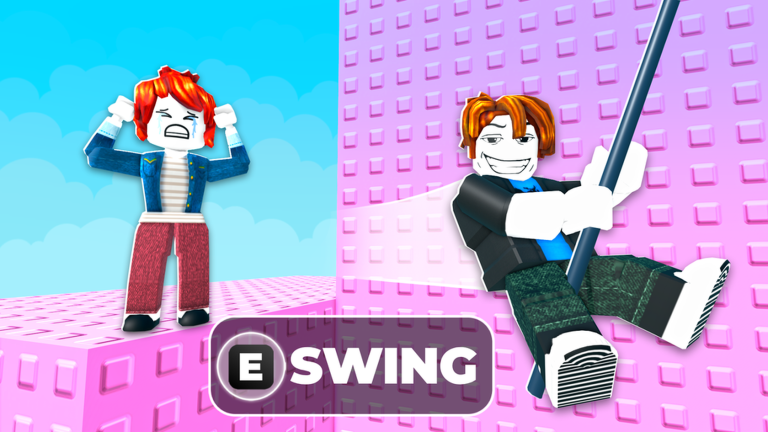
If you are hitting the same spot repeatedly and failing, run through these checks before trying again.
- Double-jump speed are you pressing spacebar twice fast enough?
- Rope distance are you visually close to the rope before jumping?
- Camera angle rotate the camera so the next rope is clearly in view before you jump
- App performance if inputs feel delayed, restarting the Roblox app can clear it up
Free checkpoint and rope skins
Tips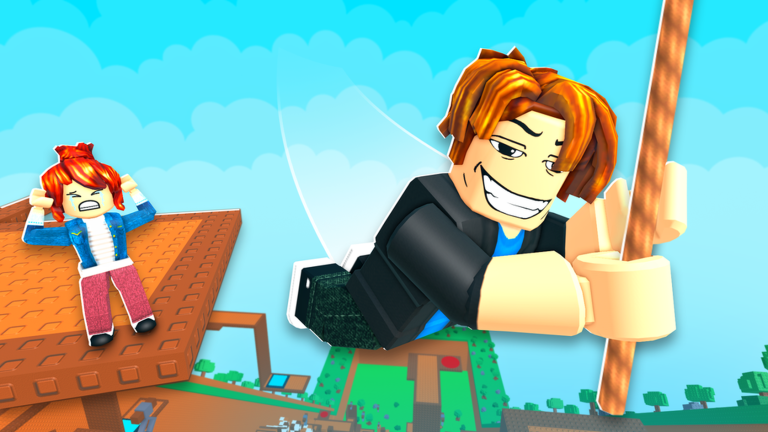
The game's group gives you one free checkpoint when you join, which means a fall sends you back to that point instead of the very bottom. The in-game store sells rope skins that change how your rope looks, but they have no effect on performance. Every world is reachable without spending anything.
- Join the official group to receive one free checkpoint at no cost
- Rope skins are decoration only — they do not change performance
- All worlds can be unlocked and completed without buying skins
Unlocking worlds
Step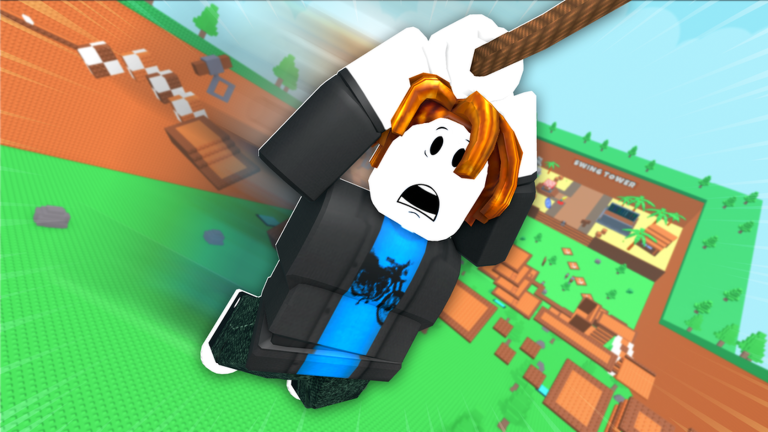
Each world is harder than the last. You unlock them in order, so there are no shortcuts. Repeated attempts on the same layout will naturally teach you where the tricky ropes are.
- Clear World 1 reach the top of the first tower to unlock World 1
- Clear World 2 reach the top of World 1 to unlock World 2
- Clear World 3 reach the top of World 2 to unlock World 3
- Keep practicing the rope patterns repeat, so familiarity is your best tool
Glossary
Glossary- Double jump
- Pressing the spacebar twice quickly — the move that grabs a rope when you are close to it.
- Rope
- The objects hanging in the tower that you swing on to climb upward.
- Checkpoint
- A saved position in the tower that you return to after a fall instead of starting from the very bottom.
- World
- A distinct stage of the tower; you unlock the next one by reaching the top of the current one.
- Rope skin
- A cosmetic item bought from the in-game store that changes how your rope looks without affecting performance.
Common questions
FAQI keep falling off the same rope. What should I do?
Hold your position on the rope you are on and let your swinging settle before you jump. Make sure you are pressing spacebar twice fast when you go for the next rope, and aim for its center rather than its edge.
Does joining the group actually help?
Yes — joining the group gives you one free checkpoint, which means a slip sends you back to that spot instead of the bottom of the tower.
Do I need to buy rope skins to keep up with other players?
No. Skins only change the appearance of your rope and have no effect on performance. Every world can be completed without purchasing anything.
Can I play with friends?
You and your friends can be in the same server and watch each other climb. The climbing itself is something each player does on their own.
Game updates can change what is on this page. If you spot something, get in touch and let us know.
