
SKI Guide: Controls for every device
About
OverviewSKI (Alpha) is a hardcore, fast-paced skiing game where reaching the bottom without crashing is harder than it looks. This guide covers controls, tricks, finishing the course, winning races, and the Ascend system so you can make steady progress from your first run to your hundredth.
What is on this page
Contents
Player notes and tips
Found a useful trick? Share it with everyone! Notes with screenshots are welcome!
Write a guide note
SKI (ALPHA)
Controls for every device
Table
The game supports keyboard, mobile, and controller, and each one has its own layout. Camera switching is the same family of inputs across all three platforms.
| Keyboard movement | W, A, S, D or the arrow keys |
| Controller movement | left stick |
| Keyboard jump | Space |
| Controller jump | A button |
| Camera change (all platforms) | scroll wheel, pinch, or right stick click |
| First-person view | cycle to it with the same camera-change input |
MetaNew Player Survey

The next survey is being prepared.
Landing tricks cleanly
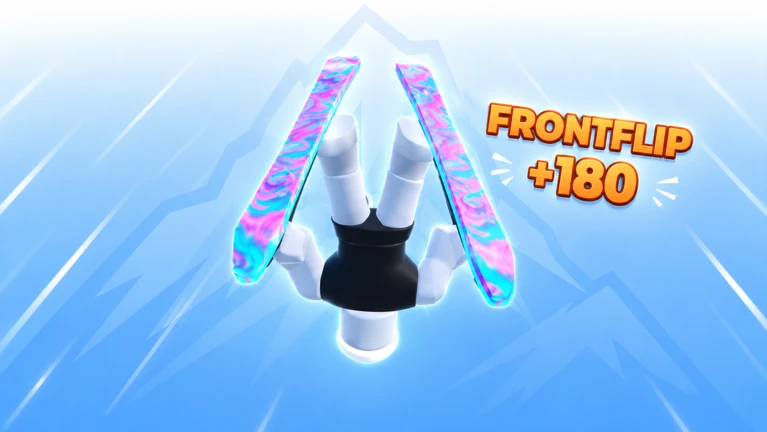
TipsEvery trick input must happen while you are airborne — nothing registers on the ground. The input method varies by device, so check yours before you practice.
- Keyboard players double-tap W, A, S, or D, or press Q or E
- Mobile players swipe, hold, or double-tap on the right side of the screen
- Controller players use the D-Pad or X
Building your finish count
TipsFinish badges unlock at 1, 5, 10, 50, 100, 500, and 1,000 completions. Every mistake costs you time. Once you can complete the course reliably, start hunting for the fastest line through each section.
- Memorise the course shape on your first few runs rather than chasing speed.
- Find the fastest lines to chase world records.
Winning races
Check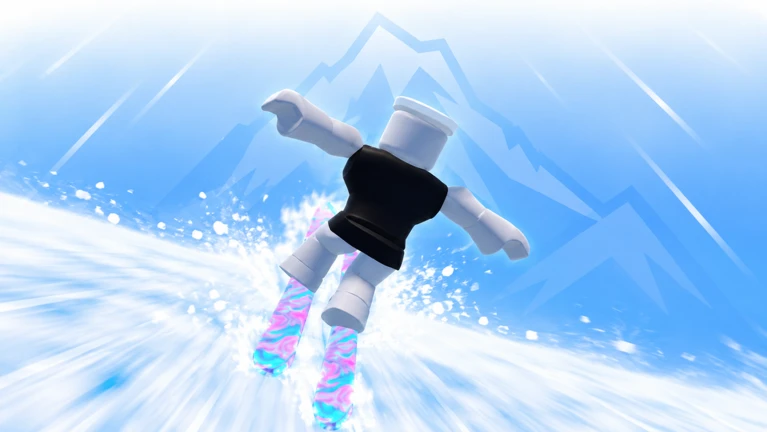
Placing first earns progress toward win badges at three milestones. Course knowledge is a key advantage you can have over other racers.
- Find the fastest lines through the course.
- Race friends to compete.
The Ascend system
SummaryAscend is a separate progression layer with its own three-stage badge track.
- One Ascend
first badge
- Five Ascends
second badge
- Ten Ascends
third badge
Private server settings
TipsPrivate server owners see a dedicated set of controls in the top bar. Friends can join the same server to race together.
- Adjust course length from the top bar controls.
- Adjust difficulty from the top bar controls.
Redeem codes
WarnThe game has active redeem codes. Because codes expire and are single-use, use any code you obtain immediately.
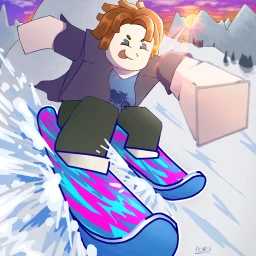 Haunted
Goth Trail、Goth Title、Spooky Skin
iloveskiing
Omega Skin、Skier Trail、Skier Title
1000
alien skin, 1k club trails, 1k club titles
ilovesking
omega skin, skier trail, skier title
Glossary
Glossary- Finish
- Completing the course from top to bottom, tracked cumulatively for a series of badges up to 1,000 completions.
- Ascend
- A progression action separate from finishing and winning, with its own badges at 1, 5, and 10 completions.
- Trick
- A move performed while airborne, triggered by device-specific inputs during a jump.
- Private server
- A server where the owner can adjust course length and difficulty using controls in the top bar.
- Alpha
- The current development stage of the game, confirmed by the Alpha Tester badge awarded just for playing.
Common questions
FAQWhy do I keep crashing before I reach the bottom?
The game is designed to be hard until you learn the controls and find how to keep your speed without crashing.
My tricks are not triggering — what am I doing wrong?
Trick inputs only register while you are in the air. Also double-check that you are using the correct input for your device — keyboard, mobile, and controller each have different trick controls.
What is the point of Ascending?
Ascending is a long-term goal with its own badge track separate from finishing and winning races, with badges at 1, 5, and 10 Ascends.
How do I change course difficulty in a private server?
You need to be the server owner. Once you are, a set of controls appears in the top bar where you can adjust both the course length and the difficulty.
Game updates can change what is on this page. If you spot something, get in touch and let us know.
