
Build Your Factory Tycoon Guide: Starting out with the tutorial
About
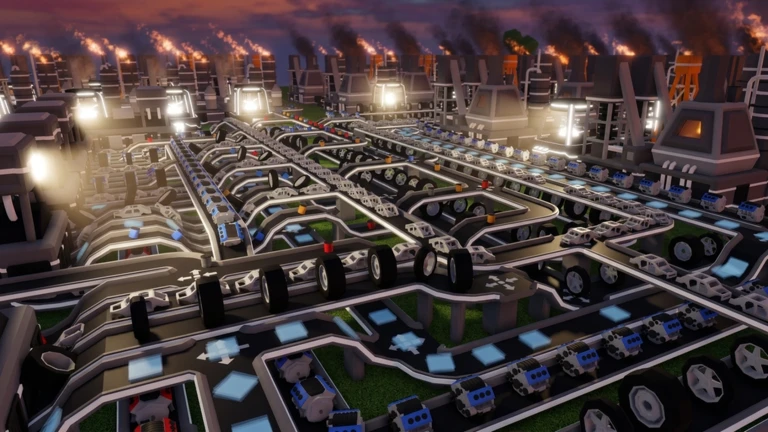
OverviewBuild Your Factory Tycoon is a tycoon game by RACCAT Studios where you claim a plot, place machines and conveyors, and turn raw materials into profit. The game is in active alpha development, so expect bugs and frequent updates. This guide covers the basics of getting started, running your factory efficiently, and making the most of events and badges.
What is on this page
Contents
Starting out with the tutorial
Step
When you enter the game, an onboarding tutorial starts automatically. Follow its prompts all the way through and you will earn the Training Complete badge. Once the tutorial is done, you have a solid foundation to start building your production line.
- Claim your plot secure your land so you have a dedicated space to build.
- Place your first machines set down machines and connect them with conveyors to form a basic production line.
- Test each machine run the line and see what items each machine actually produces.
MetaNew Player Survey
The next survey is being prepared.
Keeping your factory running efficiently
Tips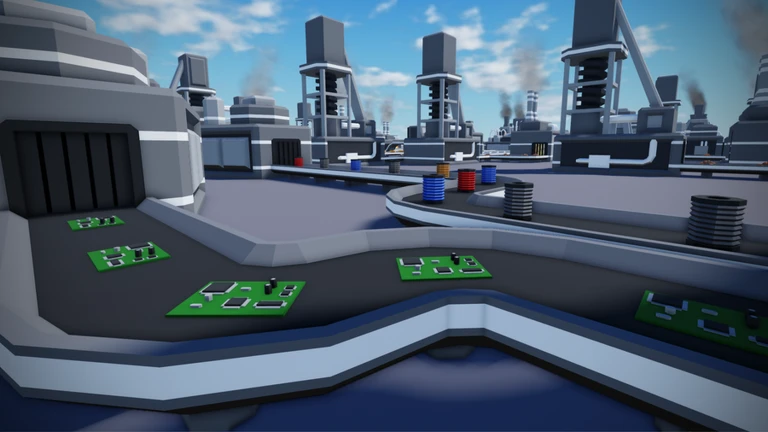
A well-connected factory moves items smoothly from one machine to the next. Upgrading machines directly increases how efficiently they produce. Experimenting with different machines also expands the range of items you can produce.
- Upgrade machines to maximize efficiency.
- Route conveyors so items flow without backing up between machines.
- Try out machines you have not used yet to discover new items and broaden your output.
Customising your factory's appearance
Check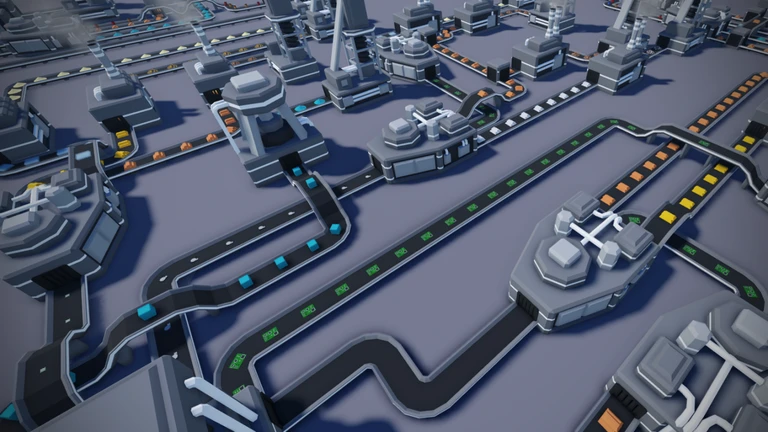
The settings menu lets you change how your factory looks whenever you feel like it. None of these changes touch your machines or conveyors, so you can focus on building first and adjust the look later.
- Open the settings menu and change your factory's name to whatever you like.
- Pick a colour scheme that suits your style.
- Set a logo to give your factory a distinct identity.
Badges and seasonal events
Warn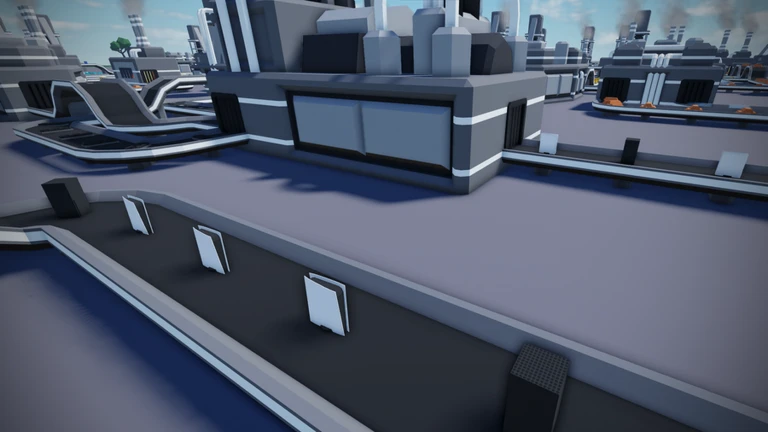
The game has four badges in total. Two are tied to limited-time events, which means once an event ends you lose the chance to earn its badge. The other two are straightforward to pick up just by playing and completing the tutorial.
Glossary
Glossary- Tycoon
- A Roblox game genre where you gradually build up a base, earn money, and expand your operation.
- Conveyor
- A belt-style lane that automatically moves produced items from one machine to the next.
- Upgrade
- An improvement applied to a machine that increases how efficiently it produces items.
- Alpha
- An early stage of game development before the full release, during which bugs and major changes are common.
- Plot
- The piece of land you claim at the start of the game, which is where you build your entire factory.
Common questions
FAQDoes the tutorial start on its own?
Yes — the onboarding tutorial launches automatically when you enter the game. Just follow the prompts and you will earn the Training Complete badge once you reach the end.
Can I still get the Halloween or Christmas event badges?
Those badges were only available during their respective events in 2025. If you missed them, keep an eye out for future seasonal events and join as soon as they open.
Does changing my factory's name or colours slow down production?
No. Customising your factory's name, colours, and logo through the settings menu has no effect on your machines or conveyors. You can update the look at any point without interrupting your factory.
Game updates can change what is on this page. If you spot something, get in touch and let us know.
