
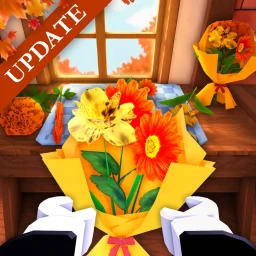
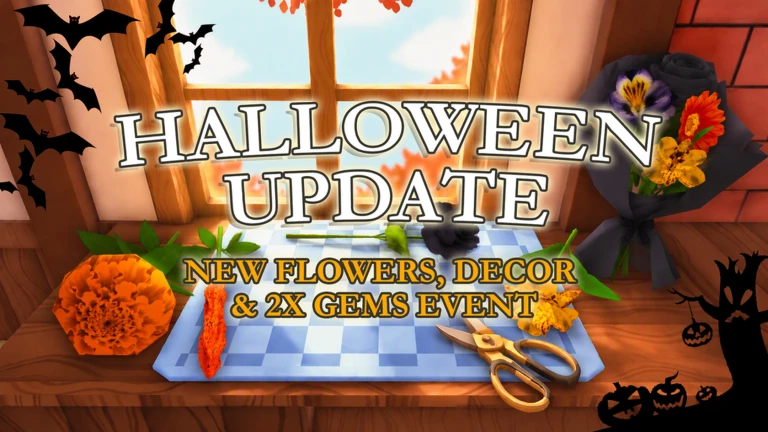
 Live now
–
Game guide
My Flower Shop Guide: The basic loop from seed to sale
Is this game fun?
No votes yet. Cast the first one.
About
OverviewMy Flower Shop is a relaxed sim where you build a tiny flower shop into a full florist business by planting, harvesting, and selling flowers. This guide walks you through the core loop, how to earn money faster, and what to spend it on so your shop keeps growing.
What is on this page
Contents
Player notes and tips
Found a useful trick? Share it with everyone! Notes with screenshots are welcome!
Write a guide note
🌷 My Flower Shop
01
The basic loop from seed to sale
Step
In short
Everything in the game flows from this four-step cycle, so getting comfortable with it early makes everything else easier.
When you first load in, you have a small shop with space to plant flowers. Once flowers are fully grown you harvest them, sell them to customers, and put the money back into the shop. Flowers keep growing even after you close the game, so you can come back to a ready harvest whenever you log in.
- Plant
sow seeds in the planting area inside your shop's grounds.
- Wait
flowers grow over time, including while the game is closed.
- Harvest
collect fully grown flowers when you return.
- Sell
hand flowers or finished arrangements to customers for money.
- Reinvest
put earnings into shop upgrades and decorations.
✦ Player polls!
MetaNew Player Survey

The next survey is being prepared.
02
Making more money, faster
TipsIn short
A mix of different flowers, daily logins, and hired staff keeps cash coming in from multiple directions at once.
Growing several varieties at once means something is almost always ready to collect. On top of harvesting, bouquets and floral arrangements sell for more than plain flowers, so turning your harvest into crafted products before selling is worth the extra step.
Tips worth knowing
- Grow several flower varieties at the same time so there is always something ready to harvest.
- Log in every day to collect your daily streak reward
the bonus gets bigger the more days in a row you come back.
- Join the game's group to double your daily streak rewards.
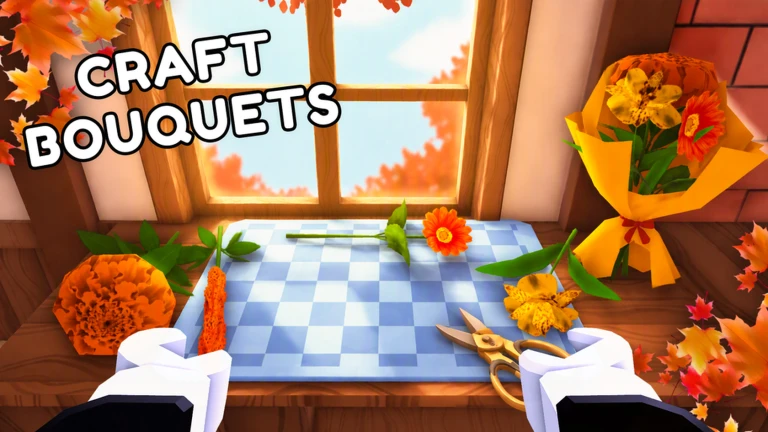
- Craft bouquets and arrangements from your harvested flowers before selling, since finished products fetch a higher price.
- Hire staff as you level up so customers are served and tasks are handled automatically.
03 Live and upcoming events
Events
Events running now or coming soon. They have fixed dates, so check them first.
Live now
–
 Upcoming
–
???
04
What to spend money on
Check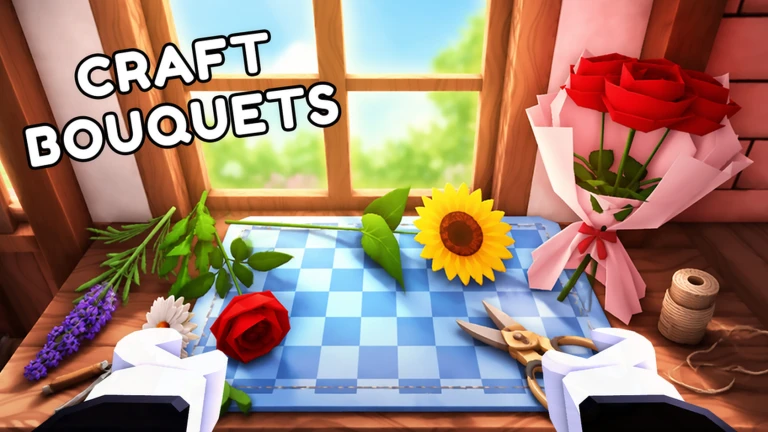
In short
Expanding your shop and adding decorations creates a bigger, busier shop.
Once money starts coming in, there are three main places to put it: expanding the shop, improving the garden, and adding decorations. More space means more flowers growing at once, which means more to sell. Decorations and a welcoming atmosphere draw more customers in, which pushes sales higher.
- Look at your planting area expanding your garden space lets you grow more flowers at once.
- Make sure your shop and garden have some decoration, since a well-dressed shop attracts more customers.
- Hire staff as you level up to automate customer service.
05
Playing without spending Robux
Summary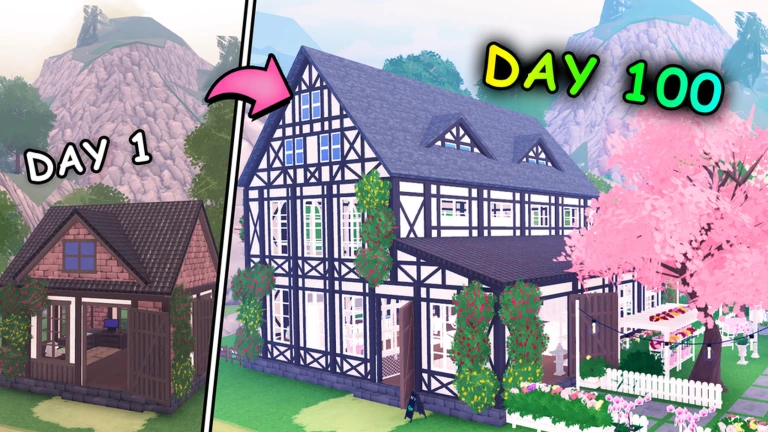
In short
The offline growth system and daily streaks mean free players can build a thriving shop purely through regular logins and steady harvesting.
Because flowers grow while the game is closed, you never have to sit and watch progress bars. Come back each day, collect the daily streak bonus, harvest what has grown, craft some arrangements, and sell everything. Repeating this at your own pace is enough to expand the shop steadily over time.
- Offline growth
flowers grow automatically while you are away, so no session needs to be long.
- Daily streak
logging in each day compounds your rewards without any cost.
- Crafting
turning harvests into arrangements squeezes more value out of every flower you grow.
Glossary
Glossary- Offline growth
- Flowers continue to grow after you close the game, so you return to a ready harvest without needing to stay logged in.
- Daily streak
- A reward you collect each day you log in, with the bonus increasing the more consecutive days you keep it going.
- Arrangement
- A crafted product made from harvested flowers that sells for more than the flowers would earn on their own.
- Staff
- Hired helpers that automatically serve customers and handle tasks in your shop, unlocked as you level up.
- Upgrade
- A paid improvement to your shop or garden that increases capacity or customer appeal.
Common questions
FAQDo flowers really grow when the game is closed?
Yes — plants grow offline, so you do not need to stay logged in while waiting.
Is it worth making bouquets instead of just selling raw flowers?
Crafted bouquets and arrangements sell for more than plain flowers, so processing your harvest before selling earns extra money from the same plants.
What does hiring staff actually do for me?
Staff handle customer service and other tasks automatically.
How do I get double daily rewards?
Joining the game's official Roblox group gives you twice the daily streak reward each time you log in.
Updated Sep 11, 2026
Game updates can change what is on this page. If you spot something, get in touch and let us know.
Game updates can change what is on this page. If you spot something, get in touch and let us know.
