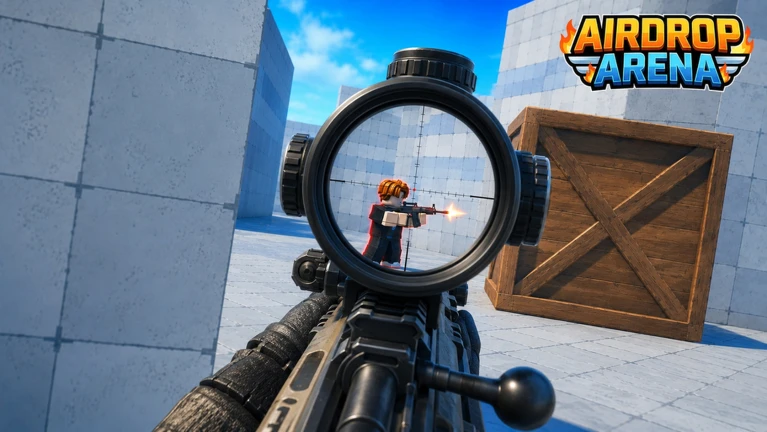
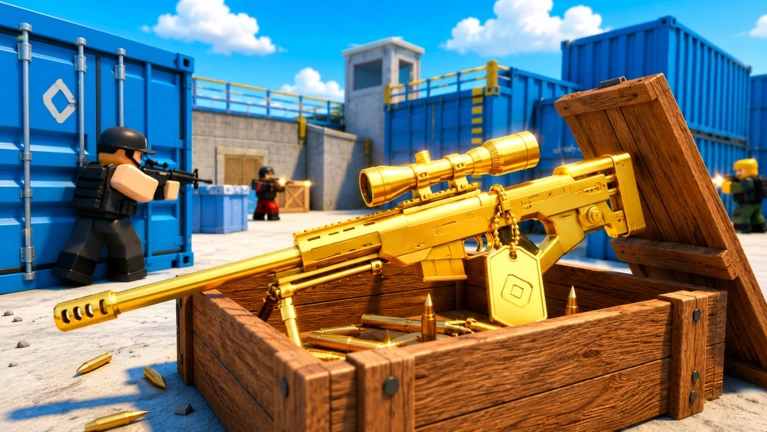
FPS AirDrop Arena is a military first-person shooter on Roblox where you skydive onto a large map, grab weapons for free, and fight other players over powerful air-drop crates. Matches support up to eight players at once. This guide covers landing safely, looting supply boxes, customising weapons with the Gunsmith, and fighting for air drops — everything you need to go from your first jump to winning gunfights.
In shortPicking a safe landing spot and securing a weapon right away sets you up for the rest of the match.
Every match begins with a skydive from the lobby's Start Game screen, where you choose a mode and vote on a map. While falling, look for buildings, containers, and covered passageways below — these are the spots you want to land near so you have somewhere to hide the moment you touch down. Once you land, head straight to the nearest green supply box to pick up a weapon.
Choose your drop zonewhile airborne, spot buildings and containers that will give you cover after you land.
Head to a green supply boxthese mark where weapons are waiting, so make one your first destination.
Check what you receivedafter opening a box, confirm your weapon or armour display has actually changed.
Pick a hiding spot before pushing forwardknow where you can retreat to before you go looking for enemies.
In shortOpening a box and actually receiving a weapon are two separate things, so always check your inventory display.
Green supply boxes are the main source of weapons on the map. Walk up to one and follow the prompt that appears on screen — the control shown can differ from box to box, so read the display rather than assuming. Picking up a weapon dropped on the ground uses a different input than opening a box. Boxes that have already been looted stay on the map but are empty, so if you find nothing, move on to the next one rather than waiting around.
Worth watching out for
Read the on-screen prompt each timedo not assume the same button opens every box.
Confirm your gear changedopening a box and collecting its contents are separate steps.
Move on from empty boxesan already-looted box looks the same as a full one until you open it.
Do not stand still too longonce you have checked a box, step back into cover immediately.
03Live and upcoming eventsEvents
Events running now or coming soon. They have fixed dates, so check them first.
Live now –
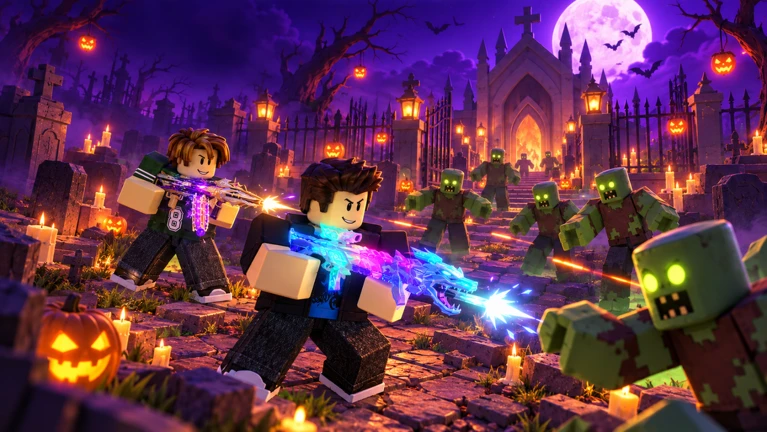
🎃 Halloween: Invasion
Unknown enemies are taking over AirDrop Arena! 🎃
Grab your favorite weapon and battle mysterious foes in a spooky Hal…
In shortPractising reloading and weapon switching in a quiet spot saves you from fumbling when a fight breaks out.
Alongside shooting, getting comfortable with movement and ammo management early makes a real difference. If you have changed any key bindings, or if the in-game display shows something different, follow what the screen says instead. On phones and tablets, use the corresponding on-screen buttons.
Tips worth knowing
Press R to reload and top up your ammunition before pushing into a fight.
Press Q to switch weapons quickly when one runs dry mid-gunfight.
Hold Shift to sprint between cover.
Press C while sprinting to slide and lower your profile as you move.
05
Aim and sensitivity settings
Tips
In shortAdjusting sensitivity one step at a time, using a fixed point to test against, gets you to a comfortable setting faster than making big changes at once.
The settings menu lets you tune mouse sensitivity and how your crosshair looks. Sensitivity controls how far your view moves when you move the mouse. Pick a fixed point like a wall corner and try to stop your crosshair exactly on it — if your aim flies past with a small movement, lower the sensitivity; if you have to move a long way to reach it, raise it slightly. Change one setting at a time so you can tell what made the difference.
Tips worth knowing
Use a wall corner as a test target when dialling in sensitivity.
Adjust crosshair colour or line thickness if it blends into the background.
Shrink the crosshair centre if it is covering the part of the enemy you want to aim at.
Change one setting per session so you know exactly what helped.
06
Fighting for air drops
Tips
In shortPatience near an air-drop site beats rushing in and getting shot from multiple directions.
When a plane appears over the map, it drops a supply crate that can contain legendary weapons and god-tier armour — a chance to jump well ahead of the competition. Because every other player on the server has the same idea, sprinting straight to the crate is dangerous. Move to nearby cover first, watch who is already fighting over it, and only push in when the immediate brawl has settled. After you grab the crate, step away from the spot before stopping to check your new gear.
Tips worth knowing
Track the plane early so you can work out where the crate will land before the rush starts.
Use cover on the way in rather than crossing open ground toward the drop.
Let enemies fight each other first, then move in once the area clears.
Once you have the crate, move away from the box before checking your new loadout.
07
Missions and daily rewards
Check
In shortRewards from completed missions only land in your account after you press Claim, so check after every session.
The Newbie Mission panel shows beginner goals such as opening boxes, collecting armour, and dealing damage — a useful list if you are not sure what to focus on. The Battle Pass daily missions are found under the Daily tab. After a match, look through the list for anything marked as complete and press Claim on each one; skipping this step means the reward does not register.
Check the Newbie Mission panel for a current goal if you are unsure what to work on next.
Open the Daily tab after each match to see which missions you have finished.
Press Claim on every completed missionrewards are not added automatically.
Tell apart in-progress missions from claimable ones so you do not miss a reward.
In shortAttachments shape how your weapon handles in every fight.
The Gunsmith lets you attach and swap parts on any base weapon using coins earned in the game. No Robux is needed to access or use it.
Sight
an attachment type available in the Gunsmith.
Barrel
a barrel attachment available in the Gunsmith.
Extended magazine
an attachment type available in the Gunsmith.
Recoil attachment
reduces muzzle climb so your shots stay on target during sustained fire.
09
Free coins and items from redeem codes
Step
In shortRedeeming a code takes under a minute and gives you coins and cases at no cost.
The developers release redeem codes that hand out coins and skin cases for free. Codes expire or hit a usage limit, so use any code you find straight away rather than saving it.
Find the Codes buttonit sits on the main menu or the lobby screen.
Enter the codetype it precisely, since capitalisation matters.
Press Redeemcoins and any included cases are added to your account immediately.
Act fastcodes can expire or reach a usage cap at any time.
10
Things that get you banned
Warn
In shortA permanent ban ends your account with no appeal, so the only safe path is to play clean.
Cheating in FPS AirDrop Arena results in a permanent ban with no second chances.
Worth watching out for
Using any cheat tool results in an immediate and permanent banthe account cannot be recovered.
Never share your Roblox password or account details with anyone.
Offers of free Robux in exchange for personal information or a link click are scamsignore and report them.
Community strategy ideas
Community
These ideas and tips come from people playing the game. Share your discoveries too!
No strategy ideas yet. Share a tip you discovered.
Share a strategy idea
FPS🔥AirDrop Arena [S3]🔥
Glossary
Glossary
Gunsmith
The weapon customisation system that lets you attach sights, barrels, magazines, and other parts to any base weapon using coins.
Air drop
A supply crate dropped onto the map from a plane during a match, containing legendary weapons and god-tier armour.
Legendary
The highest rarity tier for weapons and armour in the game, obtainable from air-drop crates.
God-tier armour
The strongest armour available in the game, found inside air-drop crates.
Recoil
The upward kick of your weapon after each shot; certain Gunsmith attachments reduce it so your bullets stay on target.
Skin
A cosmetic item that changes the appearance of a weapon without affecting which weapons you can actually use in a match.
Duel Hub
A one-versus-one match mode that unlocks when your player level reaches 3.
Redeem code
A string of characters released by the developers that you enter in the Codes menu to receive free coins or skin cases.
Common questions
FAQ
Do I have to spend Robux to get good weapons?
No. Every player can pick up any weapon for free after landing. You can use the Gunsmith to improve those weapons with coins earned in the game.
Where do I enter a redeem code?
Look for the Codes button on the main menu or in the lobby screen. Click it, type your code exactly as written, then press Redeem to receive your coins or cases straight away.
What devices can I play this on?
The game runs on PC, phones, tablets, PS5, and Xbox. On phones and tablets, all controls are handled through on-screen buttons.
When does the Duel Hub unlock?
The Duel Hub one-versus-one mode opens when your player level reaches 3 — it is your player level that matters, not the level of any weapon. Once you see the unlock notification, check the mode selection in the lobby.
Do weapons I pick up in a match carry over to my inventory?
No. Weapons collected from supply boxes during a match do not get added to your permanent inventory afterwards. To add a weapon to your loadout permanently, you need to obtain it through a weapon box in the lobby — and be aware that a skin box gives you a cosmetic only, not the weapon itself.
What happens if I use a cheat program?
You receive a permanent ban with no possibility of appeal or reversal. There are no second chances, so the only option is to play without any cheating tools.
Updated Oct 21, 2026
Game updates can change what is on this page. If you spot something, get in touch and let us know.


 Live now
–