
Clean the Countries Guide: Controls for PC and controller

About
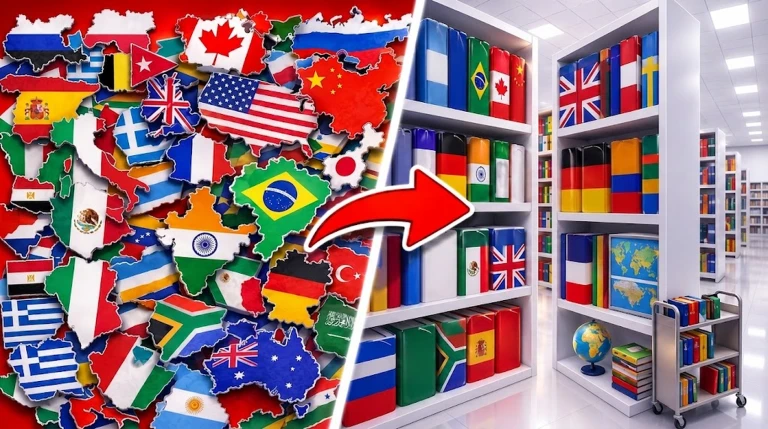
OverviewClean the Countries is a Roblox game where you travel the world cleaning up messy countries, unlock new places as you go, and race for the fastest times on the leaderboard. This guide covers the controls, the core loop, how to get stronger, and how to make the most of multiplayer.
What is on this page
Contents
Controls for PC and controller
Table
Every action in the game has a different button depending on whether you are on PC or using a controller. The most important thing to know is that cleaning — the main action — is done by holding Click on PC and holding LT on a controller.
| Hold Click | clean (PC) | Hold LT — clean (Controller) |
| E or Click | pick up or place an item (PC) | RT — pick up or place an item (Controller) |
| F | drop an item (PC) | LT — drop an item (Controller) |
| Number keys | switch tool (PC) | Y — open upgrades (Controller) |
| T | unlock equipment (PC) |
| G | use your special ability (PC) |
MetaNew Player Survey
The next survey is being prepared.
The core loop: select, clean, unlock
Step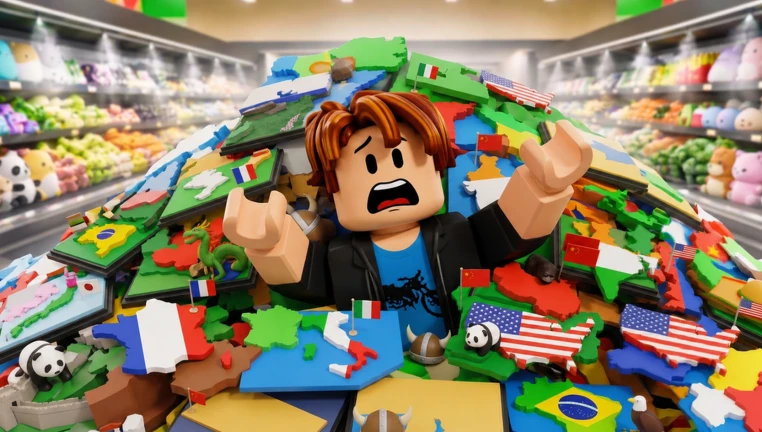
When you enter a country it starts out messy, and your job is to clean every part of it. Finishing a country unlocks new ones, so pushing through each location is how you keep progressing.
- Clean the mess hold the clean button and work through the area until it is tidy.
- Check the leaderboard your finishing time is recorded, so see where you rank against other players.
- Unlock new countries clear enough of a country to open up fresh locations around the world.
- Expand your collection each new country you unlock adds to the places you have conquered.
Upgrades, equipment, and special abilities
Tips
As you play you gain access to upgrades that raise your cleaning speed, new abilities that give you extra ways to clean, and equipment that broadens what you can do overall.
- Upgrades increase how fast you clean.
- Special abilities open up cleaning methods beyond the basic hold-to-clean action.
- Switching tools with the number keys lets you match the right tool to the situation.
- Unlocking equipment through the T key adds new options that carry across countries.
Playing with friends
Summary
The game supports solo and group play equally.
- Max players per room 20
- Solo play fully supported
- Leaderboard benefit cooperative cleaning produces faster clear times
Glossary
Glossary- Clean
- The main action in the game, performed by holding the clean button, that removes mess from a country.
- Upgrade
- An improvement earned through play that increases your cleaning speed or efficiency.
- Special Ability
- An extra skill beyond standard cleaning, activated with G on PC.
- Equipment
- Unlockable gear accessed through the T key on PC that expands what you can do in a country.
Common questions
FAQCan I play this game alone?
Yes, the game supports both solo and group play. You can clean countries alone or with friends.
How do I unlock new countries?
New countries unlock as you clean and progress through the ones you already have access to.
How many players can join the same room?
Up to twenty players can be in one room at the same time.
How does the leaderboard work?
The game records how long it takes you to clean a country and posts that time to the leaderboard. The goal is to post the fastest time you can.
Game updates can change what is on this page. If you spot something, get in touch and let us know.
