
Cars Physics Drive 2 — Getting started
About
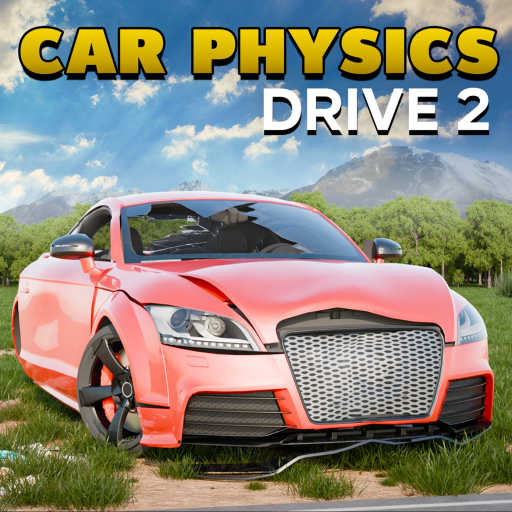
OverviewCars Physics Drive 2 is a driving game built around speed, crashes, and wild physics. You can race, pull stunts, jump out of vehicles mid-air, and let the ragdoll system do the rest.
What is on this page
Contents
Getting started
Step
When you first load in, choose a vehicle and get comfortable with how it handles. Start with a standard car. Run a few laps at your own pace before worrying about competing with other players.
- Pick a vehicle choose a standard car first, since they have balanced handling
- Check your drive mode press M to switch between automatic and manual
- Try the controls use WASD to move and get a feel for braking and turning
- Switch cameras press V to toggle first-person view and decide which perspective suits you
Full control reference
Table
The control scheme covers movement, gear shifting, camera, and extras. Horn and lights are a way to signal other players.
| WASD | steer and control your speed |
| E / Q | shift gear up or shift gear down in manual mode |
| M | toggle between automatic and manual transmission |
| Shift | activate nitro for a short burst of speed (works on supported vehicles only) |
| V | switch between third-person and first-person camera |
| P | apply the parking brake for a hard, sudden stop |
| Left Ctrl | perform a wheelie (motorcycles only) |
| H / L | horn and lights, useful for communicating with other players |
Choosing the right vehicle
Tips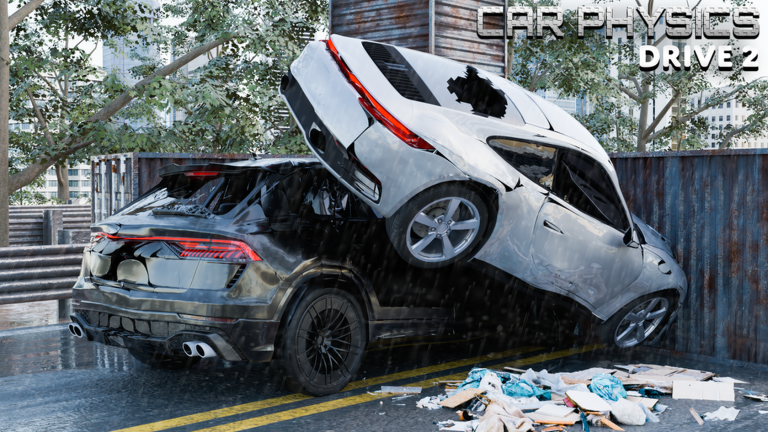
The garage includes cars, motorcycles, drag cars, planes, and trains, and each handles in a noticeably different way. New drag car packs have been added over time, so the selection keeps growing.
- Standard cars are the easiest starting point — balanced handling and no special mechanics to learn immediately
- Motorcycles support wheelies with Left Ctrl, making them the best pick if you want to focus on stunts
- Drag cars are built for straight-line speed
- Planes require learning a completely different set of movement rules
- Trains have a unique feel and suit low-curve tracks
- If a new vehicle feels off, get used to its collision system before racing it
Stunts, crashes, and ragdolling
Tips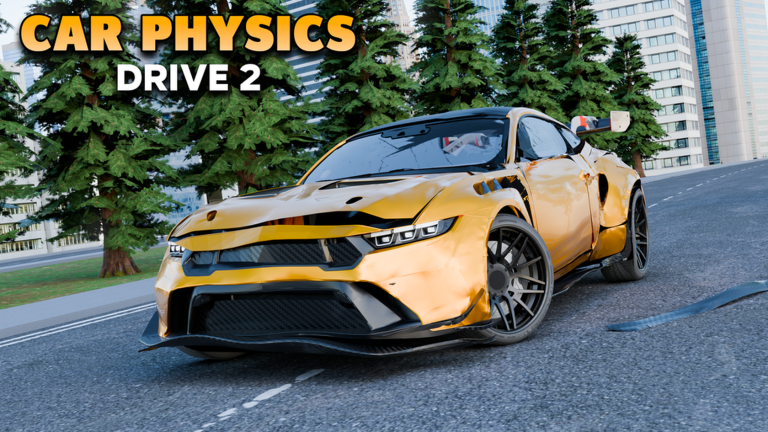
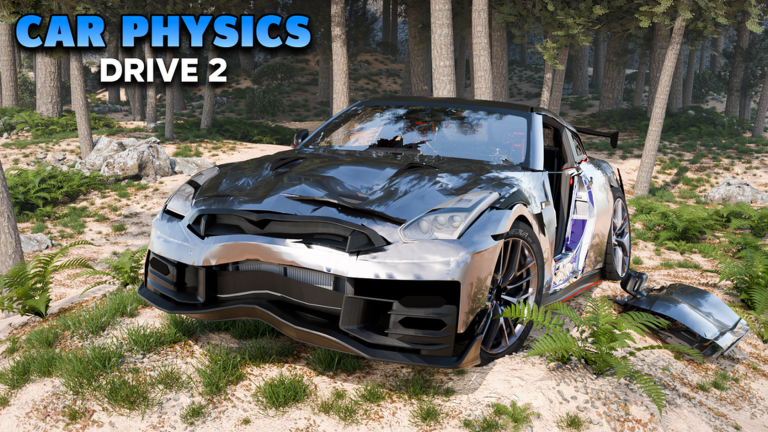
Jumping out of a vehicle while it is airborne sends your character into a ragdoll state, tumbling under real physics. The collision system on newer vehicles makes crash behaviour more detailed and unpredictable.
- Jump from a vehicle high in the air to trigger ragdoll and watch the physics take over
- Newer vehicles have a more complex collision system, so expect different crash results compared to older ones
- Physics glitches are part of the experience
Manual versus automatic transmission
Table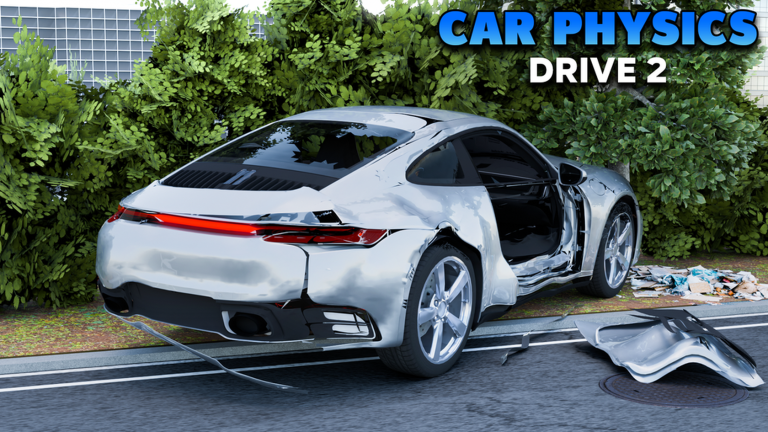
You can switch between the two at any time with M. Automatic handles gear changes for you. Manual lets you choose exactly when to shift.
| Automatic | gear changes happen on their own |
| Manual | you control every shift with E and Q |
| Switching mid-session | press M at any time |
When things go wrong
CheckIf you feel like you have lost control or cannot keep up in a race, run through these checks before switching vehicles.
- Confirm whether you are in manual or automatic M toggles it
- Check your camera first-person and third-person feel very different, so try V and see if the other view is easier
- Give new vehicles a practice run before racing their collision and handling systems can be quite different from what you were using before
What is free to play
SummaryCars Physics Drive 2 has collected over 94 million visits as measured on October 2, 2026. Racing, free driving, and stunts are all available from the start. Four or more maps are open to every player at no cost.
Glossary
Glossary- Nitro
- A short burst of extra speed activated with Shift, available only on vehicles that support it.
- Ragdoll
- The state your character enters after bailing from a vehicle, where the physics engine controls how you fall and tumble.
- Manual transmission
- A drive mode where you shift gears yourself using E and Q, giving more control over acceleration.
- Automatic transmission
- A drive mode where gears change on their own, letting you focus entirely on steering and braking.
- First-person camera
- A view from the driver's eyes, toggled with V, that increases immersion but makes handling feel tighter.
- Wheelie
- A stunt where a motorcycle lifts its front wheel off the ground, performed by holding Left Ctrl.
- Parking brake
- An instant hard stop triggered by pressing P, useful for sharp manoeuvres or emergency halts.
- Drag car
- A vehicle built for maximum straight-line acceleration, added through drag car packs as part of ongoing updates.
Common questions
FAQHow do I try a new vehicle without ruining a race?
Spend time with the vehicle before entering a race. Newer vehicles have a different collision system that takes some adjustment.
Can I communicate with other players without voice or chat?
Yes — the horn (H) and lights (L) are there specifically for this.
Is it okay to play around with physics glitches?
Crashing, ragdolling, and weird physics interactions are built into the experience.
Game updates can change what is on this page. If you spot something, get in touch and let us know.
