
First is Admin Guide: Two ways to become admin

About
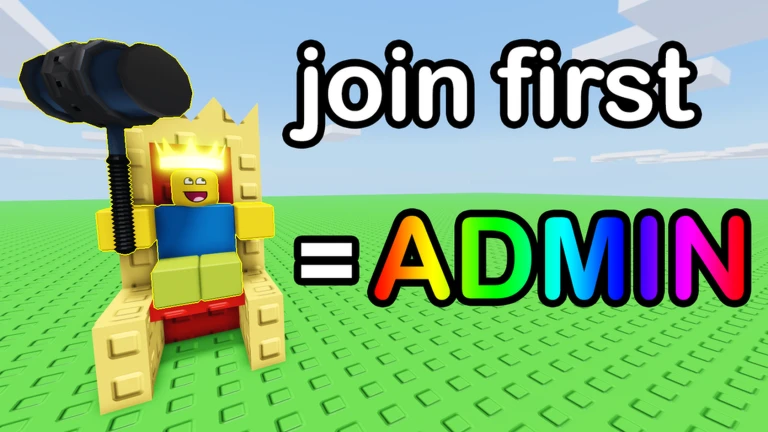
OverviewFirst is Admin is a Roblox game where the first player to join a server automatically becomes the admin and gets access to 200 custom commands. This guide covers how to claim admin, what you can do with it, how to save maps, and how to earn every badge.
What is on this page
Contents
Two ways to become admin
Step
Admin is handed out automatically, so there is no application or vote. If you miss the first slot, staying in the server is your next best option.
- Join first enter a fresh server before anyone else and admin is yours immediately.
- Outlast the current admin if the admin leaves, the player who has been in the server the longest automatically becomes the new admin.
- Check the server size type /joinlarge in chat to move to a larger server that holds up to 24 players if you want more company.
MetaNew Player Survey
The next survey is being prepared.
Getting started with commands
Tips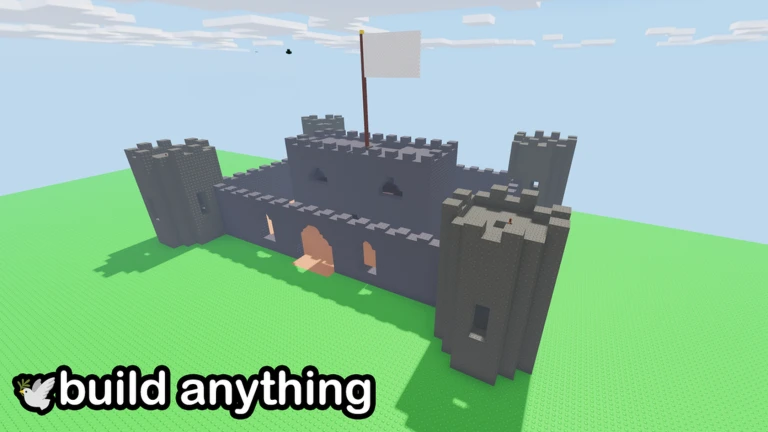
All 200 custom commands are available through a single chat entry. One targeting rule trips up almost every new admin, so read it before you start.
- Type ;cmds in chat to open the full list of 200 commands.
- Always use a player's full username when targeting them — display names do not work.
PEACE vs CHAOS
Table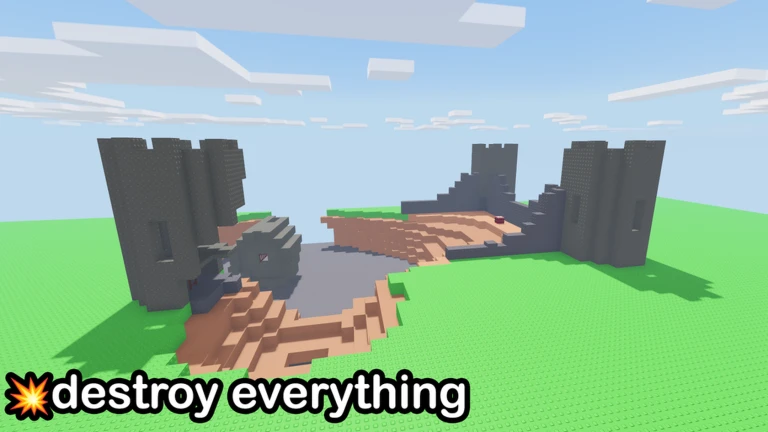
The game gives you two broad playstyles. You can switch between them depending on your mood.
| PEACE | use btools to build and customize maps however you like. |
| CHAOS | blow things up and wreck the world for the fun of it. |
All four badges
Table
Each badge has a clear unlock condition. Immortal counts your total time across all sessions, so you do not need to do it in one go.
| Badge | How to unlock |
|---|---|
| Welcome! | Join the game for the first time. |
| Admin | Become the owner admin. |
| Builder | Save a map with the ;savemap command. |
| Immortal | Accumulate a total of 100,000 seconds in the game (roughly 27 hours and 44 minutes). |
Glossary
Glossary- ;cmds
- A chat command that displays the full list of 200 custom commands available to the admin.
- ;savemap
- A chat command that saves the map you have built, and unlocks the Builder badge on first use.
- /joinlarge
- A chat command that moves you into a larger server that supports up to 24 players.
- btools
- A set of building tools available in PEACE mode for constructing and customizing maps.
- Owner admin
- The player who currently holds admin privileges, either by joining first or by having the most time in the server when the previous admin left.
Common questions
FAQWho becomes admin when the current admin leaves?
The player who has spent the most time in that server automatically becomes the new admin.
Can I use a player's display name in a command?
No — commands only work with a player's full username.
Do I need to earn the Immortal badge in one session?
No. The badge tracks your total accumulated time across all sessions. You just need to reach 100,000 seconds overall, which works out to about 27 hours and 44 minutes.
Game updates can change what is on this page. If you spot something, get in touch and let us know.
