REDLINER Guide: Controls and how to remap them
About
OverviewREDLINER is a fast-paced first-person game that mixes sword combat, gunplay, and parrying, backed by a movement system with no speed cap. This guide covers the controls, how to fight effectively, and how to get better when you keep losing.
What is on this page
Contents
Player notes and tips
Found a useful trick? Share it with everyone! Notes with screenshots are welcome!
Write a guide note
REDLINER [UPD 1.1]
Controls and how to remap them
Check
Every keybind in the game can be changed, so check the settings when you first load in and adjust anything that does not feel natural.
- LMB fires your melee sword swing
- Q shoots your gun
- F triggers a parry, which can deflect incoming bullets
- RMB uses the grapple
- SHIFT dashes forward
- CTRL slides while running
- SPACE against a wall starts a wallrun
MetaNew Player Survey

The next survey is being prepared.
Movement fundamentals
Step
Because there is no speed limit, movement skill directly translates into a fighting advantage. Spend time practising each technique on its own before trying to chain them.
- Dash practice press SHIFT repeatedly and feel how quickly you can cover ground
- Slide practice run and press CTRL to drop into a low profile that is harder to aim at
- Wallrun practice approach a wall and press SPACE to run along it and gain height
- Combination runs link dash into slide into wallrun until the sequence feels automatic
Combat basics
Tips
Three tools cover almost every combat situation: melee for close range, the gun for distance, and the parry to turn an enemy's shot back on them. Moving while attacking makes you harder to hit at the same time as you deal damage.
- Use LMB to swing the sword when an enemy is right in front of you
- Switch to Q and shoot when there is real distance between you and the target
- Press F the moment an enemy fires to parry the bullet and return damage to them
- Dash or slide as you attack so the opponent's aim is constantly thrown off
Parrying in practice
StepParrying is activated with F and deflects incoming bullets, sending damage back to the attacker.
- Time the press hit F as the enemy fires
- Confirm the return a successful parry sends damage back at the attacker
Troubleshooting repeated losses
Check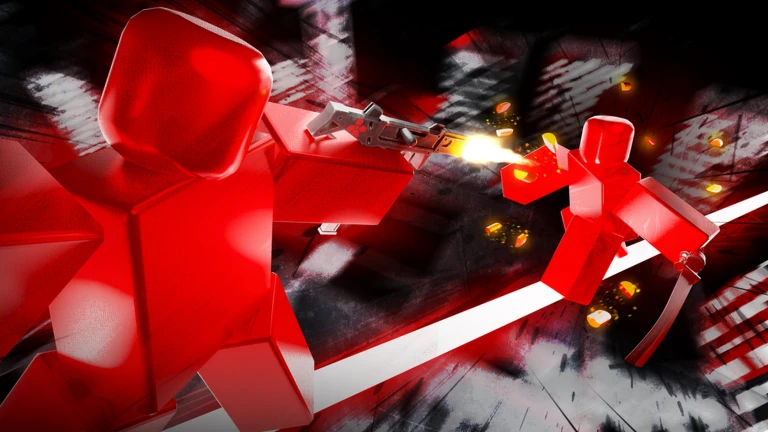
When you keep dying to the same players, run through this list before changing anything else.
- Movement variety are you running in the same direction every time? Vary your angle and mix in slides and wallruns
- Parry rate are you attempting the parry when bullets come in, or just taking the hits?
- Range awareness are you trying to gun down someone who is already in melee range, or chasing a distant enemy on foot instead of shooting?
PvP positioning
Tips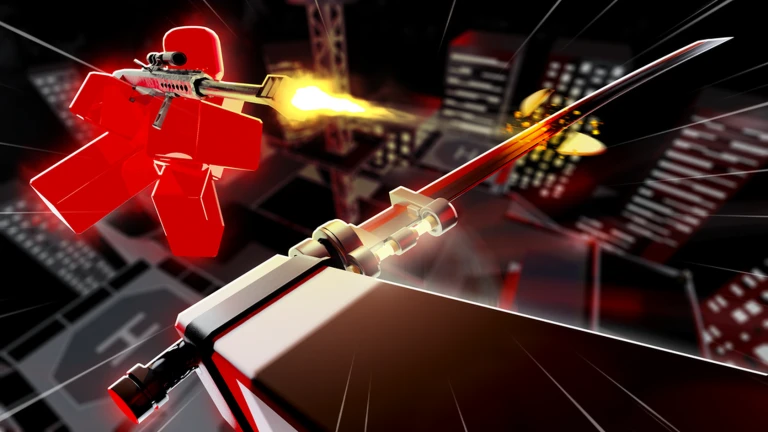
Height is a structural advantage because enemies shooting upward have a harder angle. The two available maps are an FFA map where everyone fights everyone, and a 2v2 map for team play.
- Use wallruns to reach high ground, then engage from above where aim angles are awkward for opponents
Free-to-play and Roblox Plus
TableNo purchase is required to access any part of the gameplay. Skins change how your character looks and have no effect on performance, so free and paying players fight on identical mechanical footing.
| Combat access | full, no payment required |
| Movement system | full, no payment required |
| Yen earnings | base rate without Roblox Plus; +50% with Roblox Plus |
| Skins | cosmetic only, zero impact on stats or speed |
Redeem codes
WarnThe game has a code redemption system that hands out rewards.
 Halloween
HEADSUP
900 Crimson
LIBERATOR
Crimson 900
EXPOSURE
Crimson 500
Glossary
Glossary- Melee
- A sword swing performed with LMB, best used when the enemy is at close range.
- Parry
- A defensive move triggered with F that deflects an incoming bullet and sends damage back to the attacker.
- Wallrun
- A movement technique activated by pressing SPACE against a wall, letting you run along it and gain height.
- Dash
- A quick burst of forward movement triggered with SHIFT; chaining inputs increases speed since there is no cap.
- Slide
- Pressing CTRL while running drops you into a low stance that is harder for enemies to aim at.
- Grapple
- A movement tool bound to RMB.
- FFA
- Free-for-all mode, where every player fights every other player simultaneously on the FFA map.
- 2v2
- A team mode on the 2v2 map where two players fight against two others.
- Yen
- The in-game currency; Roblox Plus subscribers earn 50% more of it.
Common questions
FAQWhich weapon should I focus on first?
Both the sword and the gun are always available, so the goal is learning when to use each rather than picking one. If an enemy is close, swing with LMB; if they are at distance, shoot with Q.
How do I get the parry timing right?
Press F when the enemy fires to parry the bullet and return damage to them. Landing a parry returns damage to the attacker.
Do skins make you stronger?
No — skins only change how your character looks and have no effect on speed, damage, or any other stat.
What is the difference between the two maps?
There is an FFA map where every player fights every other player, and a 2v2 map where two players fight against two others.
Game updates can change what is on this page. If you spot something, get in touch and let us know.