
The Complex 2 Guide: Getting started on your first expedition

About
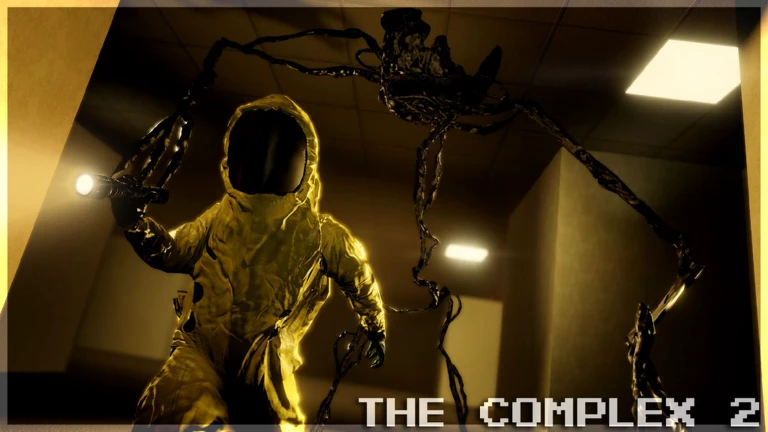
OverviewThe Complex 2 is a multiplayer horror exploration game set in the Backrooms, inspired by Kane Pixels' A-Sync universe. Every expedition drops you into a procedurally generated environment, so the layout is different every time you play. This guide covers how to get moving, stay alive, and make the most of the gear and systems the game gives you.
What is on this page
Contents
Player notes and tips
Found a useful trick? Share it with everyone! Notes with screenshots are welcome!
Write a guide note
The Complex 2
Getting started on your first expedition
Step
Before you head into the Backrooms, make sure you have your core equipment. The environment is dark and sprawling, so going in empty-handed will end your run quickly.
- Grab a flashlight without it, dark areas become almost impossible to move through safely.
- Pick up a proximity radio you will need it to talk to teammates as you spread out.
- Take a camera if one is available it lets you record and share what you are seeing.
- Mark your path as you go dropping markers behind you is the only reliable way to find your way back.
MetaNew Player Survey

The next survey is being prepared.
Using vehicles to cover ground
Table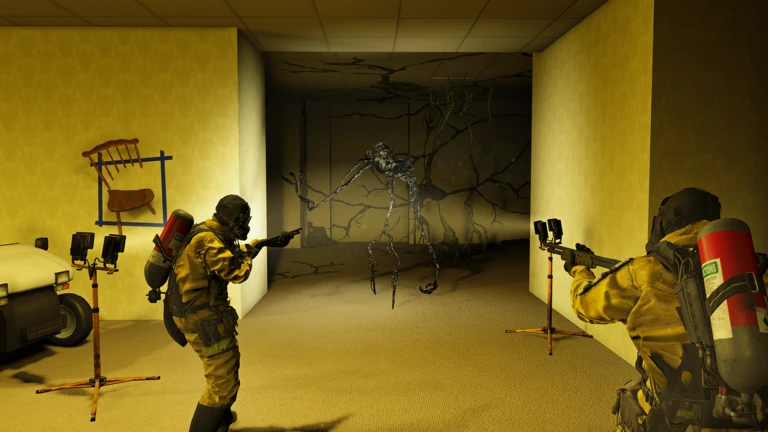
Two vehicles are available during expeditions, and each one suits a different situation.
| Golf cart | fast mover that gets you across large areas quickly |
| Remote exploration rover | operated at a distance, so you can scout dangerous areas without putting yourself at risk |
| On foot | still necessary for areas no vehicle can reach |
Setting up outposts
TipsMaterials you collect during exploration go toward building outposts. A well-placed outpost changes how an expedition plays out, giving you somewhere to store supplies and regroup.
- Collect materials as you explore and use them to construct outpost facilities.
- Use interactive tools at the outpost to manage and transport materials more efficiently.
CCTV cameras for safe scouting
Check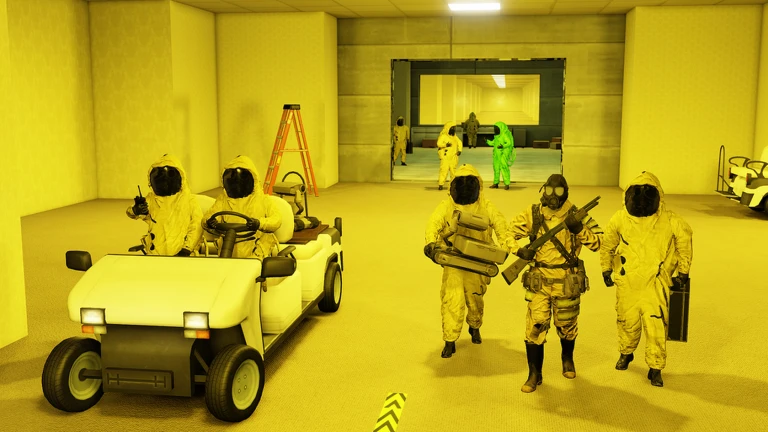
CCTV cameras can be placed in unexplored areas and monitored remotely.
- Place a camera to monitor unexplored areas before advancing.
- Watch the feed for any sign of dangerous entities before advancing.
Staying alive around dangerous entities
Warn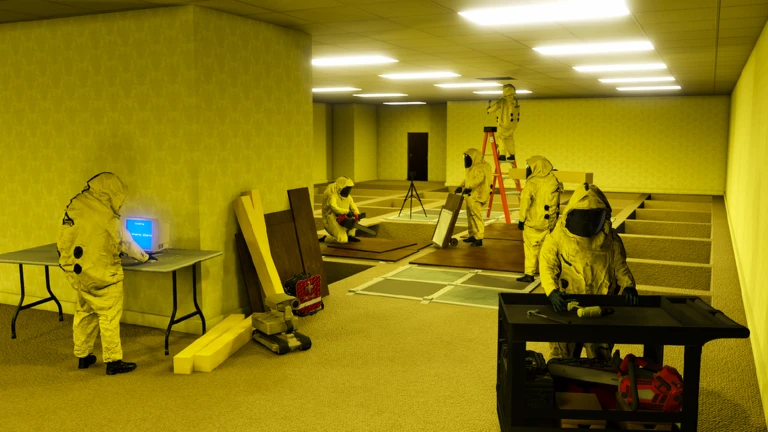
Dangerous entities are part of every expedition. The game gives you ways to defend yourself.
Playing with a full team of up to 25
TipsUp to 25 players can explore together in the same session.
- Use proximity radios to communicate with teammates.
- If a teammate is in trouble, a large team makes rescue runs far more viable than going it alone.
Glossary
Glossary- Backrooms
- The endlessly looping, liminal space that makes up the game world, procedurally generated fresh for every expedition.
- Procedural generation
- A system where the game's computer builds the map automatically each time, so no two expeditions share the same layout.
- Proximity radio
- A short-range communication device you carry during an expedition to talk with nearby teammates about positions and dangers.
- Outpost
- A player-built base constructed from collected materials that serves as a resupply point and staging area during a run.
- Remote exploration rover
- A vehicle you operate from a distance to scout areas that are too dangerous to enter on foot.
Common questions
FAQIs the map the same every time I play?
No. The environment is procedurally generated, which means the layout is rebuilt from scratch at the start of every expedition. You will never retrace the same route twice.
Can I play alone, or do I need a full team?
The game supports up to 25 players in one session.
Should I fight entities or run from them?
The game lets you defend yourself, and equipping defensive gear is worth doing.
Game updates can change what is on this page. If you spot something, get in touch and let us know.
