
My Slime Lab — The basic loop
About
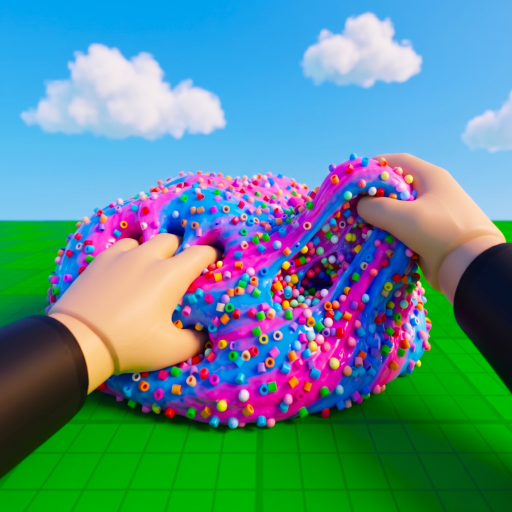
OverviewMy Slime Lab is a relaxed Roblox simulator where you design custom slimes, play with their squishy physics, and sell them to earn in-game currency. This guide covers the core loop, how to earn faster, and how to build up your slime collection without spending Robux.
What is on this page
Contents
The basic loop
Step
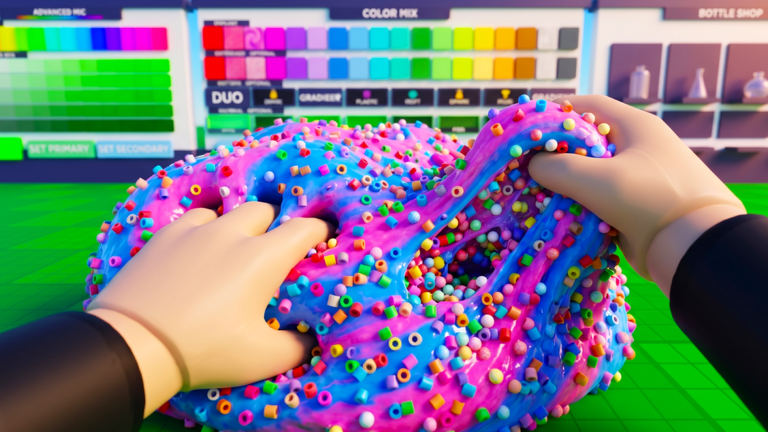
When you first load in, your job is to create a slime by picking a color, pattern, material, and any mix-ins you want. Once your slime is ready, it goes up for sale. The money you collect unlocks more colors, patterns, mix-ins, and materials, which lets you make more interesting slimes and start the cycle again.
- Design a slime combine a color, pattern, mix-in, and material to build your creation.
- Put it up for sale your slime sells to customers automatically once it is listed.
- Collect the earnings check back to gather the money that has built up.
- Unlock something new spend your earnings on a color, pattern, mix-in, or material you do not have yet.
- Repeat use the new options to design a better or more unique slime.
Selling to friends for a bigger payout
Tips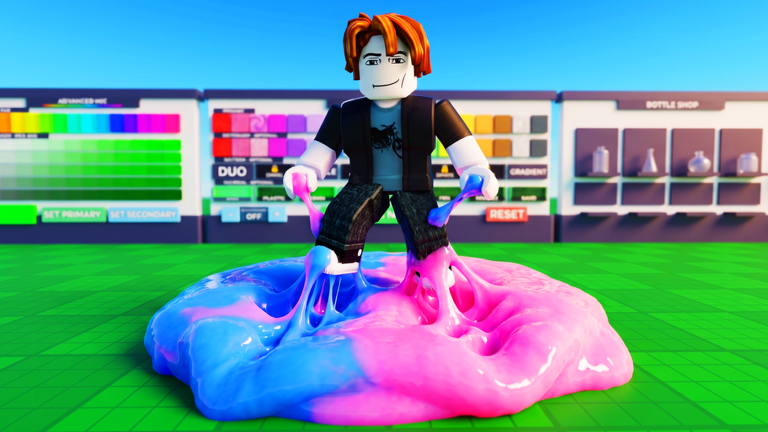
The game rewards you extra whenever a friend buys your slime instead of a regular customer. That bonus is 25% more currency per sale.
- Selling a slime to a friend gives you 25% more currency than a standard sale.
- Keep several slimes listed at once so income from multiple listings adds up.
Earning while you are offline
Check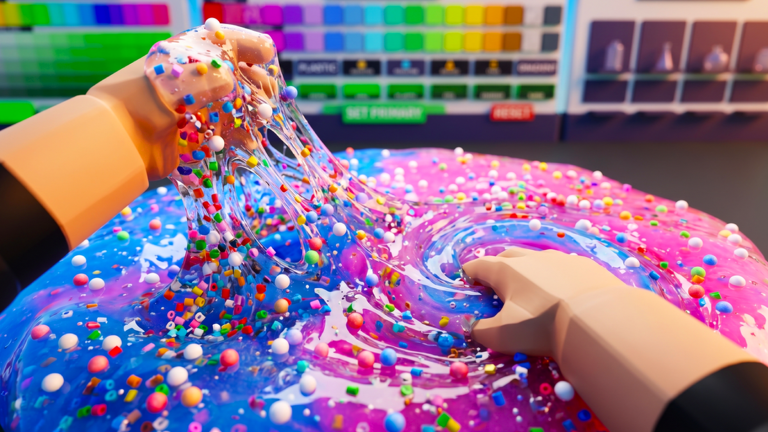
You do not need to stay in the game for your slimes to sell. Sales continue in the background, so closing Roblox does not stop your earnings. When you return, you will find currency waiting for you.
- Slimes sell automatically while you are offline.
- Having multiple slimes up for sale at the same time means several listings are earning currency in parallel.
What you can customise on a slime
Table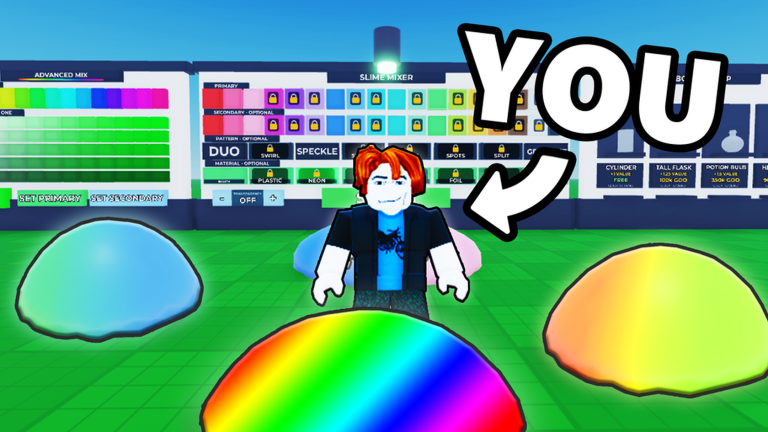
Each slime is built from four layers of customisation. You unlock more options in each category as you earn currency, so the variety of slimes you can create grows the longer you play.
| Color | changes the overall tint of your slime. |
| Pattern | alters the surface design and markings. |
| Mix-in | adds elements inside the slime that affect its look and feel. |
| Material | shifts the physical texture and softbody behaviour of the slime. |
Playing without spending Robux
Summary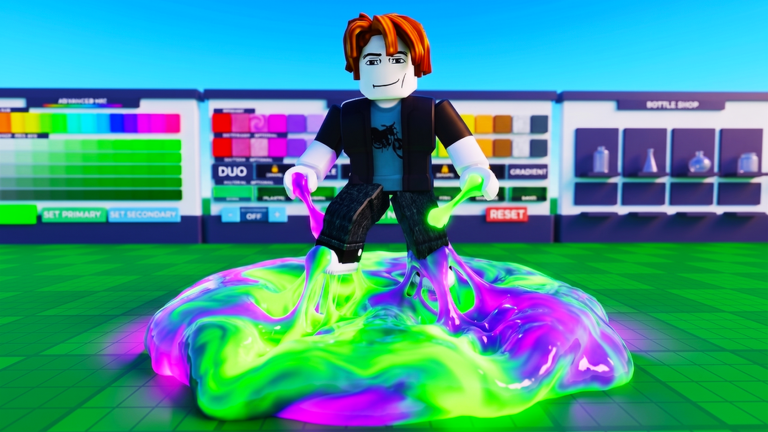
The game is designed so that free players can unlock all the basic elements at their own pace. Colors, patterns, mix-ins, and materials are all purchasable with the currency you earn from sales. The offline selling system means you accumulate money even when you are not actively playing.
- Free to progress all colors, patterns, mix-ins, and materials unlock with earned currency.
- Offline income sales continue automatically.
- Friend bonus playing with friends adds 25% to each sale without requiring any purchase.
Glossary
Glossary- Mix-in
- An element you add inside a slime that changes its appearance and feel.
- Offline selling
- The system that keeps your listed slimes selling automatically even after you close the game.
- Friend bonus
- A 25% extra currency reward you receive when a friend buys one of your slimes.
- Unlock
- Using earned in-game currency to make a new color, pattern, mix-in, or material available for use.
- Softbody physics
- The simulation that makes slimes squish, stretch, and react like a real squishy material when you interact with them.
Common questions
FAQDo I earn money even when I am not playing?
Yes. Your listed slimes continue to sell automatically after you log off, so currency builds up while you are away.
How do I get the friend bonus?
When a friend buys one of your slimes, you receive 25% more currency than a regular sale would pay.
Can I unlock everything without spending Robux?
Every basic element — colors, patterns, mix-ins, and materials — can be unlocked using only the in-game currency you earn from sales.
Does listing more slimes at once help?
Yes. Having multiple slimes up for sale at the same time means several listings are earning currency in parallel, which speeds up how fast you can afford new unlocks.
Game updates can change what is on this page. If you spot something, get in touch and let us know.
