
TRAVERSAL Guide: Controls to learn before your first run

About
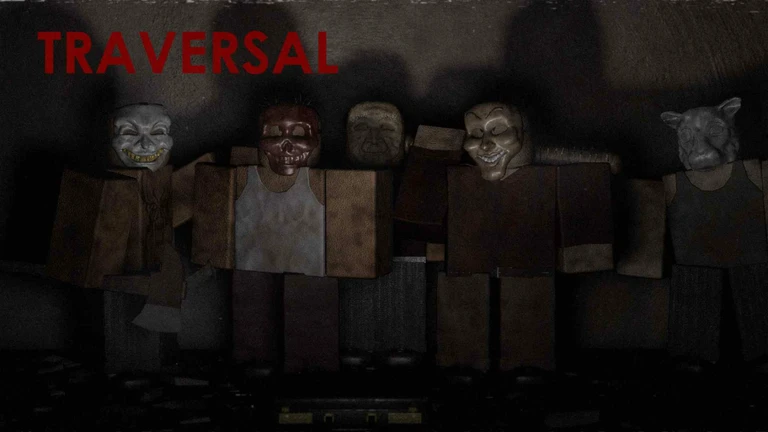
OverviewTRAVERSAL is a horror survival game on Roblox where you are hunted and must stay alive using stealth, quick thinking, and careful resource management. Fighting is always a last resort — the game rewards players who stay hidden and move smart. This guide covers controls, stealth, combat, weapons, and consumables so you can keep pushing forward.
What is on this page
Contents
Player notes and tips
Found a useful trick? Share it with everyone! Notes with screenshots are welcome!
Write a guide note
TRAVERSAL
Controls to learn before your first run
Check
Every key has one job. Press Tab at any time during the game to pull up the controls menu if you forget something.
- W/A/S/D move your character in any direction
- Space interact with doors and pick up items
- 1 / 2 / 3 switch to your primary, secondary, or consumable slot
- F take cover against a wall, then peek left or right with A and D
- C crouch to move quietly and stay hidden
- Backspace drop whatever weapon you are holding
MetaNew Player Survey

The next survey is being prepared.
Reading the stealth indicator
Summary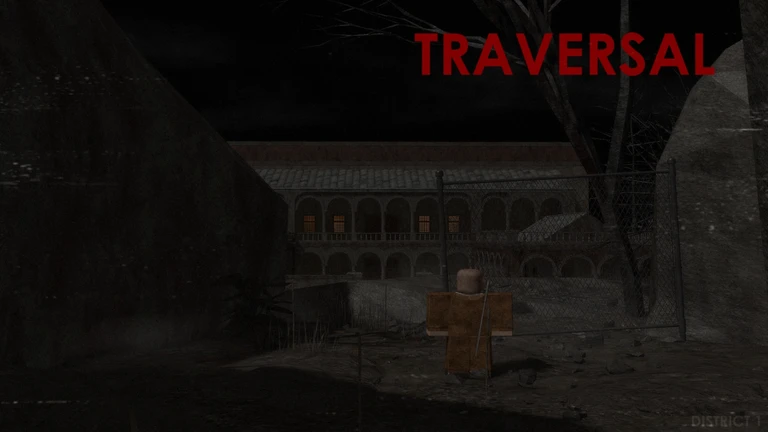
Your health bar (red), stamina bar (blue), and a hidden icon all sit in the bottom-right corner of the screen.
- Dark icon you are hidden from enemies
- Bright icon you are visible
- Dark corner or shadow standing here darkens the icon
- Bush while crouching also counts as hidden
- Crouch on broken glass or wood planks makes far less noise than walking upright
Staying alive: health and stamina
TipsYour red health bar and blue stamina bar are always visible in the bottom-right corner. Stamina drains when you run or attack, and refills when you walk or stand still. Health only comes back from healing pots.
- Use a healing pot only when you are hidden or in a safe spot — drinking it leaves you briefly stunned.
- Each healing pot restores 40 health.
- Healing pots turn up inside vases and drop from enemies you defeat.
Weapons and what they do
Table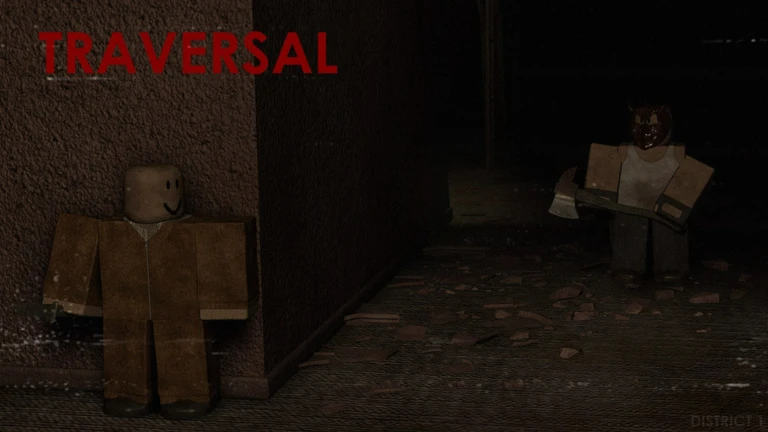
Weapons split into primary, secondary, and throwable slots. The damage column shows how much each hit deals.
| Weapon | Slot | Damage per hit | Where to find it | Opens locks |
|---|---|---|---|---|
| Knife | Secondary | 8 | Given to you at the start; found on every level | Normal locks (Space) |
| Crowbar | Primary | 10 | Found on enemies | Chain locks |
| Machete | Primary | 10 | Floor and dead enemies | — |
| Katana | Primary | 16 | Secret room | — |
| Axe | Primary | 20 | Dropped by enemies and found on levels | — |
| Baseball Bat | Primary | 20 | Enemies and scattered around every level | — |
| Chainsaw | Primary | 20 | Twin Bunnies Boss Room only | — |
Stealth takedowns and when to fight
StepOpen fights drain stamina fast. The takedown system lets you remove enemies by approaching from behind.
- Get behind an enemy to enter takedown range.
- Wait for the red circle it appears once you are in takedown range.
- Press LMB on the circle the enemy is eliminated instantly.
- Press RMB to parry an incoming attack; a perfect parry means you take no damage at all.
- Use a kick (R) to knock the enemy back for a slight stun.
- Throw a brick or glass bottle both stun or distract enemies.
The Katana advantage
Warn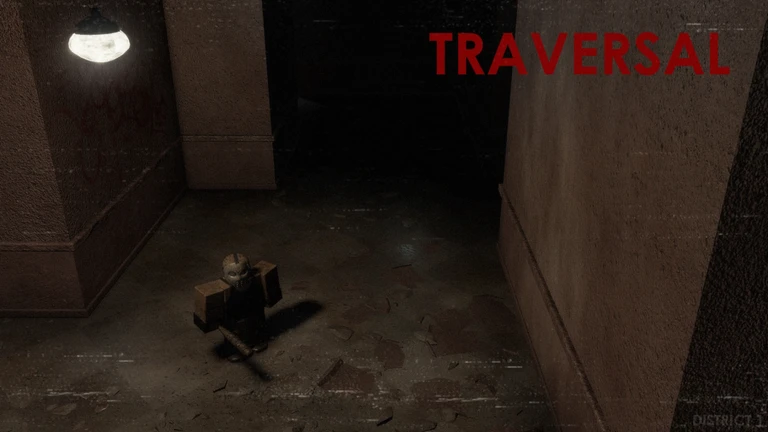
The Katana deals 16 damage per hit and uses significantly less stamina. It is found in a secret room and is described as the best weapon in the game.
The dupe glitch
StepThe glitch works differently depending on whether you are playing alone or with a friend.
- With a friend both players hover over the same item on the ground, then press Space at the exact same moment; if timed right, both players end up with the item.
- Solo place two items that share the same slot close together, then spam Space on the one on the ground as fast as possible; speed is what makes it work.
- Duplicated items clump together if the glitch triggers.
- The phantom hit glitch occasionally registers one swing as two hits; there is no known way to control it.
Glossary
Glossary- Takedown
- An instant kill triggered by pressing LMB on the red circle that appears when you sneak directly behind an enemy.
- Parry
- Pressing RMB to deflect an enemy attack; a perfect parry stuns the enemy and leaves you unharmed.
- Cover
- Pressing F to press against a wall, letting you peek around corners with A and D without fully exposing yourself.
- Hidden icon
- The UI element in the bottom-right that goes dark when enemies cannot see you and brightens when you are exposed.
- Stamina
- The blue bar that drains from running and attacking, and recovers when you walk or stand still.
- Chain lock
- A door lock that only the Crowbar can open.
Common questions
FAQHow do I know whether an enemy can see me?
Watch the hidden icon in the bottom-right corner of the screen. When it darkens, you are hidden from enemies. When it stays bright, you are exposed.
Which weapon should I use on locked doors?
A Crowbar opens chain locks, and a Knife opens normal locks by pressing Space.
I forgot which key does what mid-game. Is there a quick way to check?
Press Tab to open the controls menu at any point during a session.
Game updates can change what is on this page. If you spot something, get in touch and let us know.
